
Reduce confusion during outages
Know which systems matter most, who owns each step, and which vendors or support contacts are needed.
Plan how your business keeps working when internet fails, a server goes down, Microsoft 365 access is disrupted, ransomware affects operations, backups must be restored, office access is interrupted, users work remotely, or vendors are needed urgently.
Operational Continuity
Business continuity for IT operations is about more than a backup product. It connects business impact, critical systems, restore expectations, user access, vendor support, internet availability, cloud services, and practical decisions before a disruption happens.
ITperfection helps owners and IT teams document what matters, what depends on what, who to call, how users continue work, and which recovery priorities should be handled first.
Know which systems matter most, who owns each step, and which vendors or support contacts are needed.
Discuss RTO, RPO, restore testing, backup retention, remote work options, and realistic recovery timelines.
Translate technical continuity planning into practical notes, priorities, and decision points for the business.
Common Continuity Gaps
Services Provided
Identify which systems support revenue, service delivery, communications, records, scheduling, billing, and daily work.
Document the servers, Microsoft 365 services, internet circuits, phones, backups, cloud apps, and business software that matter most.
Review backup coverage, retention, restore expectations, test notes, and vendor responsibilities.
Translate recovery time and recovery point expectations into practical business language owners can use.
Plan for access disruptions, account recovery, shared mailbox access, OneDrive/SharePoint availability, and licensing considerations.
Document server roles, recovery order, restore requirements, dependencies, and escalation paths.
Review whether backup internet, hotspot, LTE/5G, firewall routing, or temporary workarounds are appropriate.
Organize ISP, Microsoft, backup, VoIP, firewall, software, warranty, and support vendor records.
Clarify how users continue work if the office is inaccessible or critical systems must be reached remotely.
Review administrator access, recovery accounts, emergency contacts, and secure access procedures.
Create practical testing notes so backups, access, and recovery steps are not only theoretical.
Summarize priorities, dependencies, decisions, and next steps in a clear report for business owners.
Continuity Inputs
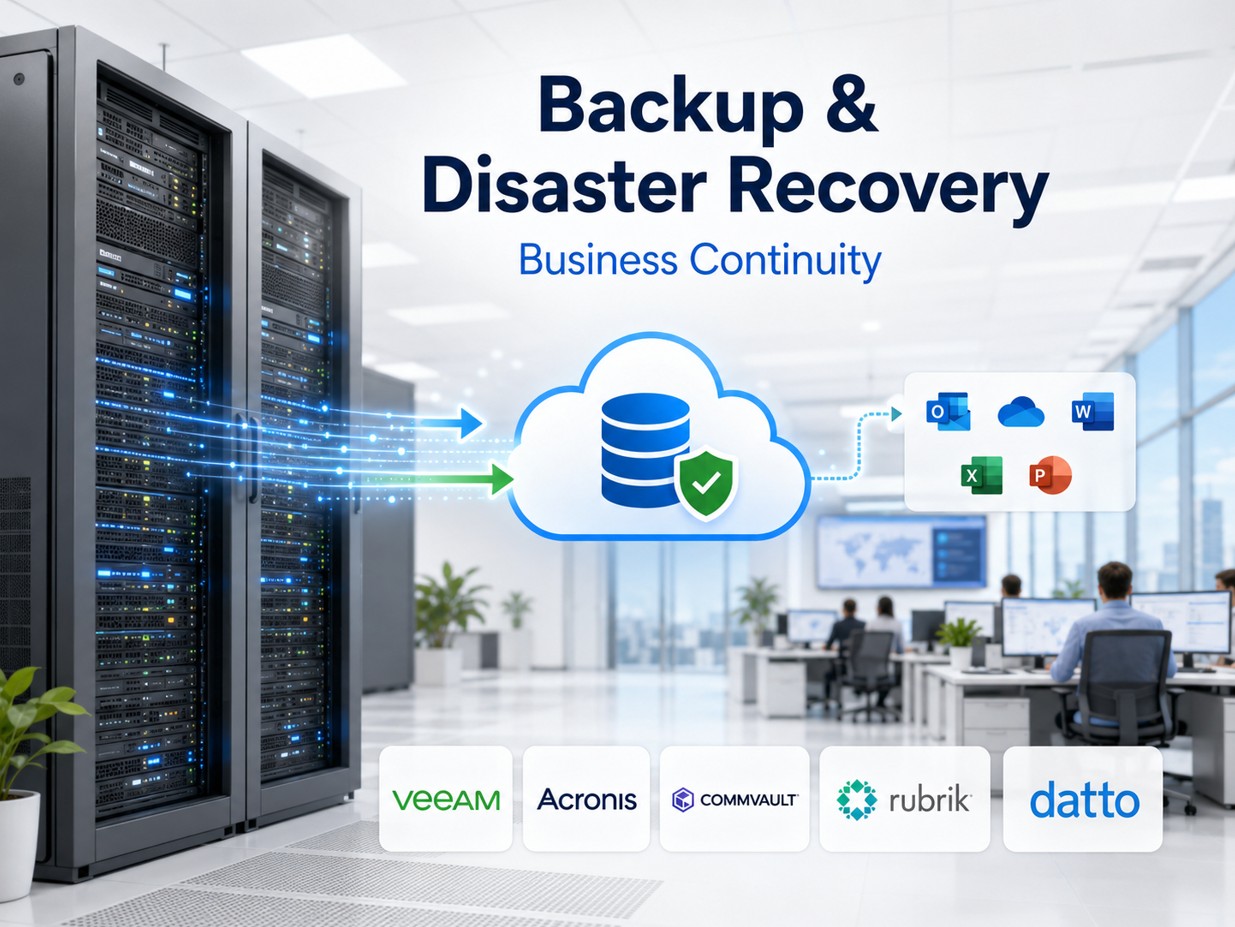
Review backup scope, retention, restore testing, and recovery expectations.

Clarify server roles, dependencies, ownership, and recovery sequencing.

Plan for cloud access, account recovery, shared resources, and user communication.

Review circuit dependencies, firewall routing, backup access, and temporary options.
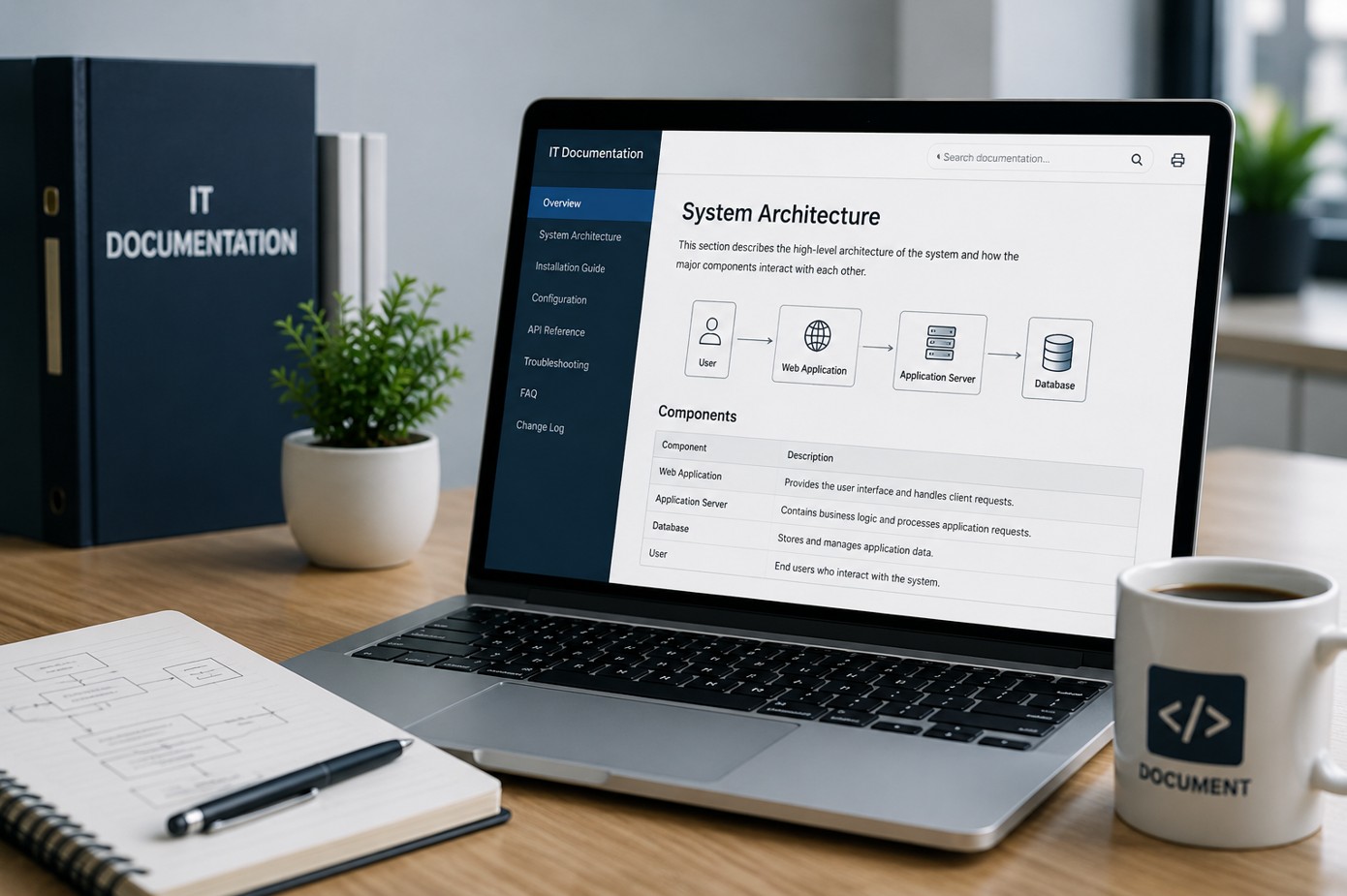
Organize contacts, account notes, escalation details, and emergency access procedures.

Summarize impact, priorities, recovery assumptions, testing notes, and next steps.
Continuity Planning Workflow
Discuss business impact, key systems, office workflows, user access, vendors, and recovery concerns.
Create a practical continuity map for internet, Microsoft 365, servers, backups, applications, vendors, and users.
Check backups, restore expectations, remote work paths, emergency access, vendor records, and support responsibilities.
Separate urgent continuity gaps from lower-priority improvements and planning items.
Prepare owner-friendly records, contact lists, recovery notes, and service dependency details.
Deliver a continuity report with practical next steps, testing recommendations, and support options.
Deliverables
Best Fit
Before And After
| Before continuity planning | After continuity planning |
|---|---|
| Owners are not sure which systems must come back first. | Critical systems and business impact are documented in priority order. |
| Backups exist, but restore assumptions are unclear. | Restore expectations, RTO/RPO discussion notes, and testing recommendations are documented. |
| Vendor contacts and emergency access details are scattered. | Vendor records, escalation notes, and emergency access procedures are easier to find. |
| Remote work and office interruption plans are informal. | Remote work, cloud access, internet failover, and communication options are reviewed. |
Service Area
ITperfection helps businesses improve continuity planning for backups, server recovery, Microsoft 365 access, internet failover, vendor records, remote work, and emergency IT operations across Southern California, Los Angeles County, and Orange County cities including:
Related Services
If continuity planning identifies ransomware, security, or compliance audit concerns, OC Security Audit can help with independent cybersecurity audit support.
For cybersecurity, compliance, cyber insurance, or risk review questions, schedule a separate cybersecurity consultation with OC Security Audit.

Expert Consultant
Ali Hassani brings 25+ years of IT, Microsoft, server, network, firewall, backup, cloud, cybersecurity, and business operations experience to continuity planning. That experience helps connect technical recovery details with business impact, owner decisions, vendor coordination, and practical recovery priorities.
For this page topic, Ali and ITperfection help businesses think through restore expectations, Microsoft 365 continuity, internet failover, server recovery, remote work, emergency access, and documentation that is useful during real operational disruption.



FAQ
Business continuity planning for IT operations documents how the business can continue or recover when internet, servers, Microsoft 365 access, backups, vendors, office access, or user workstations are disrupted.
Disaster recovery is an important part of continuity planning, especially backups and restore. Business continuity also looks at business impact, remote work, vendor contacts, Microsoft 365 access, internet failover, emergency access, and practical operating decisions.
No. The service is focused on operational continuity. Cybersecurity events such as ransomware are included as possible disruption scenarios, but the planning also covers internet outages, server failures, cloud access issues, office access problems, and vendor coordination.
RTO means recovery time objective, or how quickly a system should be restored. RPO means recovery point objective, or how much data loss the business can tolerate. ITperfection explains these in practical business terms.
Yes. ITperfection can help review backup coverage, improve restore planning, coordinate backup vendors, document recovery steps, and support managed IT improvements.
ITperfection supports businesses in Irvine, Orange County, Los Angeles County, and Southern California with IT business continuity planning, backup review, server recovery planning, Microsoft 365 support, and documentation services.
If internet, servers, Microsoft 365, backups, vendors, office access, or remote work continuity are unclear, ITperfection can help turn assumptions into practical planning notes and owner-friendly next steps.
We use necessary cookies and limited analytics and advertising-measurement cookies. Select Accept to allow optional cookies or Deny to continue with necessary cookies only. No name or email is required. You may close this website at any time.
