
Uptime and availability monitoring
Track the availability of supported servers, network devices, cloud-connected resources and business-critical services. Review interruptions, patterns and recurring operational risk.
ITperfection monitors and maintains the technology your business depends on—servers, desktops, cloud services, routers, switches, firewalls, wireless networks and access activity—so your team can focus on the business while we take care of the IT environment.
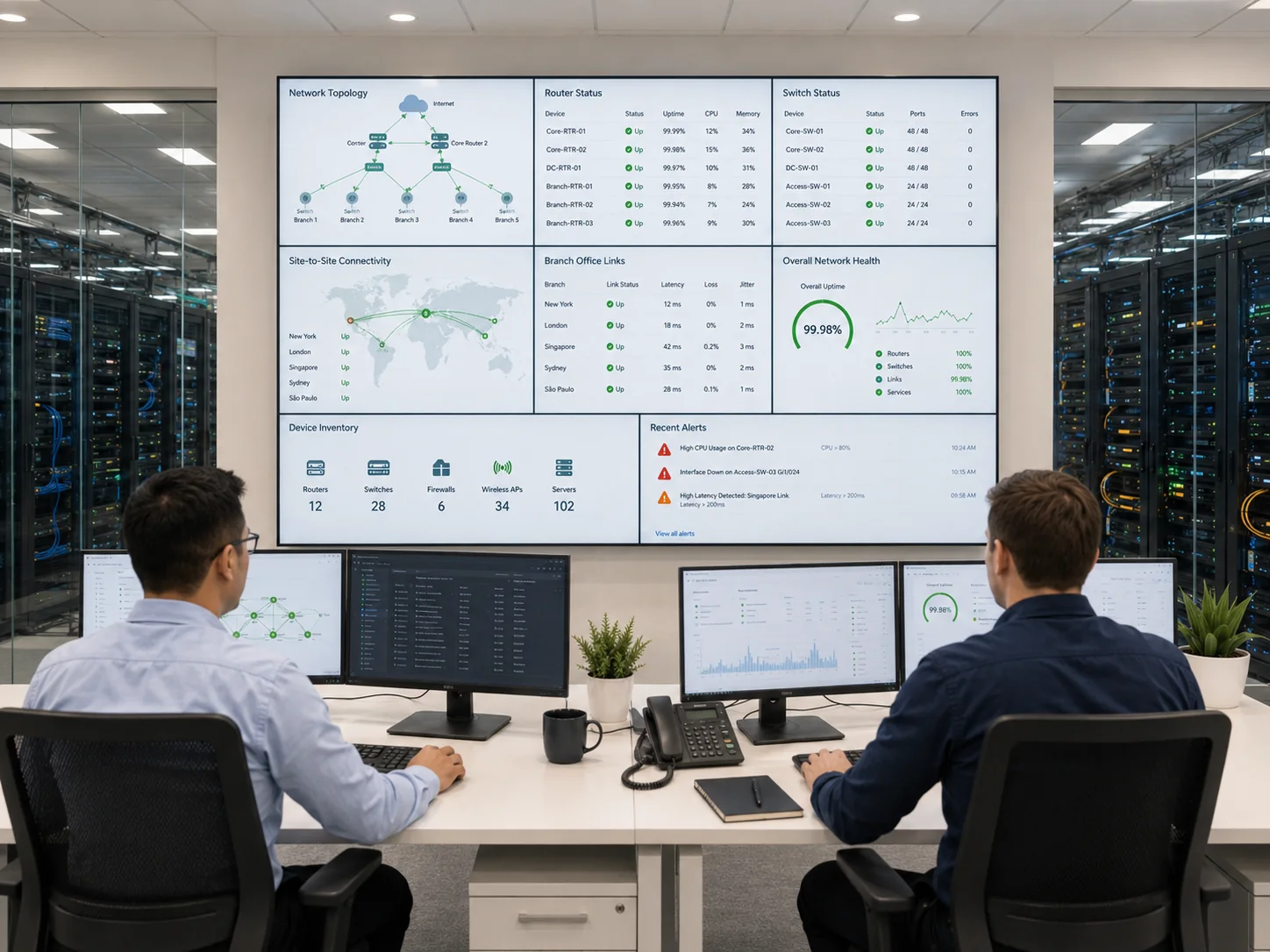
Our approach combines operational monitoring, maintenance support, documentation and security-minded visibility. The exact scope is defined around your environment, business priorities and technology stack.
Track the availability of supported servers, network devices, cloud-connected resources and business-critical services. Review interruptions, patterns and recurring operational risk.
Monitor performance indicators such as CPU, memory, disk capacity, service health, interface status, bandwidth conditions and other supported metrics that can affect productivity.
Configure thresholds and notifications for important conditions. Triage issues, document events and escalate items that require troubleshooting, remediation or a planned improvement project.
Help maintain supported servers and workstations through organized patching, update review and maintenance workflows. Record status and follow up on devices that require attention.
Maintain clearer visibility into monitored systems, supported network devices, endpoint status and infrastructure dependencies so business technology is easier to manage.
Provide understandable reporting around uptime, performance, patch status, alerts and recurring issues so leadership can make informed technology decisions.
Monitoring is more valuable when it covers the full business environment rather than one isolated device category. ITperfection helps businesses build practical visibility across cloud, on-premises and hybrid systems.
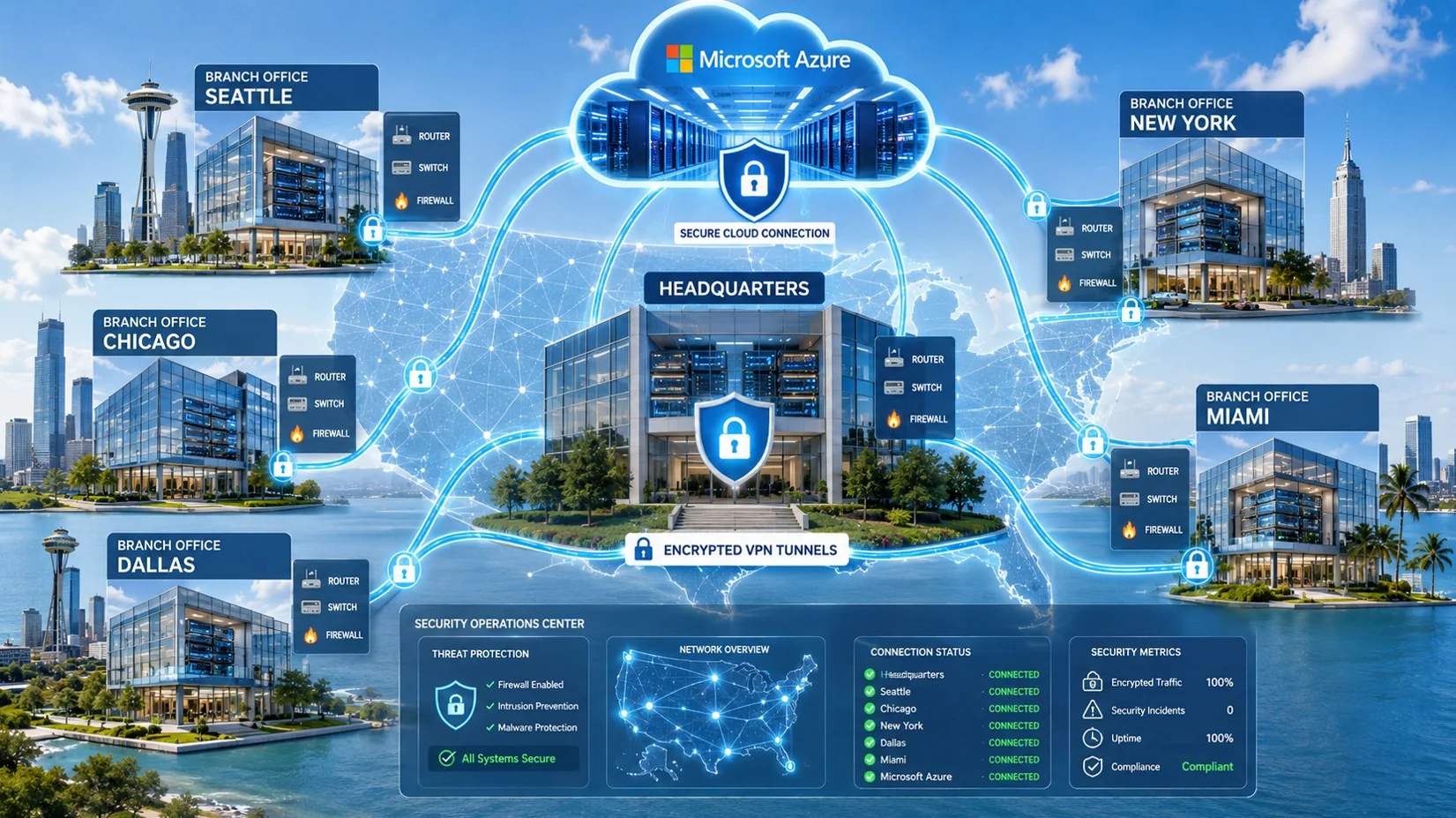
A Security Information and Event Management platform can collect, organize and correlate logs from supported systems. This gives your business a clearer record of who accessed important resources, what changed and which events may require investigation.
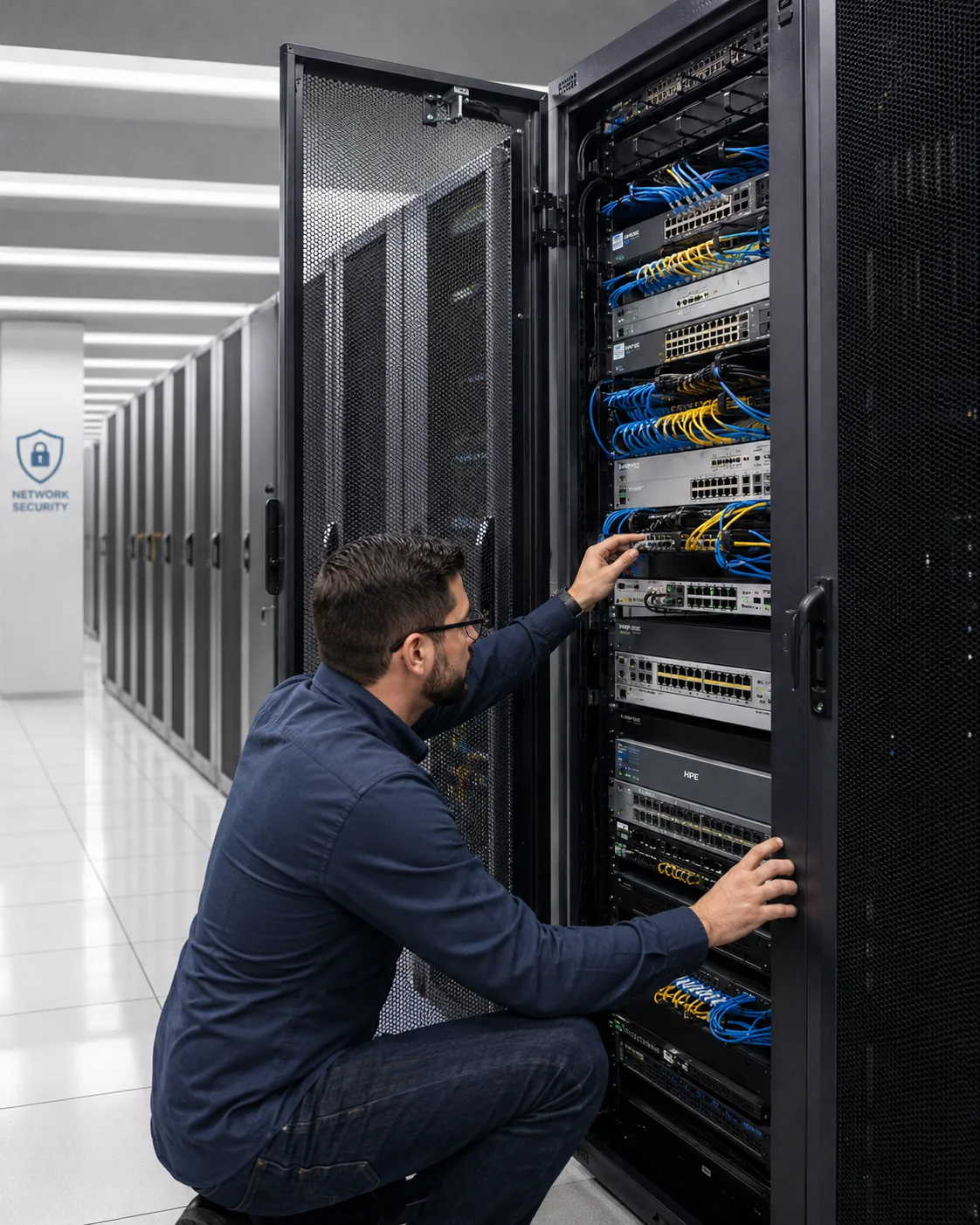
Businesses subject to regulatory, contractual or industry requirements often need clearer evidence around access, logging, system maintenance, patching and review activity. Our managed IT monitoring services can support that operational foundation.
Help document supported sign-ins, administrator activity, network events and cloud-resource access records.
Maintain clearer records around supported endpoint and server patch status, updates and follow-up activity.
Document important alerts, escalation paths and recurring conditions that require investigation or remediation.
Organize operational reports that can support internal reviews and formal compliance-readiness projects.
Monitoring, logging and patching support can strengthen compliance readiness, but they do not by themselves make an organization HIPAA compliant or PCI DSS compliant. Formal readiness, gap analysis, control review and audit-preparation support are available through our sister company, OC Security Audit.
The right toolset depends on the devices, cloud systems, log sources, licensing and service scope. Depending on the engagement, ITperfection may use, integrate or evaluate platforms such as the following. These vendor links open in a new tab.
RMM platforms help centralize endpoint visibility, patching, remote support and maintenance workflows for workstations and servers.
These platforms can help track network availability, interfaces, bandwidth, device health, topology and supported SNMP-based metrics.
AD-focused tools can help review sign-ins, account changes, permissions, administrator activity and related identity events.
SIEM tools can centralize security logs, improve event correlation and support alert review across cloud, endpoint, identity and network sources.
Vendor references are provided for informational purposes. Product selection, licensing and integration scope should be confirmed during discovery. Listing a vendor does not imply a formal endorsement, partnership or that every platform is included in every engagement.
Monitoring should reduce noise and make important issues easier to act on. We define the scope, prioritize the most valuable signals and document what is being monitored.
Review your servers, endpoints, network devices, cloud services, remote-access paths and business-critical systems.
Identify uptime, performance, access, logging, alerting and patching priorities based on your operating environment.
Deploy supported tools, configure thresholds and create documentation for monitored assets, alerts and escalation paths.
Evaluate actionable issues, support remediation, maintain patch workflows and reduce repeat operational problems.
Provide reporting on uptime, performance, patch status, alerts and recurring conditions to guide sensible improvements.
Coordinate specialized audit, compliance-readiness and advanced cybersecurity work through OC Security Audit when needed.


ITperfection brings more than 25 years of experience under the leadership of Ali Hassani and has supported dozens of business networks across Southern California, including Irvine, Orange County and Los Angeles.
Our team’s certifications include CISSP, CCISO, MCSE, MCSA Security, MCITP, CCNA and CCNP. That combination helps us connect day-to-day maintenance with the broader business goals of reliability, secure access, better documentation and reduced downtime risk.
ITperfection focuses on managed IT operations, monitoring, maintenance and support. For specialized cybersecurity audits, compliance-readiness reviews, security assessments and remediation roadmaps, we coordinate with our sister company, OC Security Audit.
The scope can include supported servers, desktop computers, laptops, routers, switches, firewalls, VPN connections, wireless networks, Microsoft 365, Azure-connected resources, Active Directory, Entra ID and selected security logs. The final monitoring plan is based on your environment and business priorities.
Yes. Monitoring and maintenance can include organized patching and update workflows for supported servers and endpoints. We help review status, document activity and follow up on devices that require attention. The exact schedule, application coverage and maintenance windows are defined during onboarding.
We can help collect and review supported sign-in, administrator, remote-access, cloud and network logs where the platforms are configured to generate the required events. SIEM implementation can centralize selected log sources and improve visibility, but available details depend on the systems, licensing and retention configuration.
No single tool or monitoring service makes an organization compliant. Monitoring, access logging, patch records and alert review can support compliance readiness. For formal gap analysis, control review, evidence preparation and audit-readiness support, ITperfection can coordinate with OC Security Audit.
Tool selection depends on your environment. Examples include NinjaOne and ConnectWise RMM for remote monitoring and management; SolarWinds, PRTG, Zabbix and OpManager for network visibility; ADAudit Plus, Netwrix Auditor, Quest Change Auditor and SolarWinds Access Rights Manager for identity and access auditing; and Microsoft Sentinel, Splunk, Wazuh or ManageEngine Log360 for SIEM use cases.
Yes. ITperfection is based in Irvine and supports businesses across Orange County, Los Angeles County and Southern California with managed IT services, cloud support, server administration, network management, secure remote access and ongoing maintenance.
Talk with ITperfection about a practical proactive monitoring and maintenance plan for your Irvine, Orange County or Southern California business.
We use necessary cookies and limited analytics and advertising-measurement cookies. Select Accept to allow optional cookies or Deny to continue with necessary cookies only. No name or email is required. You may close this website at any time.
