
Infrastructure inventory
Document routers, switches, firewalls, internet links, branch connections, VLANs, wireless infrastructure, and critical network dependencies.
ITperfection helps businesses review, improve, monitor, and manage the backbone of their technology environment: routers, switches, firewalls, internet connections, VLANs, branch-office VPN tunnels, cloud connections, and network logs.
Our focus is practical: reduce interruptions, improve visibility, strengthen network security, and give business owners confidence that the infrastructure supporting their work is being managed with care.
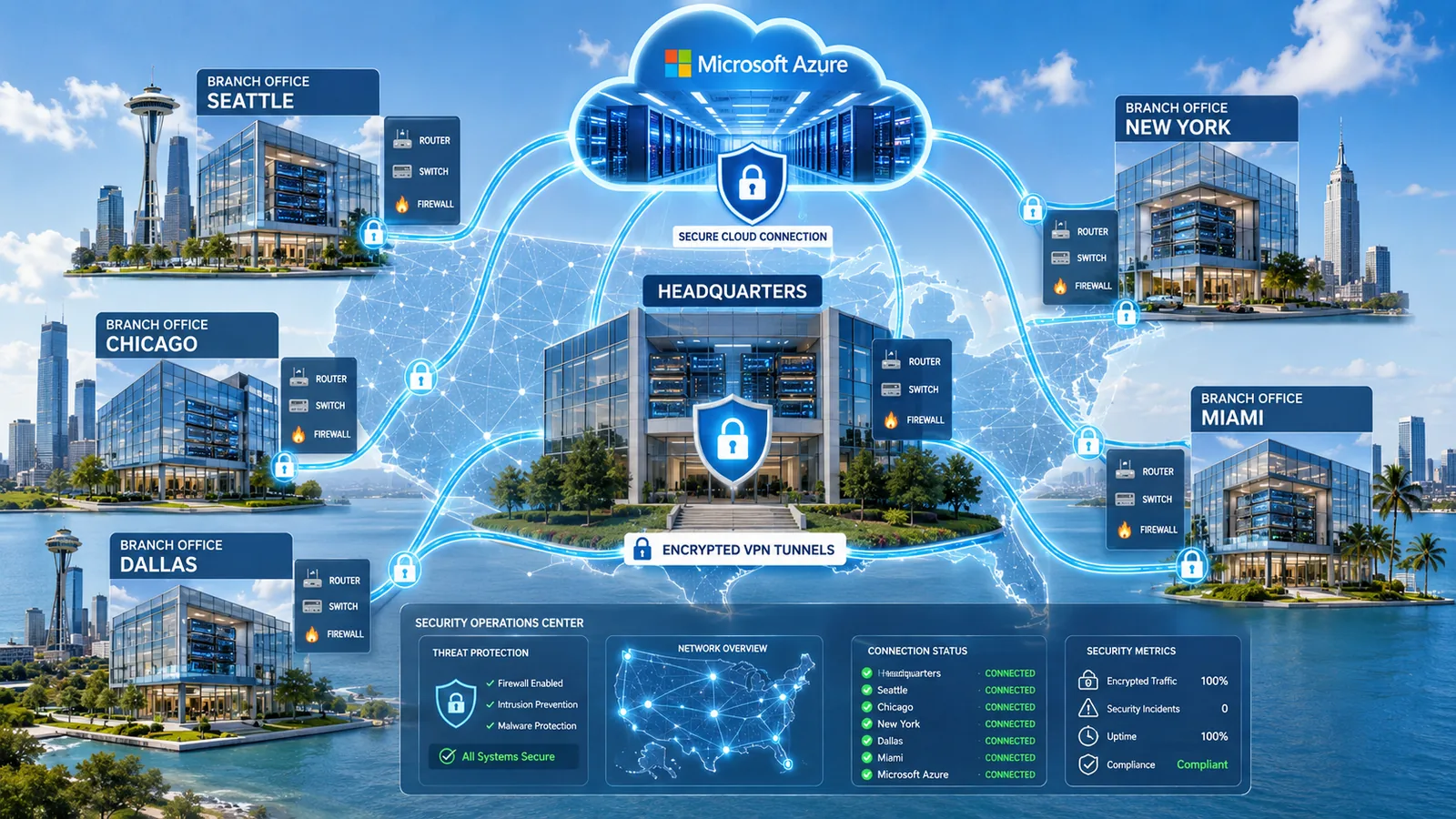
What You Receive
A business network should not be a collection of undocumented routers, switches, firewalls, and VPNs. ITperfection reviews the environment, identifies operational risks, and creates a structured improvement plan that your business can act on.
Document routers, switches, firewalls, internet links, branch connections, VLANs, wireless infrastructure, and critical network dependencies.
Review availability, recurring alerts, latency, packet loss, bandwidth usage, interface errors, device capacity, and operational bottlenecks.
Identify opportunities to improve administrative access, segmentation, firewall governance, secure protocols, logging, and VPN resilience.
Separate urgent fixes from planned maintenance, lifecycle upgrades, monitoring improvements, and longer-term modernization projects.
The Backbone of the Business
Your network backbone determines whether employees can reliably access applications, files, email, cloud services, servers, printers, phones, and remote resources. A well-managed infrastructure should be documented, monitored, maintained, and designed so that a single issue does not create unnecessary business disruption.
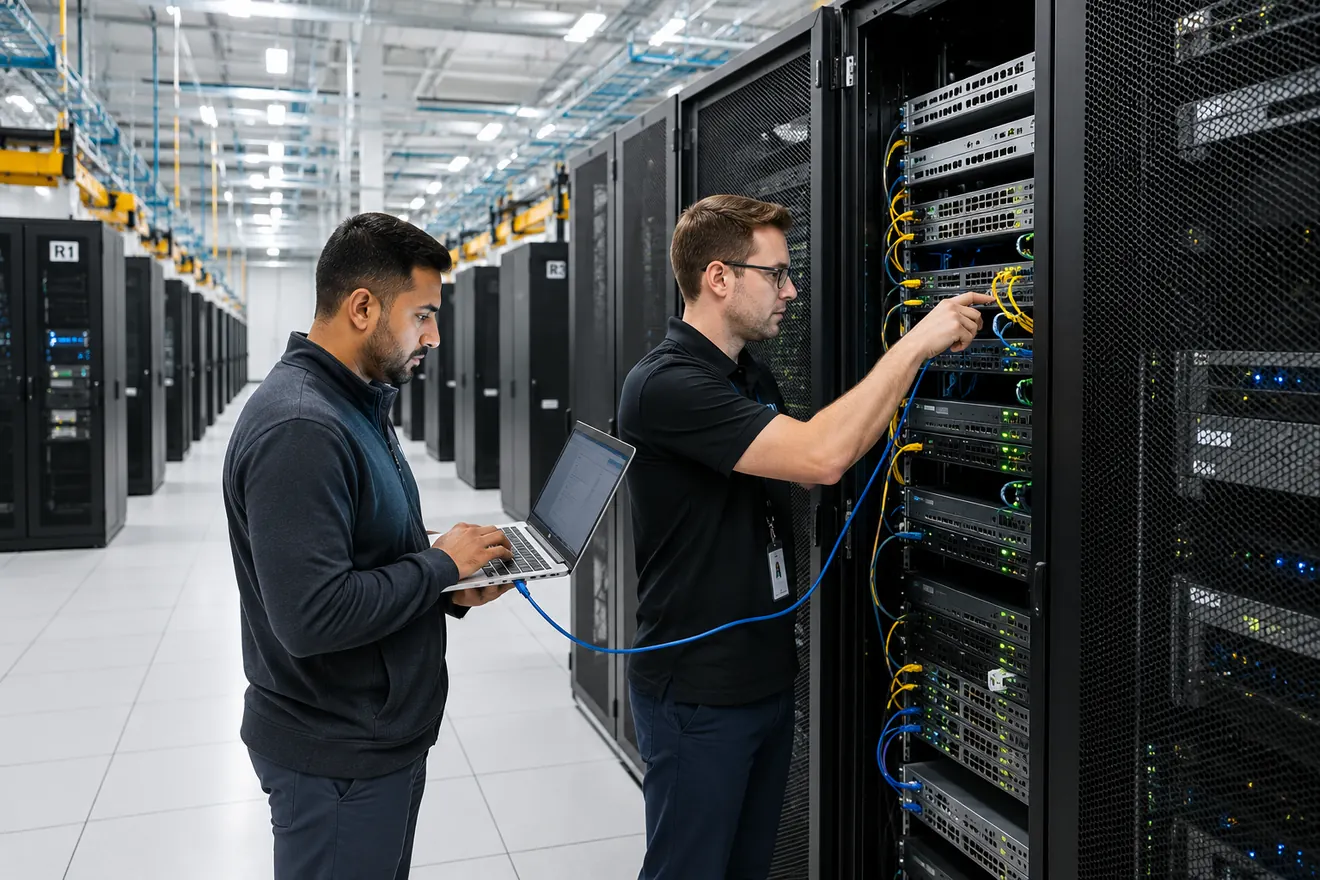
Infrastructure Security
Network security is strongest when configuration discipline, secure administration, segmentation, monitoring, documentation, and maintenance work together. The appropriate design depends on your environment, risk profile, applications, and business requirements.
Restrict administrative interfaces to trusted management networks or secure jump hosts. Use named accounts, role-based access, MFA where supported, encrypted administration protocols, and carefully controlled remote access.
Separate staff systems, servers, guests, wireless devices, IoT equipment, voice systems, printers, and sensitive workloads. Apply VLANs, routing controls, and firewall policies that limit unnecessary lateral movement.
Disable unused ports, review trunk ports, document uplinks, restrict unauthorized devices, and evaluate controls such as port security, DHCP snooping, Dynamic ARP Inspection, and spanning-tree protections where appropriate.
Track device versions, vendor advisories, support status, configuration backups, maintenance windows, rollback plans, and lifecycle replacement priorities.
Configure accurate time synchronization, centralized syslog collection, useful alert thresholds, retention planning, and escalation procedures for events that require attention.
Evaluate redundant uplinks, firewall high availability, dual internet circuits, VPN failover, backup connectivity, and recovery procedures for critical locations.
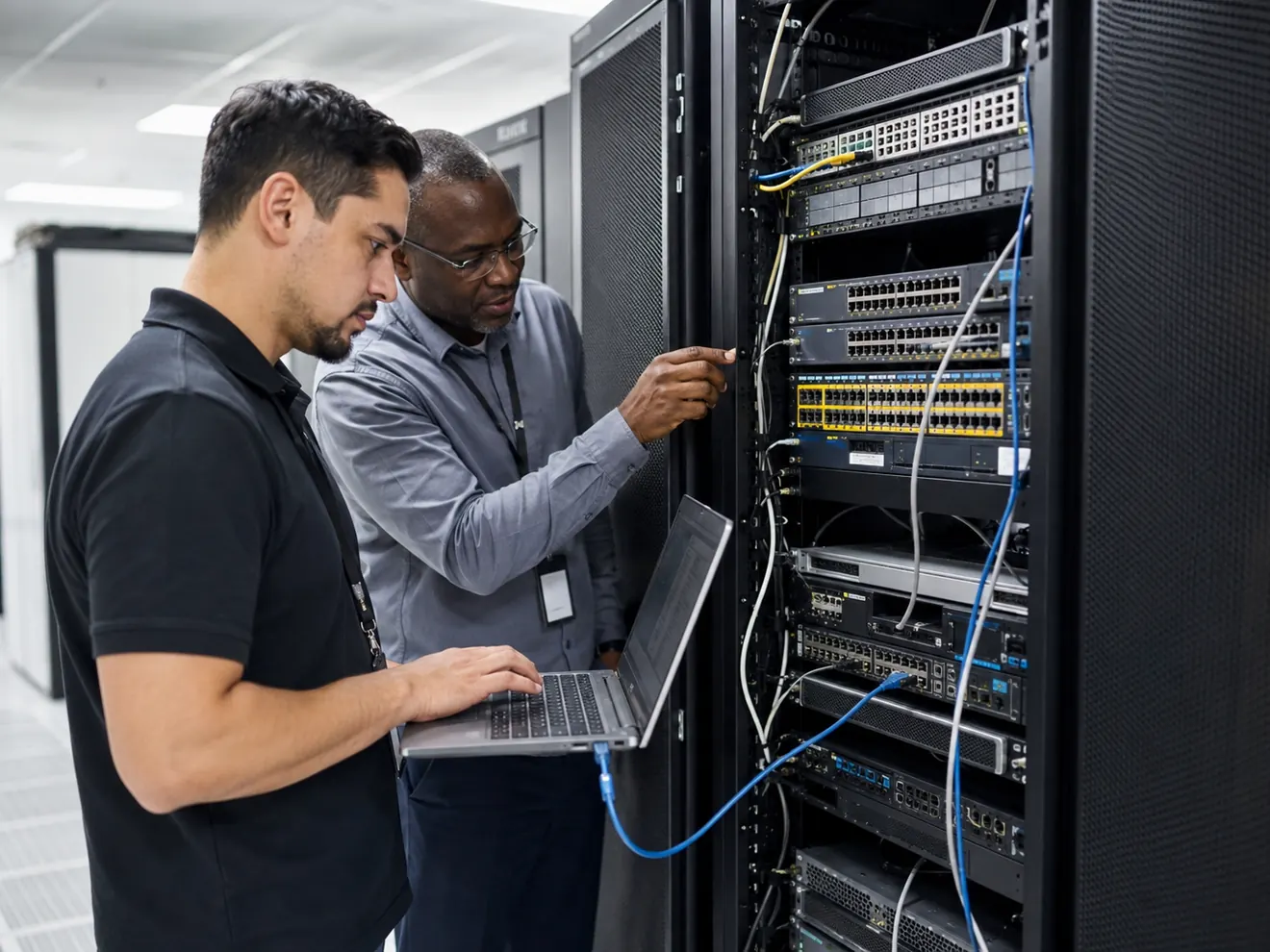
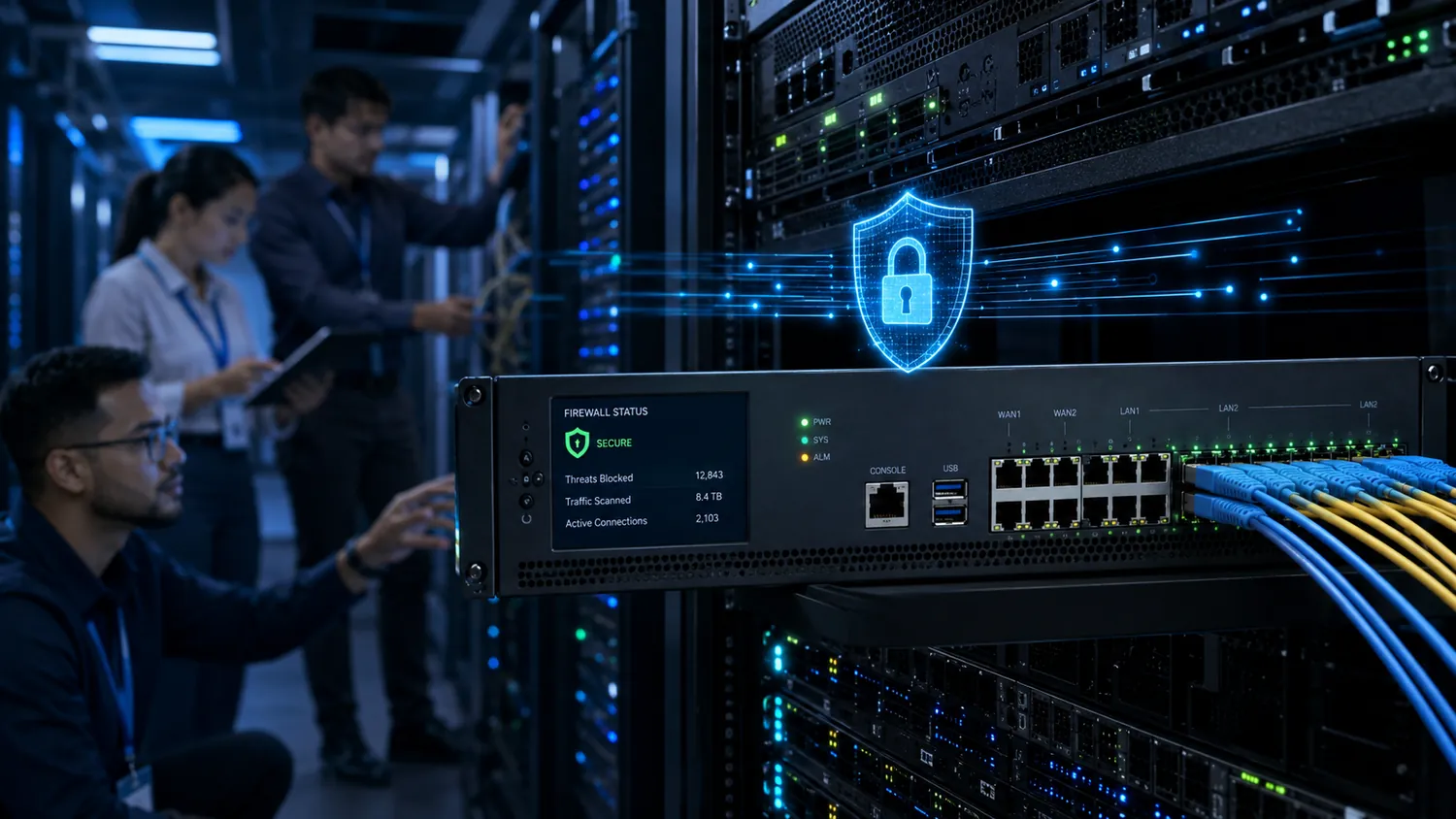
Branch-to-Headquarters Connectivity
Branch offices, headquarters, cloud services, and remote locations often depend on encrypted VPN tunnels over the internet. These connections should be monitored and documented as business-critical infrastructure.
Document hub-and-spoke or mesh topology, tunnel endpoints, public IP dependencies, routing paths, branch criticality, and failover options.
Review IPsec and IKE settings, modern cryptographic choices, certificate or key management where appropriate, tunnel stability, and controlled administrative access.
Monitor tunnel state, latency, packet loss, internet-circuit health, utilization, failover events, branch availability, and recurring connectivity issues.
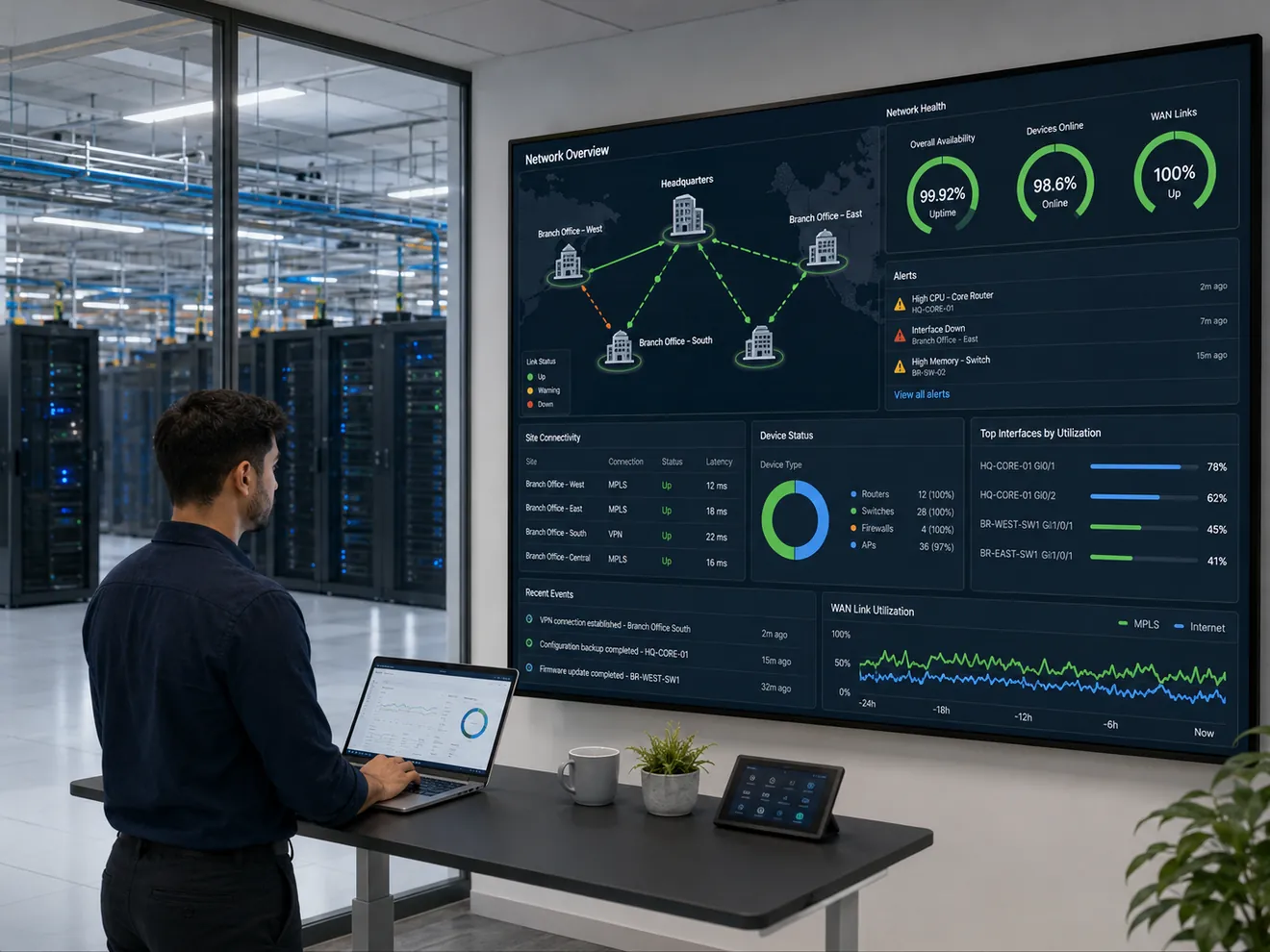
Network Monitoring and Log Management
Monitoring improves operational awareness. It can help your team identify device outages, interface errors, unusual utilization, VPN failures, connectivity changes, firmware concerns, and recurring problems before they become larger business interruptions.
SIEM Integration
Routers, switches, firewalls, VPN gateways, cloud services, and identity platforms generate logs that can support troubleshooting, security investigations, and compliance-readiness efforts. ITperfection can help organize the operational side of log collection and monitoring, while deeper security-audit and compliance-readiness reviews can be coordinated with OC Security Audit.
Useful log sources often include firewall allows and denies, administrator logins, configuration changes, VPN events, authentication failures, interface state changes, routing events, IDS or IPS alerts, and cloud diagnostic logs.
Microsoft Azure Monitor official page ↗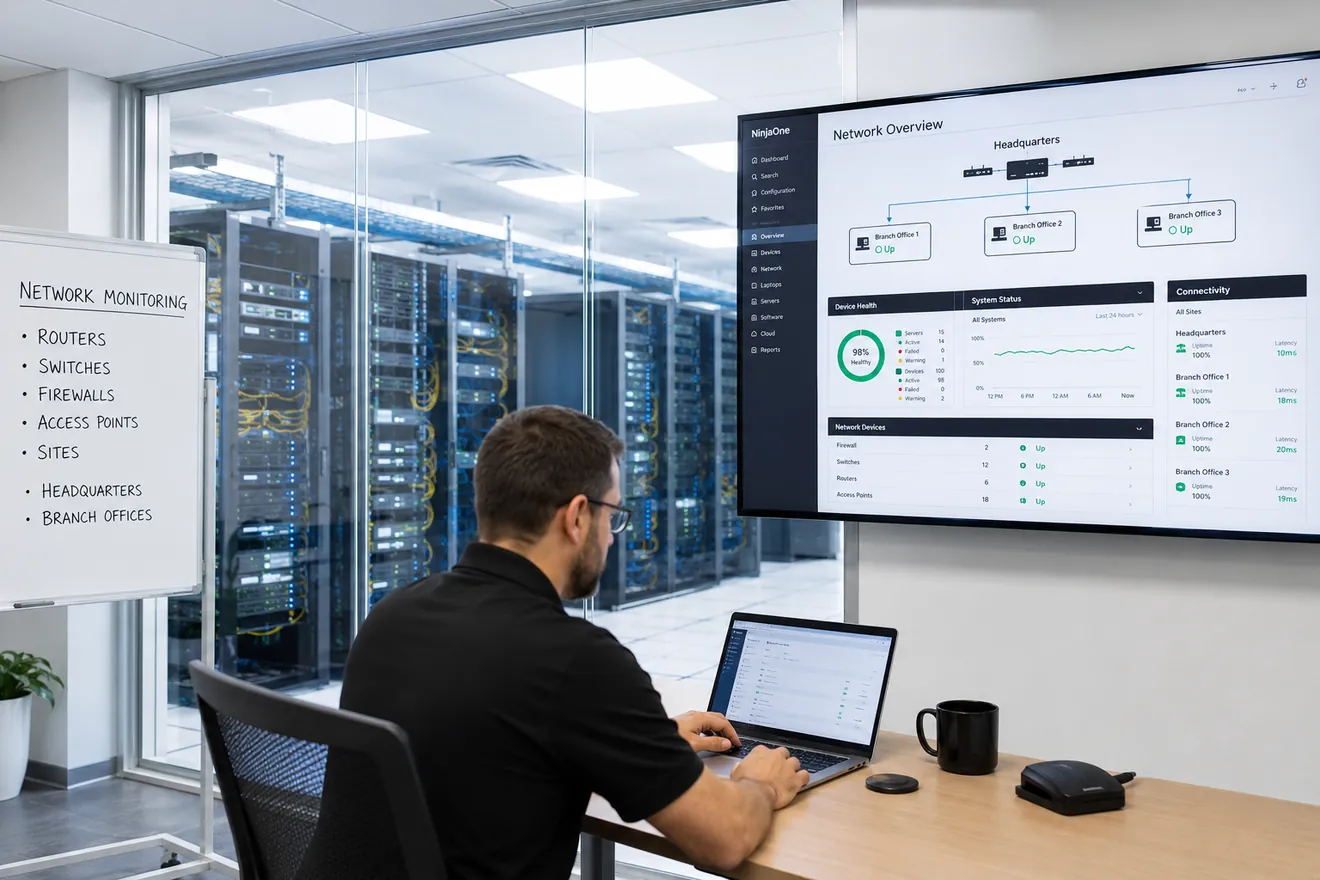
Network and Firewall Platforms
ITperfection can review, document, manage, monitor, and help improve mixed-vendor environments. The right design depends on the size of the business, number of locations, performance requirements, cloud strategy, security needs, and support model.
Cisco switching platforms are commonly used for access, distribution, core, campus, branch, and data-center connectivity. Reviews can include VLANs, trunks, uplinks, port usage, spanning tree, firmware, monitoring, and documentation.
Cisco network switches ↗Cisco routing platforms support branch, WAN, secure-routing, cloud-edge, and data-center connectivity. Reviews can include routing, WAN interfaces, redundancy, VPN dependencies, secure administration, and lifecycle planning.
Cisco routers ↗HPE Aruba Networking CX switches support campus, branch, and data-center environments. Reviews can focus on wired access, uplinks, segmentation, secure management, monitoring, and modernization priorities.
HPE Aruba Networking CX switches ↗Cisco Meraki MX appliances combine cloud-managed security and SD-WAN capabilities for branch, campus, and multi-site connectivity. The dashboard can support centralized visibility, policy administration, VPN operations, and monitoring.
Cisco Meraki MX security and SD-WAN ↗Barracuda CloudGen Firewall provides next-generation firewall capabilities for cloud and hybrid environments. Reviews can include policy, VPN connectivity, centralized management, logging, and resilience planning.
Barracuda CloudGen Firewall ↗FortiGate next-generation firewalls support security and networking functions across branch, campus, and hybrid environments. Reviews can include policies, VPNs, firmware, logging, segmentation, and secure management.
Fortinet FortiGate NGFW ↗Palo Alto Networks offers next-generation firewalls for physical, virtual, public-cloud, and private-cloud environments. Reviews can include security policies, VPNs, interfaces, routing, logging, and operational readiness.
Palo Alto Networks NGFW ↗WatchGuard Firebox appliances are commonly used in small and midsized business environments. Reviews can cover external and trusted networks, firewall policies, branch VPN connectivity, performance, and centralized visibility.
WatchGuard Firebox firewalls ↗Vendor links are provided as official product references. Their inclusion does not imply endorsement, reseller status, or affiliation. Product selection should be based on the actual business and technical requirements.
Monitoring Platforms
The best platform depends on your device mix, number of locations, alerting requirements, reporting needs, cloud strategy, and operational maturity. These vendor resources are useful starting points when evaluating monitoring for routers, switches, firewalls, VPN tunnels, and network availability.
OpManager supports monitoring for switches, routers, servers, wireless controllers, VPNs, firewalls, virtual machines, and other IP-connected systems from a central console.
ManageEngine OpManager ↗SolarWinds Network Performance Monitor focuses on network availability and performance monitoring across hybrid environments, including device health, interfaces, and operational visibility.
SolarWinds NPM ↗PRTG provides monitoring for network devices and services through sensors, including routers, traffic, bandwidth, firewall health, and other IP-addressable systems.
Paessler PRTG firewall monitoring ↗LogicMonitor provides network monitoring for routers, switches, firewalls, cloud systems, and edge devices, with integrations and dashboards for operational visibility.
LogicMonitor network monitoring ↗The Broader IT Environment
Network infrastructure is the backbone, but business operations increasingly depend on cloud services. An infrastructure assessment should briefly identify critical cloud dependencies, Microsoft Azure connectivity, Microsoft 365 and email reliance, remote access paths, cloud identity dependencies, and the logging needed to support troubleshooting and security visibility.
For day-to-day cloud operations and Microsoft 365 support, explore ITperfection’s cloud services. For advanced Microsoft 365 or Azure security audits, use the OC Security Audit resources below.
How ITperfection Approaches the Work
Identify locations, devices, internet circuits, cloud dependencies, critical applications, branch connections, and operational concerns.
Review configuration, documentation, uptime, performance, lifecycle concerns, segmentation, logging, and monitoring visibility.
Create a practical roadmap that separates urgent risks, maintenance actions, modernization projects, and longer-term improvements.
Help implement, monitor, document, troubleshoot, and maintain the infrastructure so your business can stay focused on its work.
Advanced Security Partner
ITperfection focuses on managed IT operations, infrastructure support, implementation assistance, maintenance, monitoring-minded services, troubleshooting, and practical follow-through. For independent and structured cybersecurity assessment work, coordinate with our sister company, OC Security Audit.
Review firewall rules, VPN access, NAT exposure, logging, change management, and security-gateway governance.
Explore firewall audit ↗Identify internal and external vulnerabilities, configuration issues, exposure, and practical remediation priorities.
Explore vulnerability assessment ↗Review Azure access controls, security posture, cloud exposure, logging, and readiness gaps.
Explore Azure audit ↗Review tenant identity, email, administrative access, collaboration settings, logging, and security-control gaps.
Explore Microsoft 365 audit ↗Local Experience
ITperfection provides managed IT services designed to keep business technology secure, reliable, and performing at its best. Under the leadership of Ali Hassani, our team has supported dozens of business networks across Southern California, including Irvine, Orange County, and Los Angeles County.
Our background includes certifications such as CISSP, CCISO, MCSE, MCSA Security, MCITP, CCNA, and CCNP. This combination of infrastructure, cloud, networking, and cybersecurity experience helps us approach network management with both operational reliability and risk reduction in mind.
Frequently Asked Questions
An IT infrastructure assessment can include routers, switches, firewalls, internet connections, site-to-site VPN tunnels, VLANs, inter-VLAN routing, WAN dependencies, wireless infrastructure, logging, monitoring, documentation, firmware status, lifecycle concerns, and critical cloud dependencies.
Yes. Many business networks include products from multiple vendors. The assessment focuses on how the complete environment is configured, documented, connected, monitored, maintained, and secured.
Yes. We can review tunnel topology, internet dependencies, endpoint devices, routing, encryption settings, monitoring visibility, latency, packet loss, failover considerations, and documentation.
Yes. Monitoring can include uptime, health, utilization, interface status, latency, packet loss, VPN tunnel availability, firewall events, alerts, and recurring operational issues. The appropriate tool depends on the environment.
No. ITperfection provides operational IT infrastructure assessment, support, monitoring, maintenance, implementation assistance, and improvement planning. Formal firewall audits, vulnerability assessments, cloud-security audits, compliance-readiness reviews, and broader cybersecurity assessments are coordinated with OC Security Audit.
ITperfection supports businesses in Irvine, Orange County, Los Angeles County, and nearby Southern California communities, with remote and onsite support options depending on the engagement.
Take the Next Step
Discuss your routers, switches, firewalls, VPN tunnels, branch offices, cloud dependencies, monitoring challenges, and priorities with ITperfection.
We use necessary cookies and limited analytics and advertising-measurement cookies. Select Accept to allow optional cookies or Deny to continue with necessary cookies only. No name or email is required. You may close this website at any time.
