
Microsoft 365 managed services · Irvine, California
Microsoft 365 managed services for Irvine and Orange County businesses
We run your Microsoft 365 tenant day to day: users, licences, email, Teams, SharePoint, OneDrive and sign-in security. Your staff have one place to ask for help, and you have a tenant that is documented and kept in order.

When to call us
Signs your Microsoft 365 needs an owner
Most small and mid-sized offices did not design their Microsoft 365. It grew one mailbox and one shared folder at a time. These are the situations we are usually called in to fix.
Nobody is really in charge of the tenant
The person who set it up has left, the admin password is shared, and no one is sure who has access to what.
You are paying for licences you do not use
Former employees still hold licences, and some staff are on a bigger plan than their job needs.
New hires and leavers are handled by hand
Every new starter means a scramble for an account, a mailbox and the right folders. Leavers keep access longer than they should.
Files and sharing have become a guessing game
Documents live in personal OneDrives, old shared drives and half-built SharePoint sites, and external sharing links are never reviewed.
What we manage
The parts of Microsoft 365 we take off your desk
Users and licences
New accounts, role changes, leavers, licence assignment and a regular check for licences nobody is using.
Employee onboarding and offboardingEmail in Exchange Online
Mailboxes, shared mailboxes, aliases, distribution groups, mail-flow problems, quarantine and email on phones.
Microsoft 365 email supportTeams
Teams and channels, membership, guest access and the meeting problems that interrupt a working day.
SharePoint and OneDrive
Sites, document libraries, permissions, sync problems and sharing settings that match how your office really works.
Sign-in security
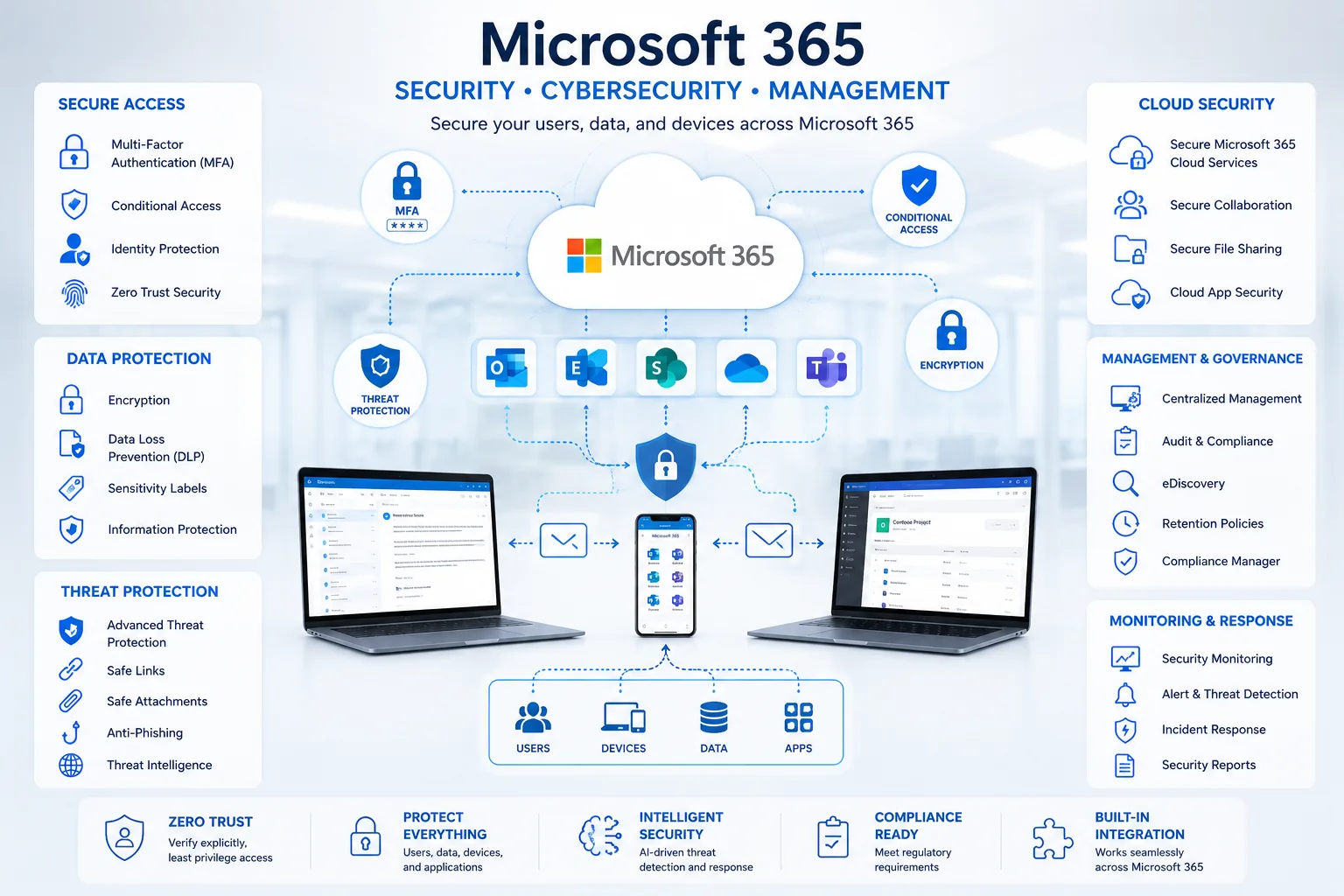
Entra ID accounts and groups, multi-factor authentication, admin roles kept to the few people who need them, and Conditional Access where your licences include it.
Devices and backup
Company laptops and phones managed through Intune, and a backup and restore plan for mailboxes, OneDrive and SharePoint.
Microsoft Intune managementMonth to month
What ongoing management looks like
Managed Microsoft 365 is routine work done on a schedule, not only a help line for when something breaks.
- Requests from your staff are answered by people who already know your tenant.
- Service health, admin alerts and Microsoft's change notices are reviewed, so changes do not catch you by surprise.
- Accounts, admin roles, licences and sharing settings are checked on a regular cycle.
- Domains, mailboxes, groups, roles and recovery steps are written down and kept current.
- You get a short list of recommended improvements in priority order, each with a written price before any work starts.
Scope
What is covered, area by area
The exact scope is written into your quote. It depends on your licences, on how many people you have, and on whether we run the tenant alone or alongside your own IT staff.
| Area | What we do |
|---|---|
| Tenant administration | Admin centre oversight, tenant settings, domain and DNS records, service advisories and documentation. |
| User lifecycle | New-user setup, licences, mailbox and group membership, role changes, offboarding, access removal and handover of the leaver's mail and files. |
| Exchange Online | Mailboxes, aliases, shared mailboxes, distribution lists, forwarding review, mail-flow troubleshooting, quarantine and mobile email. |
| OneDrive and SharePoint | Sync problems, site and library administration, permissions, internal and guest sharing, storage review and recovery of deleted files. |
| Microsoft Teams | Teams and channels, membership changes, guest access, meeting support and troubleshooting. |
| Identity and access | Entra ID users and groups, multi-factor authentication rollout and support, sign-in problems and admin-role review. |
| Microsoft 365 apps | Outlook, Word, Excel, PowerPoint and the other apps: installation, activation, updates and user problems. |
| Backup and recovery | Deciding what must be recoverable, choosing and monitoring the backup, and testing restores. |
| Migrations and clean-up | Mailbox, file and tenant moves, and clean-up of an inherited tenant, planned and quoted as fixed-price projects. |
Two ways to work with us
Fully managed, or alongside your own IT person
Managed Microsoft 365
For offices with no in-house IT. We are the administrator and the help desk for the tenant, and the owner or office manager has one person to call.
Managed IT servicesCo-managed Microsoft 365
For companies with an IT person or team. They keep ownership. We take escalations, projects and the specialist work they do not have time for.
Co-managed Microsoft 365 supportGetting started
From first call to a managed tenant
- Free reviewA 30-minute conversation about your tenant and what is bothering you. No obligation, and you get a written summary either way.
- Short discoveryWe look at users, licences, admin roles, mail flow, sharing and backup so the quote is based on facts.
- Written scope and quoteA fixed price in writing, usually within a few business days of the review.
- Clean-upUrgent gaps first, such as shared admin accounts, missing multi-factor authentication and unused licences.
- Ongoing managementDay-to-day support and administration, reviewed with you regularly.
Pricing
How Microsoft 365 management is priced
Ongoing management is a flat monthly fee based on the number of users and devices and on the services in scope. Microsoft licences are passed through at their actual cost and shown separately on the quote, so you can see what is service and what is licensing. One-off work, such as a migration or a tenant clean-up, is a fixed-price project with a written scope.
Monthly agreements are reviewed together regularly rather than locked in for years.
Who you work with
Ali Hassani, CISO
IT Perfection is led by Ali Hassani, who has 25+ years of experience in IT operations, Microsoft infrastructure, networking and cybersecurity. Ali personally scopes every engagement and replies to new requests within one business hour.
Management and audits are different jobs
Need an independent Microsoft 365 security audit?
IT Perfection handles day-to-day Microsoft 365 management. OC Security Audit, the related cybersecurity brand also led by Ali Hassani, carries out formal audits, compliance-readiness reviews and vCISO work.
Questions
Microsoft 365 managed services: common questions
What are Microsoft 365 managed services?
An outside team takes responsibility for running your Microsoft 365 tenant: user accounts and licences, Exchange Online email, Teams, SharePoint, OneDrive, sign-in security, support for your staff, monitoring and documentation.
Are Microsoft 365 licences included in the price?
Licences are listed separately on the quote at their actual cost, so you can see what is service and what is licensing.
Can you take over a tenant that someone else set up?
Yes. We begin with a short discovery, secure the admin accounts, document what is there and then clean up in priority order.
Do you work with our internal IT person?
Yes. Co-managed Microsoft 365 support is designed for that. Your IT person keeps ownership, and we take escalations and projects.
Is Microsoft 365 backed up by Microsoft?
Microsoft keeps the service running and offers retention and recycle-bin features, but those are not the same as a separate backup. We help you decide what needs to be recoverable and put a tested backup in place.
Is this a security audit?
No. Managed services are ongoing administration and support. A formal Microsoft 365 security audit is carried out by OC Security Audit.
Where are you, and which areas do you cover?
Our office is at 2349 Sullivan, Irvine, CA 92614. Microsoft 365 administration is handled remotely. We come on site across Irvine and Orange County when a migration, a new office or a device rollout needs it, and we support Los Angeles County and Southern California remotely and by scheduled visit.
Find out what state your Microsoft 365 is really in.
Start with the free 30-minute review. No obligation, and you leave with a written summary of what is fine and what needs attention.
Local IT support: Irvine · Newport Beach · Costa Mesa · Tustin · Santa Ana · Lake Forest · Anaheim
