
User help-desk support
Responsive assistance for staff technology issues, common application problems, email, printing, account access, connectivity, and day-to-day troubleshooting.
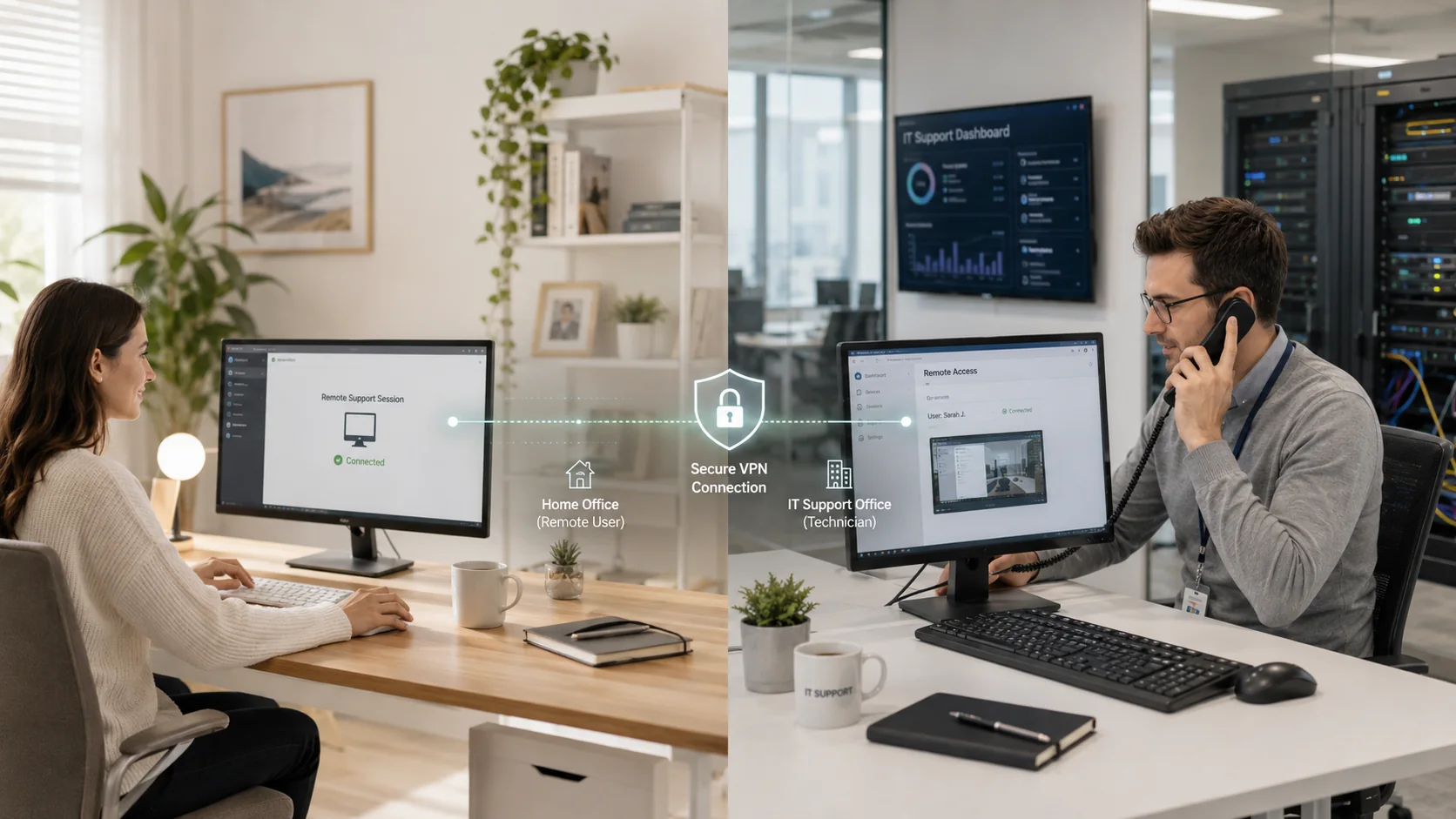
A reliable help desk is more than answering calls. It is the front line of practical IT management: resolving user issues, maintaining endpoints, coordinating secure remote access, monitoring recurring problems, documenting solutions, supporting server and network dependencies, and identifying when an issue needs a deeper infrastructure or security response.

Our help-desk service is designed to give business owners a dependable operating model for everyday technology issues. We focus on practical outcomes: faster issue handling, reduced avoidable downtime, stronger endpoint maintenance, better visibility, and a clearer path when a problem requires infrastructure or security escalation.
Responsive assistance for staff technology issues, common application problems, email, printing, account access, connectivity, and day-to-day troubleshooting.
Support for business workstations, laptops, operating-system issues, device performance, software troubleshooting, peripheral problems, and maintenance needs.
Practical patching support, update planning, maintenance coordination, issue tracking, and attention to the endpoint conditions that affect security and reliability.
Monitoring-minded support that looks for recurring problems, aging systems, performance issues, and patterns that deserve a more permanent solution.
Remote assistance for distributed users, hybrid teams, and branch-office staff with attention to secure access and clear communication.
Support for the server-side issues behind user disruptions, including file access, permissions, Active Directory, DNS, DHCP, storage, and performance concerns.
Backup-support coordination, recovery planning, restore awareness, and escalation when a user or business system needs data restored.
Issue notes, environment visibility, escalation paths, recurring-problem tracking, and practical recommendations for improvements that reduce future disruptions.
A user problem may start with a laptop, but the cause can be a server, a wireless network, Microsoft 365, a VPN, a firewall rule, a printer, an aging endpoint, or a backup issue. ITperfection brings day-to-day support into the larger managed-IT picture so your staff has a clear path to resolution.
When a technology issue affects a staff member, the goal is not to create more complexity. The goal is to understand the impact, troubleshoot efficiently, restore productivity where possible, document the outcome, and identify recurring conditions that deserve a permanent fix.
Understand the user’s issue, business impact, affected systems, urgency, and the safest first troubleshooting steps.
Work through the likely causes, provide remote assistance where appropriate, and restore normal operations when possible.
Bring in deeper server, network, cloud, backup, or cybersecurity expertise when the issue goes beyond the user endpoint.
Record the solution, watch for repeated problems, and recommend improvements that can reduce future disruption.
Day-to-day support is where many preventable IT problems first become visible. An aging endpoint, a missing update, a suspicious email, weak access practices, an unreliable backup, or a remote-access issue can quickly become a larger business interruption. ITperfection helps identify these concerns during support and route them to the right level of response.
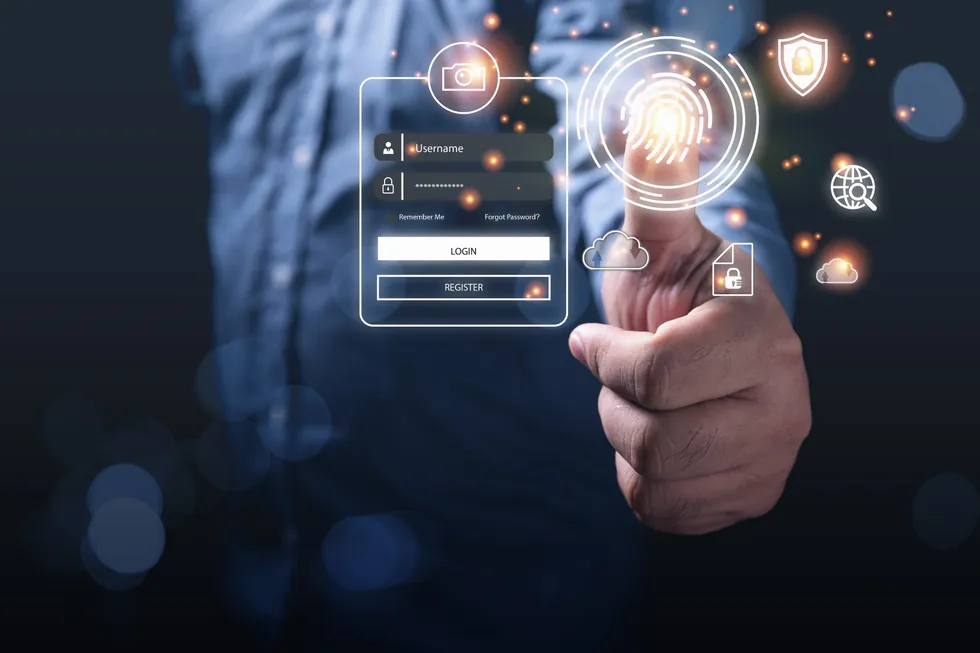
Our primary focus is responsive troubleshooting for employees. We help users work through common disruptions while also keeping the broader operating environment in view.
Many user issues originate in infrastructure. We support the investigation and escalation path when the cause involves shared systems, connectivity, permissions, or data availability.
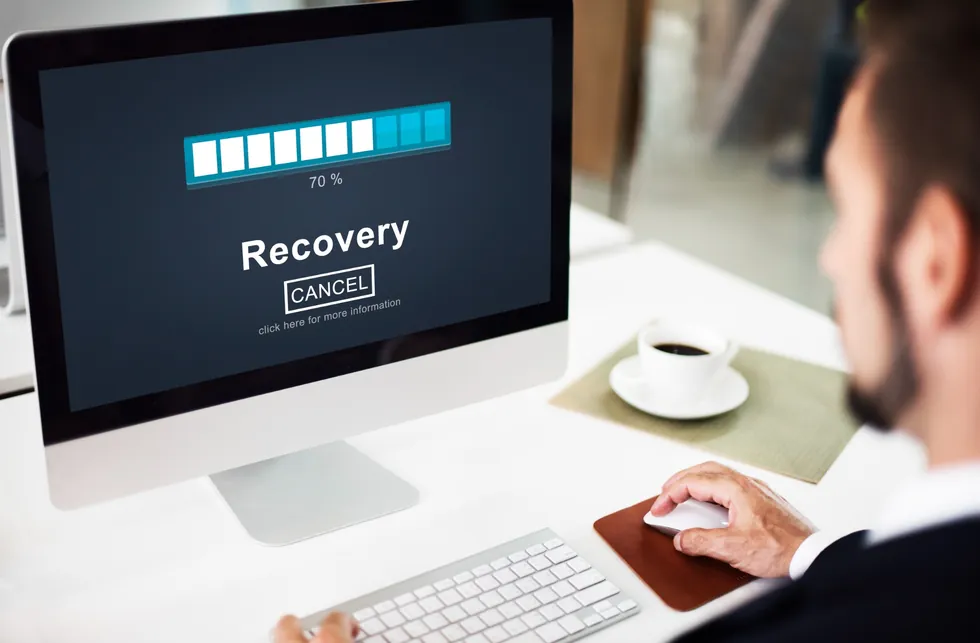
A help desk should know when an issue is more than a simple workstation problem. When files are missing, a user account is compromised, a system fails, or a business application becomes unavailable, a clear escalation path matters. ITperfection helps coordinate backup support, recovery planning, restore awareness, and the technical follow-up required to reduce repeat disruptions.
ITperfection supports organizations that need dependable technology operations but do not want owners, partners, managers, and staff spending their time diagnosing computers, wireless networks, printers, email, access issues, or backup concerns.
Support for users, email, secure access, file availability, remote work, printers, workstations, and the day-to-day issues that can affect client responsiveness.
Help-desk support for deadline-driven teams that depend on reliable endpoints, secure access, stable applications, email, backups, and remote connectivity.
Practical IT support for consultants, agencies, engineering firms, and office-based teams that need one accountable support relationship.
A managed support model for companies that need day-to-day troubleshooting, maintenance, monitoring, and escalation without building a large internal IT team.
Secure remote-support workflows for staff working from home, branch offices, client sites, and multiple Southern California locations.
Co-managed support for teams that need additional coverage, escalation help, documentation, project support, or specialized technical experience.
Under the leadership of Ali Hassani, ITperfection has supported dozens of business networks across Southern California, including Irvine, Orange County, and Los Angeles County. Our experience spans support, troubleshooting, network infrastructure, servers, Microsoft platforms, cloud management, secure remote access, data security, maintenance, and practical IT planning.
Our team’s certifications include CISSP, CCISO, MCSE, MCSA Security, MCITP, CCNA, and CCNP. Certifications are not a substitute for understanding your business environment, but they reflect the technical foundation behind our approach to managed IT support.
Technology support works best when users know how to escalate concerns early. ITperfection can help reinforce practical awareness around phishing indicators, suspicious attachments, unusual login prompts, password hygiene, update notifications, and the importance of reporting unexpected behavior before a small issue becomes a larger disruption.
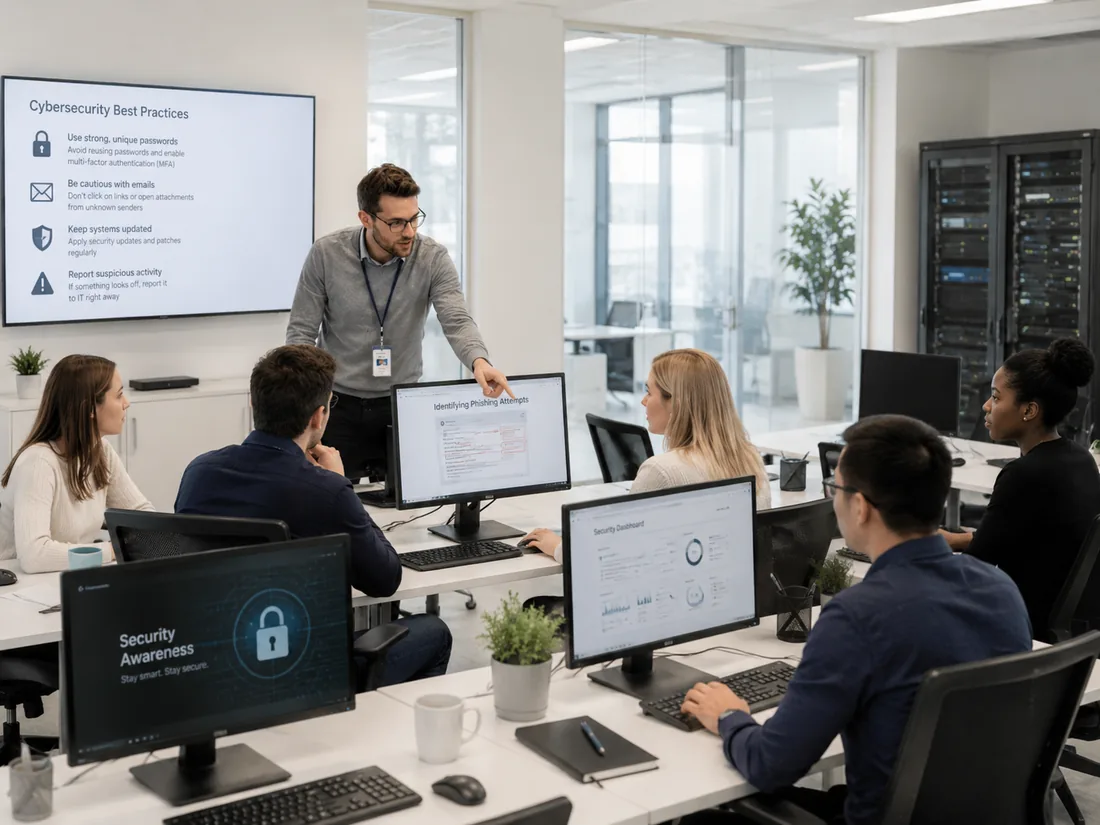
ITperfection focuses on managed IT operations, user support, maintenance, troubleshooting, monitoring, cloud administration, infrastructure support, and security-minded day-to-day management. For specialized cybersecurity audits, compliance-readiness reviews, vulnerability assessments, and advanced security advisory needs, we work alongside our sister company, OC Security Audit.
Review security controls, exposure, risk areas, and remediation priorities with a structured professional assessment.
Explore security audits →Assess identity controls, administrator access, email security, sharing, logging, and practical Microsoft 365 security gaps.
Review Microsoft 365 audit services →Evaluate Azure identities, workloads, virtual networks, cloud controls, exposure, and security-posture priorities.
Review Azure audit services →Validate firewall rules, VPN access, NAT exposure, logging, change management, and network-security governance.
Review firewall audit services →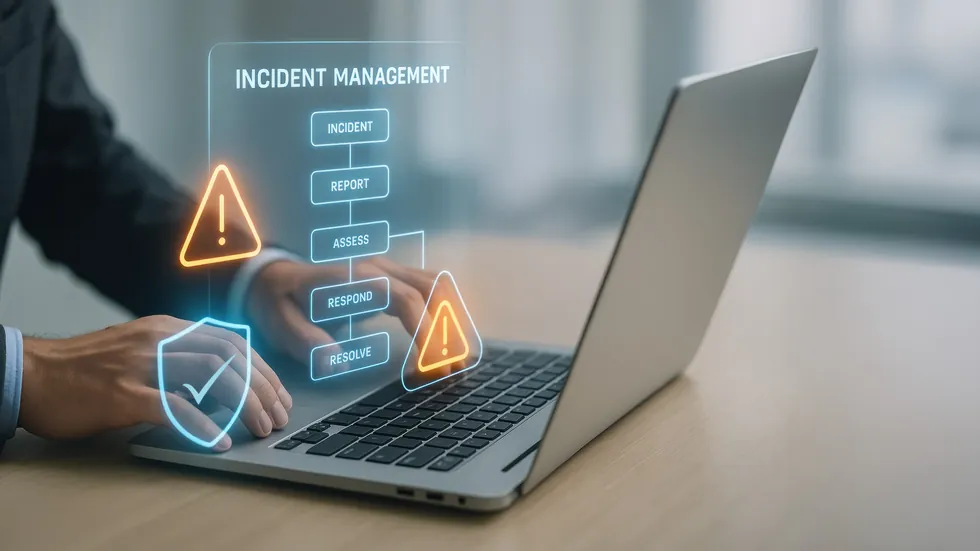
ITperfection is based in Irvine, California, and supports businesses across Orange County, Los Angeles County, and nearby Southern California communities. Our local focus makes it easier to understand the operating realities of professional offices, distributed teams, and growing businesses that need a reliable managed-IT partner.
Help-desk support is one part of a reliable IT operating model. These related ITperfection services address the broader systems behind day-to-day staff productivity.
Ongoing administration, monitoring, maintenance, patching, endpoint management, vendor coordination, and planning.
Explore managed IT services →Security-minded IT operations for users, devices, servers, cloud systems, access controls, firewalls, and backups.
Explore cybersecurity support →Microsoft 365, Azure, identity, collaboration, cloud configuration, secure remote access, and hybrid support.
Explore cloud services →Routers, switches, wireless networks, VPNs, firewalls, branch connectivity, monitoring, and troubleshooting.
Explore network infrastructure →ITperfection provides practical day-to-day troubleshooting and user support for desktops, laptops, common business applications, email, printing, account access, connectivity, remote work, secure remote assistance, endpoint maintenance, patching support, server-related escalation, wireless issues, backup oversight, and documentation. The exact scope depends on your environment and support agreement.
Yes. ITperfection supports professional-service environments where user productivity, secure access, dependable email, file availability, stable workstations, backups, and responsive troubleshooting matter. We tailor the support workflow to the systems and priorities in your office.
Yes. ITperfection supports remote troubleshooting and secure remote assistance for employees working from offices, homes, branch locations, and other approved environments. When an issue requires deeper infrastructure work or onsite coordination, we can identify and plan the next step.
Our help-desk focus is employee support, but user issues often involve server, network, wireless, firewall, VPN, Microsoft 365, Azure, identity, permission, DNS, DHCP, and backup dependencies. ITperfection can support the investigation and escalation path when the underlying cause goes beyond the endpoint.
ITperfection supports patching, endpoint maintenance, update planning, access awareness, secure remote-access troubleshooting, backup oversight, and security-minded IT operations. For specialized security audits, vulnerability assessments, or compliance-readiness engagements, we can refer the work to OC Security Audit.
ITperfection can reinforce practical end-user awareness around suspicious emails, attachments, unexpected login prompts, password hygiene, MFA, secure remote access, and early reporting. Formal security-awareness programs and deeper audit-related needs can be evaluated based on your organization’s requirements.
ITperfection is based in Irvine, California, and supports businesses across Orange County, Los Angeles County, and nearby Southern California communities through remote support and onsite coordination where appropriate.
Schedule a consultation to discuss your users, locations, endpoints, servers, Microsoft 365 or Azure environment, remote-access needs, recurring issues, backups, security priorities, and the type of support experience you want for your staff.
Discuss your users, recurring issues, remote-access needs, servers, wireless networks, endpoints, backups, and next steps with a local managed-IT team based in Irvine.
We use necessary cookies and limited analytics and advertising-measurement cookies. Select Accept to allow optional cookies or Deny to continue with necessary cookies only. No name or email is required. You may close this website at any time.
