
Less downtime at the front desk
Keep reception computers, imaging workstations, printers, scanners, Wi-Fi, email, and shared systems supported so the practice can keep moving.
Keep front desk computers, imaging workstations, Microsoft 365, dental software coordination, backups, Wi-Fi, printers, scanners, and support documentation easier to manage. ITperfection helps dental practices operate with practical, HIPAA-aware IT support.
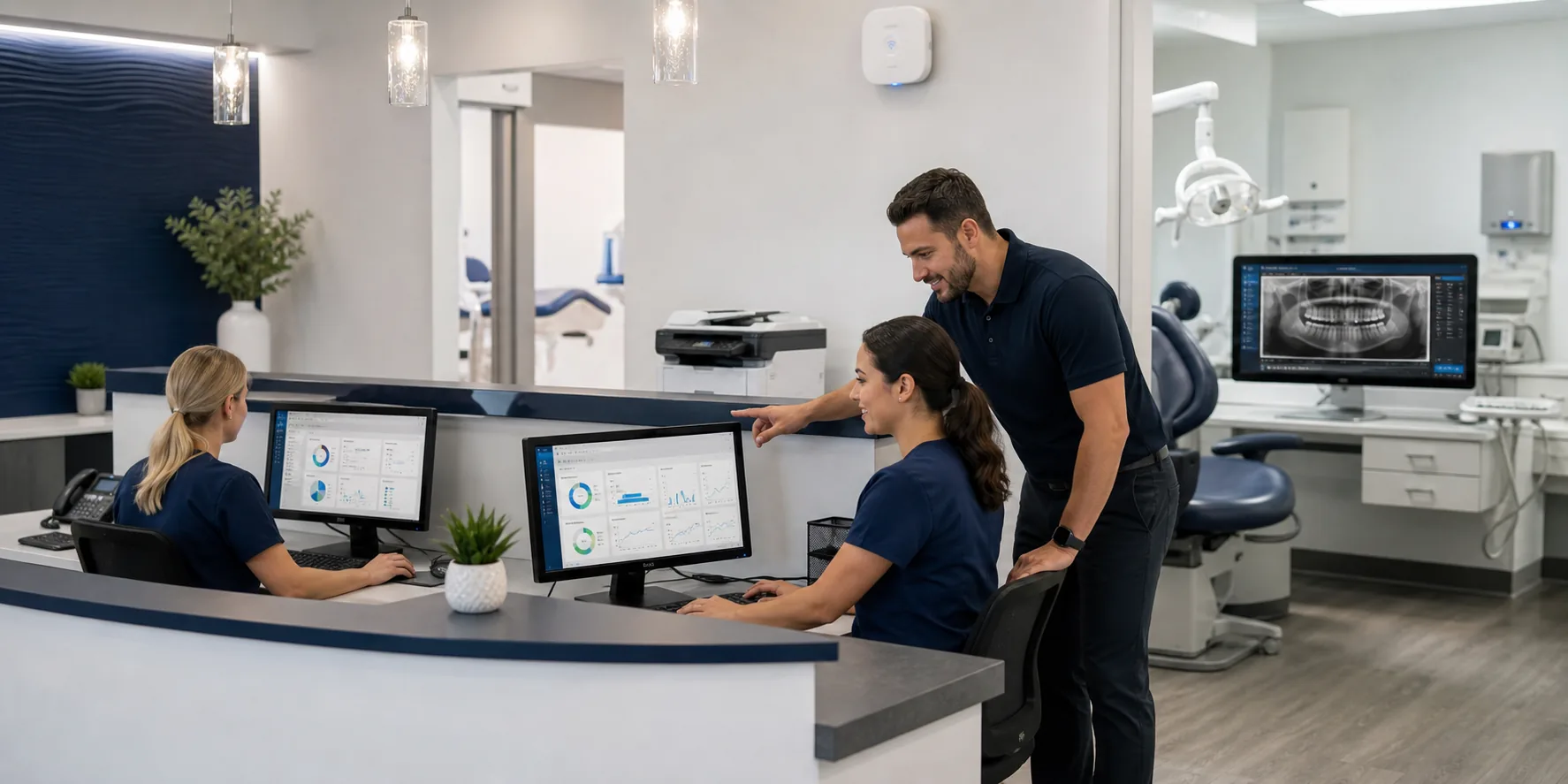
Dental Office IT Operations
Dental practices rely on a mix of front desk workstations, operatory computers, imaging systems, printers, scanners, Microsoft 365, dental software, Wi-Fi, remote access, backups, and vendor-supported systems. When those moving parts are unmanaged, small IT issues can interrupt scheduling, patient flow, imaging, billing, and daily operations.
ITperfection helps dental offices in Irvine, Orange County, Los Angeles County, and Southern California organize practical IT support around workstations, Microsoft 365, backup planning, vendor coordination, account changes, endpoint patching, and documentation.
The goal is not to claim compliance certification. The goal is to provide reliable, cybersecurity-minded, HIPAA-aware operational support that helps the practice run with fewer avoidable IT interruptions.
Keep reception computers, imaging workstations, printers, scanners, Wi-Fi, email, and shared systems supported so the practice can keep moving.
Work with dental software, imaging, equipment, internet, phone, and cloud vendors so issues do not bounce between providers.
Support practical safeguards, documentation, backups, account controls, endpoint patching, and cybersecurity-minded IT operations without claiming compliance certification.
Operational Gaps
Dental IT works best when devices, vendors, backups, Microsoft 365, Wi-Fi, printers, scanners, remote access, and documentation are treated as one supportable operating model. ITperfection helps reduce confusion and make recurring support easier to manage.
Dental IT Services
Support front desk computers, operatory computers, imaging workstations, shared systems, device health, software updates, and recurring support needs.
Help manage email, Outlook, Teams, OneDrive, accounts, licensing, MFA, password resets, mailbox issues, and user onboarding or offboarding.
Coordinate with imaging and dental equipment vendors for workstation requirements, access needs, updates, and troubleshooting handoffs.
Work with practice management software vendors when updates, integrations, permissions, workstations, or network dependencies need support.
Review backup coverage for workstations, servers, Microsoft 365, dental systems, imaging-related data, and recovery expectations.
Support practical troubleshooting for dental office printers, scanners, front desk devices, label printers, scan-to-email, and vendor escalation.
Help improve secure staff Wi-Fi, guest network separation, coverage, reliability, and basic wireless documentation.
Support access control, account cleanup, patching, documentation, backup review, remote access review, and cybersecurity-minded workflows.
Practice Support
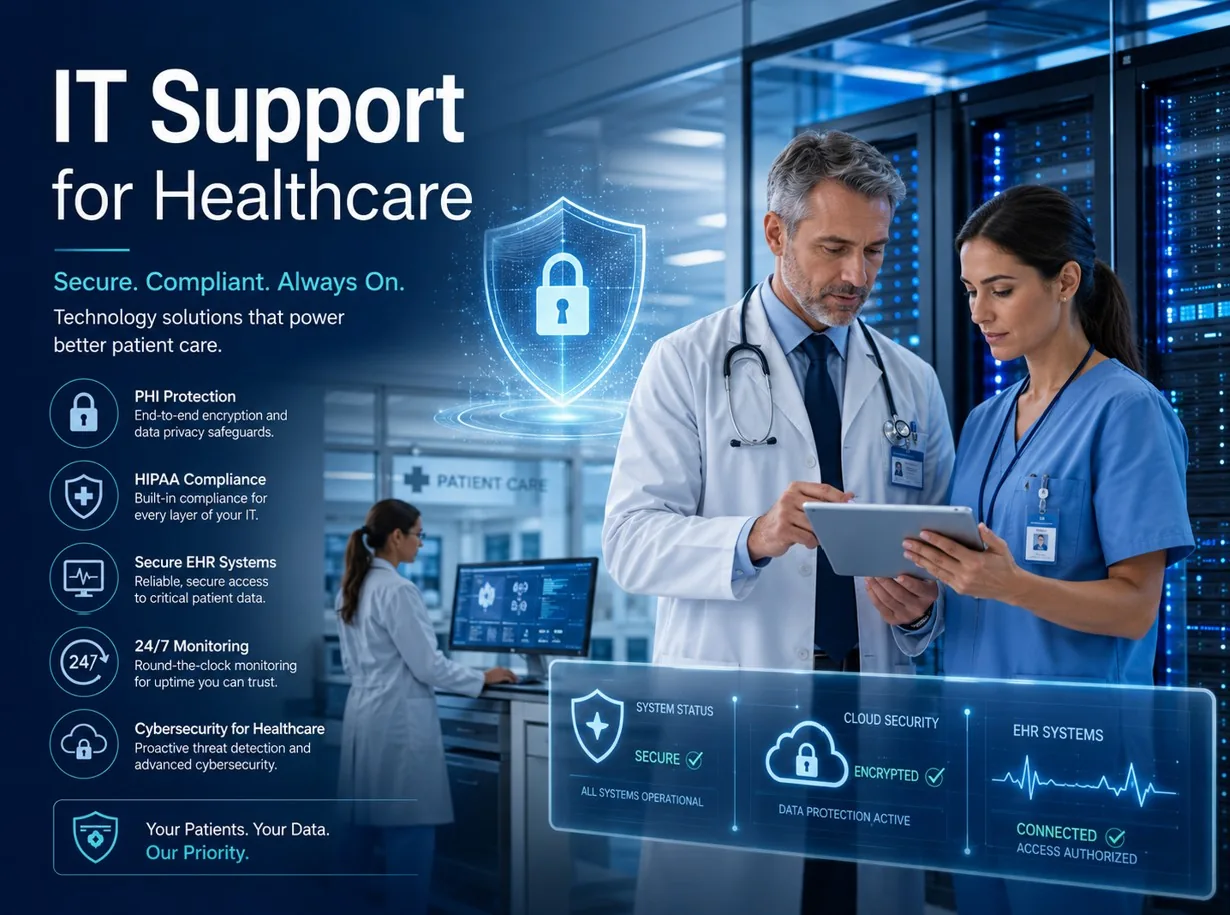
Support front desk, operatory, and imaging workstations while coordinating with dental software, imaging, internet, and equipment vendors.

Clarify backup scope, recovery expectations, Microsoft 365 considerations, workstation dependencies, and documentation.
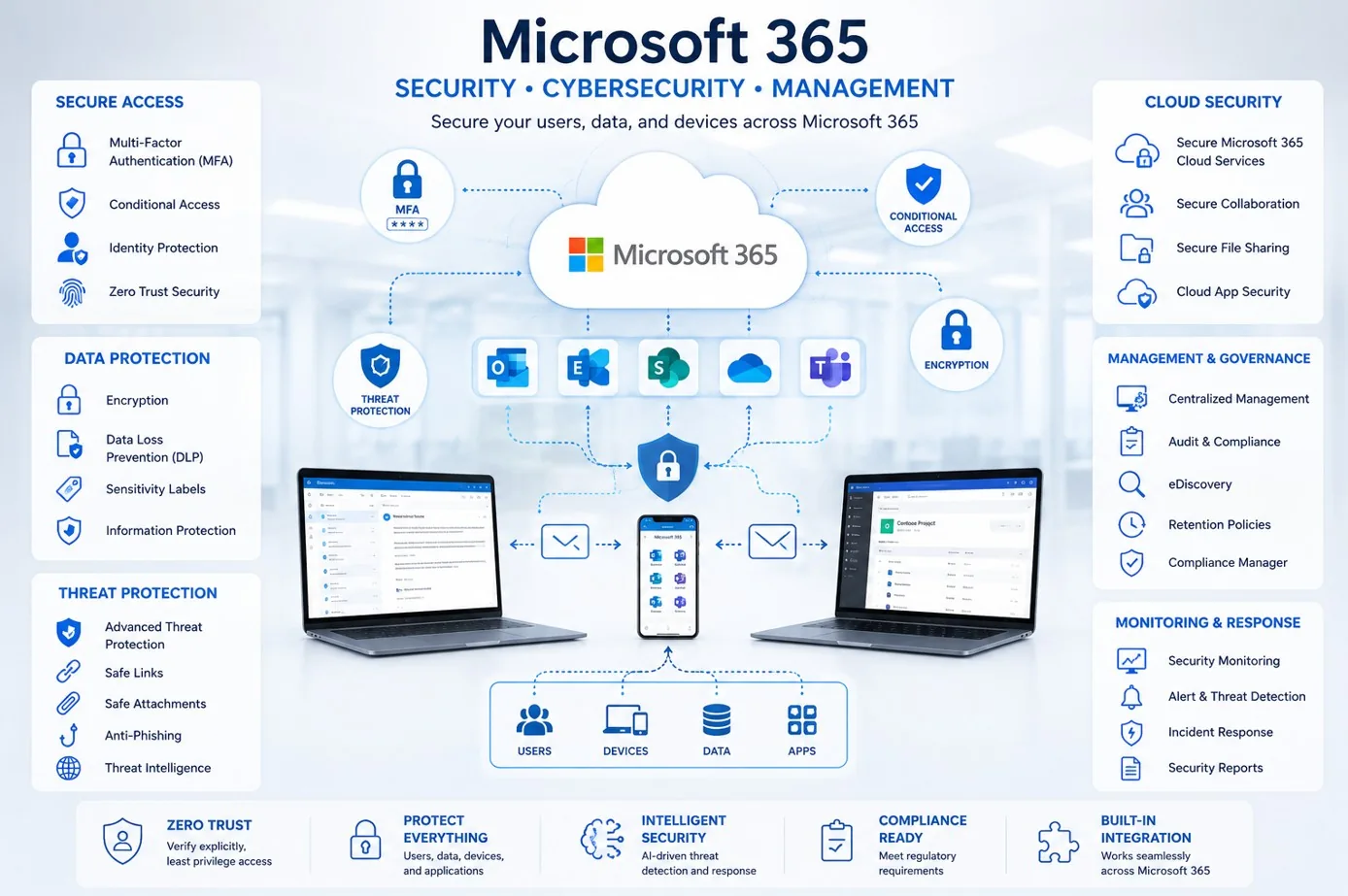
Manage email, users, MFA, password resets, licensing, onboarding, offboarding, and practical security-minded settings.
Microsoft 365 And Operations
Dental office IT support usually crosses Microsoft 365, Windows workstations, dental software, imaging systems, printers, scanners, Wi-Fi, backups, accounts, and vendors. ITperfection helps keep those areas organized so owners and office managers have clearer support paths and cleaner documentation.
Workflow
Review dental workstations, imaging computers, Microsoft 365, backups, Wi-Fi, printers, scanners, vendors, accounts, and recurring support issues.
Separate urgent reliability problems from documentation, patching, backup, remote access, cybersecurity-minded support, and vendor coordination needs.
Address practical support items that affect daily patient flow, including front desk devices, email access, printing, scanning, and workstation health.
Work with dental software, imaging, ISP, phone, cloud, and equipment vendors when issues require third-party support.
Create clearer records for devices, accounts, vendors, backup scope, remote access, software dependencies, and recurring maintenance tasks.
Provide ongoing support, patching, backup review, account changes, owner-friendly reporting, and escalation follow-through.
Deliverables
Deliverables are tailored to the size of the environment, the tools already in place, and whether ITperfection is supporting the business directly or working alongside an internal IT team.
Backup And Continuity
Dental offices need practical backup planning for workstations, servers, Microsoft 365, dental systems, imaging-related data, and vendor dependencies. ITperfection helps review what is covered, what still needs documentation, and how recovery expectations should be communicated.
ITperfection provides HIPAA-aware operational IT support, including account cleanup, endpoint patching, documentation, backups, and remote access review. Formal compliance audits, cybersecurity assessments, or risk reviews can be coordinated with OC Security Audit when needed.
Best Fit
Before And After
| Before | After |
|---|---|
| Front desk computers fail at the worst time | Workstations receive recurring support and maintenance |
| Dental software issues bounce between vendors | Vendor coordination has clearer ownership |
| Backups are assumed but not reviewed | Backup scope and recovery expectations are documented |
| Wi-Fi and printers create recurring interruptions | Wi-Fi, printer, and scanner issues are tracked |
| Accounts remain active after staff changes | Account changes follow a cleaner process |
| Remote access is undocumented | Remote access is reviewed and documented |
| Owners do not have a clear IT picture | Owners receive practical reporting and next steps |
Related Services
Southern California Service Area
ITperfection helps dental practices manage workstations, Microsoft 365, dental software coordination, backups, Wi-Fi, printers, scanners, accounts, endpoint patching, documentation, and HIPAA-aware IT operations across Southern California, Los Angeles County, and Orange County.
We support businesses in cities such as:
Free Tools
Use these free tools when they match your next step: IT Perfection tools for operational planning and documentation, and OC Security Audit tools for cybersecurity and compliance-readiness review.

Expert Consultant
Ali Hassani brings 25+ years of IT, Microsoft infrastructure, network, server, cloud, healthcare IT, and cybersecurity experience to help dental offices run technology with fewer avoidable support interruptions. ITperfection helps owners and office managers keep IT support organized, documented, and aligned with business needs.
For dental practices, Ali helps connect workstation support, Microsoft 365, dental software vendor coordination, imaging computer dependencies, backups, Wi-Fi, printers, scanners, endpoint patching, account changes, remote access review, and HIPAA-aware operational procedures into one practical support model.
CISSP • CCISO • CCNP • MCSE • MCITP • Microsoft, Cisco, server, cloud, and network infrastructure experience
FAQ
Dental offices often need support for front desk computers, operatory workstations, imaging computers, Microsoft 365, email, backups, Wi-Fi, printers, scanners, dental software vendors, remote access, account changes, and documentation.
ITperfection can coordinate with dental software vendors and help troubleshoot workstation, network, access, update, backup, and integration issues. Vendor-specific application support remains with the software vendor when required.
Yes. ITperfection can help support the workstation and IT side of imaging computers, coordinate with imaging vendors, document dependencies, and help with access, backups, updates, and network connectivity.
Yes. ITperfection supports Microsoft 365 email, Outlook, Teams, OneDrive, account onboarding and offboarding, MFA, password resets, licensing, and practical security-minded configuration.
No. ITperfection provides HIPAA-aware operational IT support, but does not claim to certify HIPAA compliance. For formal cybersecurity audits, compliance readiness, or risk assessment work, ITperfection can coordinate with OC Security Audit.
Yes. ITperfection can review backup scope, recovery expectations, Microsoft 365 considerations, workstation and server needs, vendor dependencies, and documentation so the practice has clearer continuity planning.
Yes. ITperfection can help with practical printer, scanner, scan-to-email, Wi-Fi, guest network, and connectivity support, including vendor coordination when hardware or specialized software is involved.
ITperfection serves dental offices in Irvine, Orange County, Los Angeles County, Southern California, and remote-supported practice environments.
If dental office computers, software vendors, backups, Wi-Fi, printers, scanners, or accounts are creating recurring interruptions, ITperfection can help organize support into a clearer and more practical managed IT plan.
We use necessary cookies and limited analytics and advertising-measurement cookies. Select Accept to allow optional cookies or Deny to continue with necessary cookies only. No name or email is required. You may close this website at any time.
