
Improve uptime planning
Review backups, monitoring, network visibility, server health, and support processes before problems become avoidable downtime.
Turn a free review and practical IT tools into a structured operations assessment. ITperfection reviews support quality, documentation, backups, Microsoft 365, endpoints, servers, networks, monitoring, vendors, and practical improvement priorities for businesses in Irvine and Orange County.
Operations Assessment
When technology grows without a structured review, owners often lose visibility into uptime, support quality, documentation, asset status, backups, vendors, cloud operations, and recurring maintenance.
ITperfection turns the first conversation and free IT management tools into a practical assessment service: what is working, what is unclear, what creates business risk, and what should be improved first.
Review backups, monitoring, network visibility, server health, and support processes before problems become avoidable downtime.
Identify recurring support issues, unclear ownership, weak escalation paths, and missing documentation.
Translate technical findings into a 30/60/90-day improvement plan that owners can understand.
Common Operational Gaps
Assessment Areas
Review how support requests are submitted, triaged, escalated, documented, and followed through.
Check asset visibility, ownership, lifecycle concerns, endpoint status, and missing inventory details.
Review licensing, user administration, mail flow, security basics, shared resources, and operational handoffs.
Assess backup coverage, retention, recovery expectations, testing notes, and vendor responsibilities.
Review server health, endpoint maintenance, patching, lifecycle concerns, and support patterns.
Look at firewalls, switches, Wi-Fi, internet circuits, remote access, and monitoring visibility.
Review key technology vendors, renewals, licensing, warranties, account records, and escalation notes.
Check whether core IT records are usable by owners, IT teams, and support providers during real events.
Review monitoring coverage, alert routing, ownership, recurring issues, and maintenance follow-up.
Summarize operational gaps, business impact, and practical next steps without turning the review into a generic checklist.
Create a practical improvement roadmap grouped by quick wins, stabilization work, and planning priorities.
Translate technical observations into a clear report that business owners can actually use for decisions.
Assessment Inputs

Use the first conversation to focus the deeper review on practical business priorities.

Review alerting, ownership, endpoint health, network visibility, and follow-through.
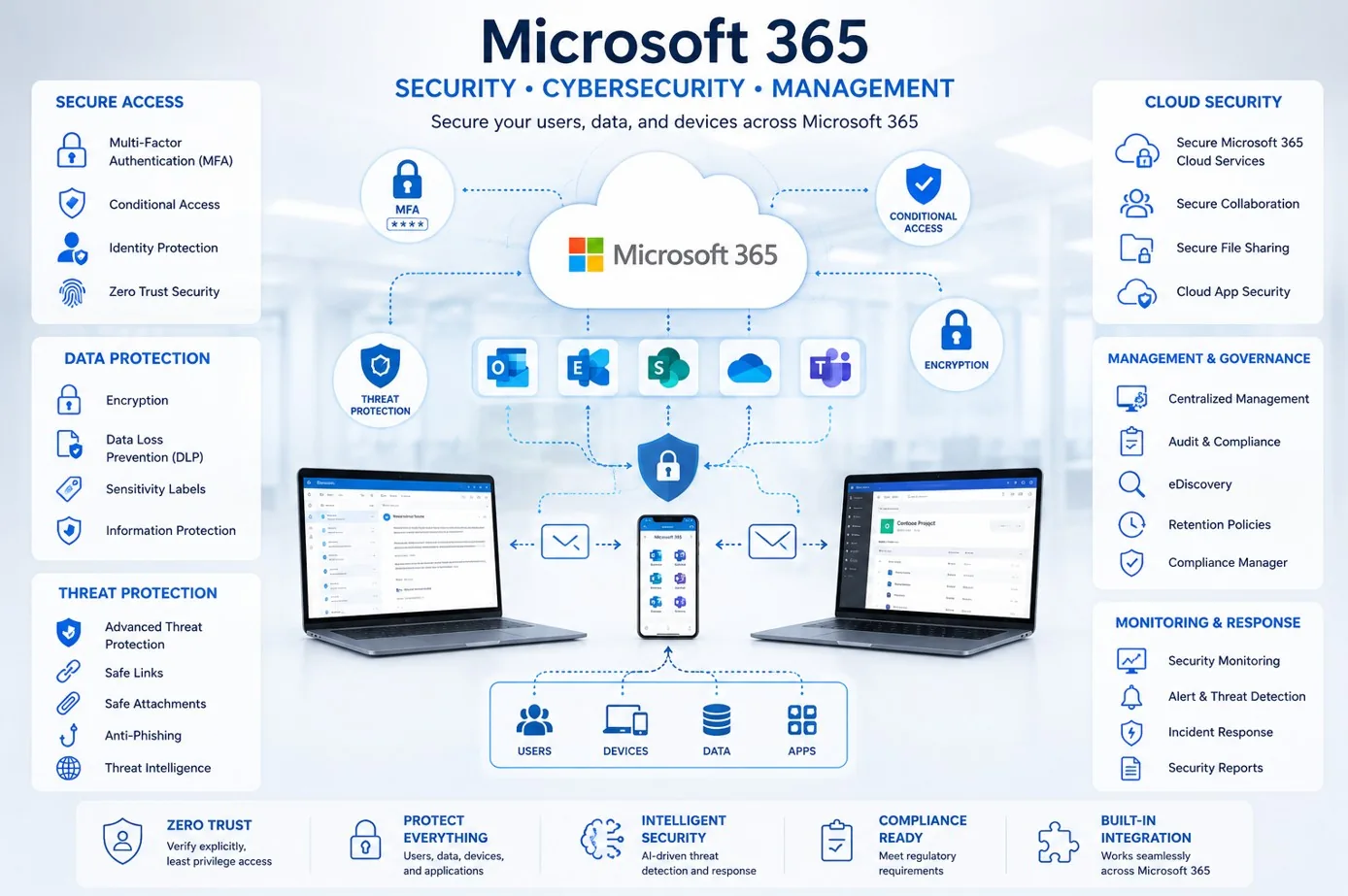
Review licensing, users, administration, support patterns, and operational handoffs.
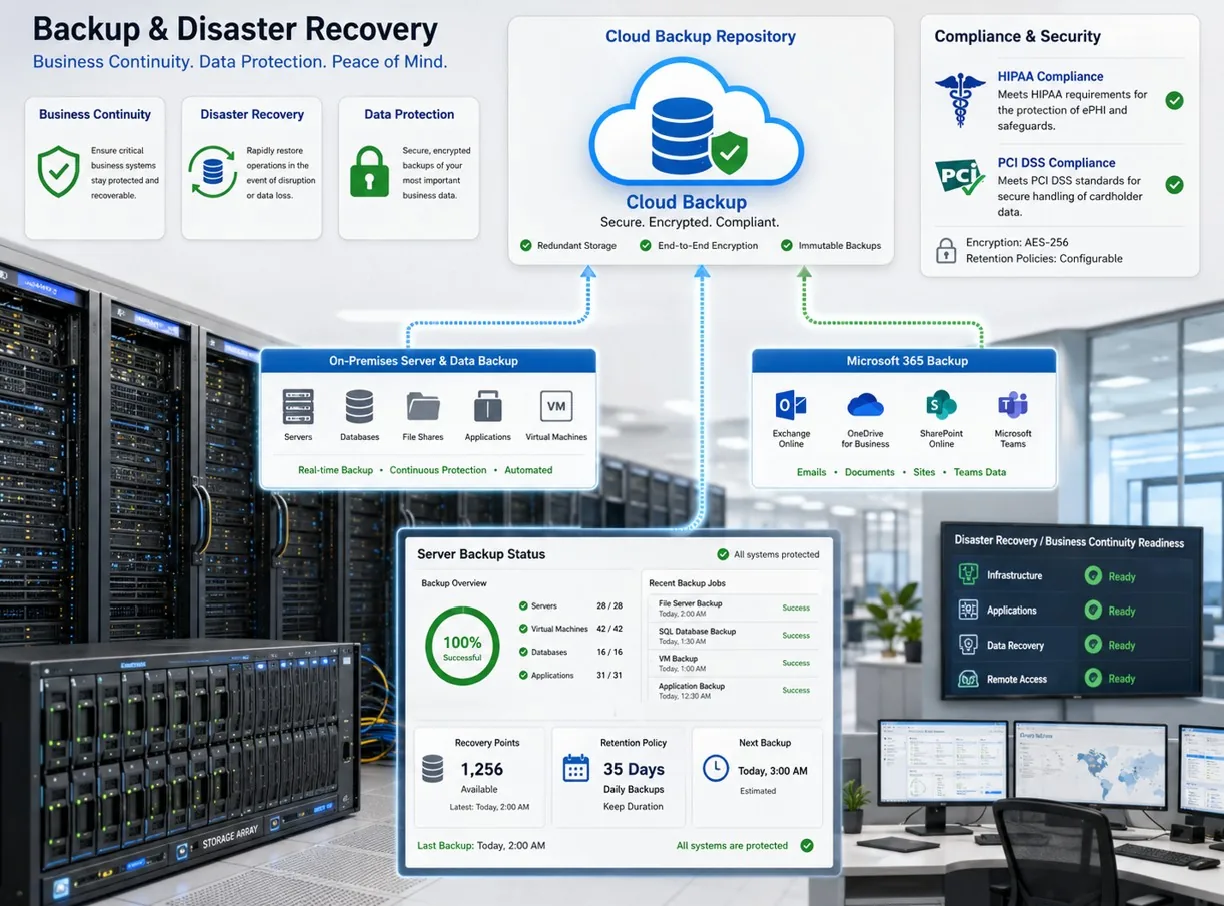
Review coverage, recovery expectations, retention, testing notes, and responsibilities.
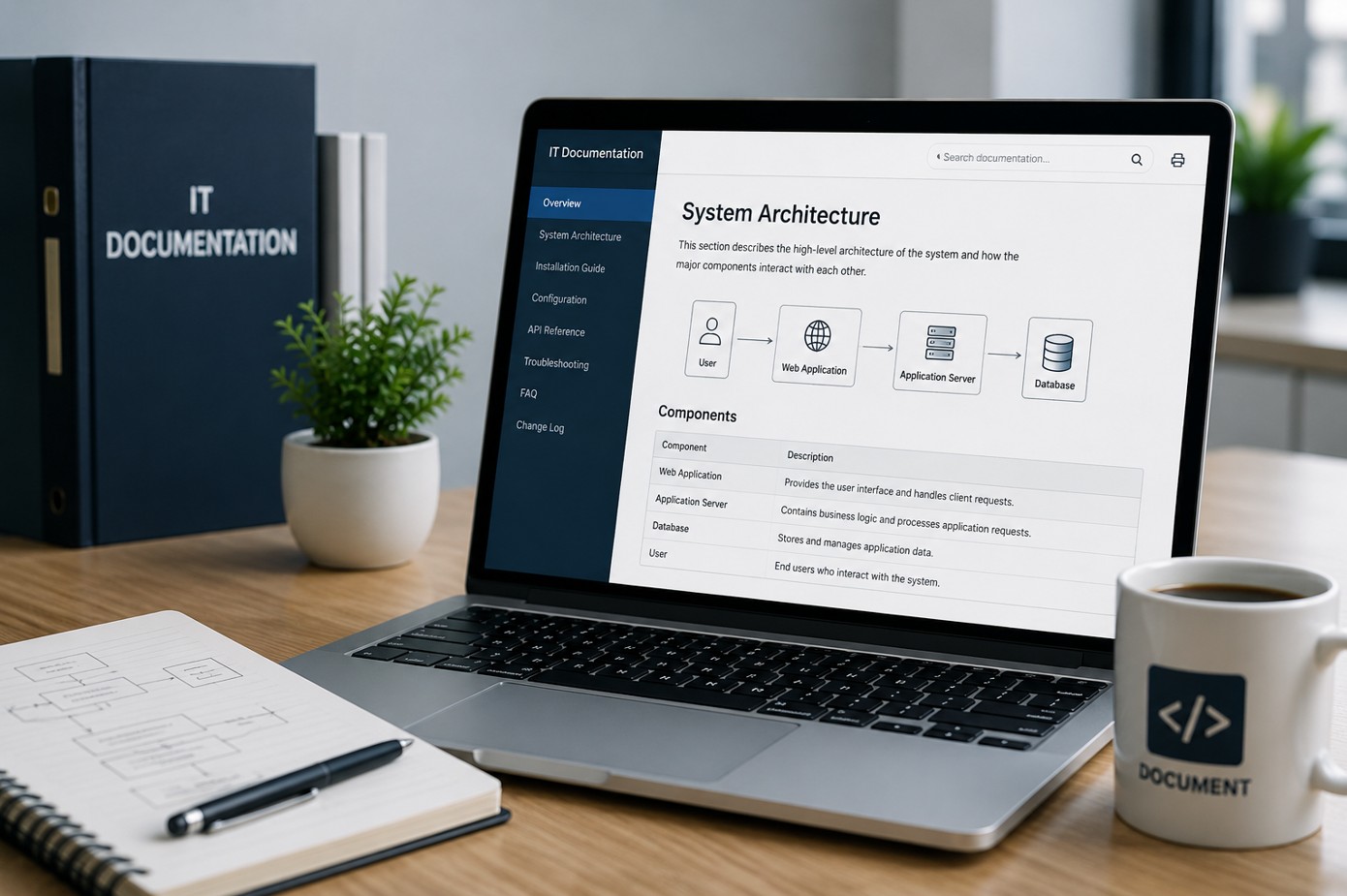
Turn scattered details into owner-friendly records and improvement priorities.

Summarize uptime, support, assets, vendors, cloud, backups, and roadmap priorities.
Assessment Workflow
Review the current IT environment, support model, tools, vendors, assets, and owner concerns.
Collect practical records such as inventories, backup notes, Microsoft 365 details, tickets, monitoring views, and documentation.
Evaluate operational maturity across support, endpoints, cloud, backups, servers, networks, vendors, and documentation.
Separate urgent reliability issues, recurring support pain, missing records, and lower-priority improvements.
Create a 30/60/90-day improvement plan that owners and IT teams can follow.
Walk through the report, business impact, recommended next steps, and managed IT support options.
Deliverables
Best Fit
Before And After
| Before the assessment | After the assessment |
|---|---|
| Owners know IT needs attention, but priorities are unclear. | Findings are grouped into practical business and technical priorities. |
| Backups, monitoring, Microsoft 365, vendors, and documentation are reviewed separately. | Operational gaps are summarized together in an owner-friendly report. |
| Support problems repeat without a clear improvement path. | Recurring issues are tied to support process, documentation, monitoring, or ownership improvements. |
| Technology planning is reactive. | The business receives a 30/60/90-day improvement roadmap. |
Service Area
ITperfection helps businesses assess support quality, uptime planning, documentation, device visibility, Microsoft 365 operations, backups, vendors, monitoring, and practical improvement priorities across Southern California, Los Angeles County, and Orange County cities including:
Related Services And Tools
When an operations assessment identifies security audit or compliance readiness needs, OC Security Audit can help with independent cybersecurity audit support.
For cybersecurity, compliance, cyber insurance, or risk review questions, schedule a cybersecurity consultation with OC Security Audit.

Expert Consultant
Ali Hassani brings 25+ years of IT, Microsoft, server, network, firewall, backup, cloud, and cybersecurity experience to IT operations assessments. That background helps connect technical findings to business reliability, support quality, owner decisions, and practical improvement planning.
ITperfection helps owners understand what to improve first, what can wait, and how managed IT or co-managed IT support can help stabilize operations.







FAQ
An IT operations assessment reviews practical IT areas such as support processes, documentation, assets, backups, Microsoft 365, endpoints, servers, networks, monitoring, vendors, and improvement priorities.
The free 30-minute review is a starting conversation. The IT operations assessment is a more structured service that reviews key operational areas and creates a clearer owner-friendly report and improvement roadmap.
No. This service focuses on IT operations, reliability, support quality, documentation, backups, and practical improvement priorities. When a deeper cybersecurity audit is needed, OC Security Audit can support that work separately.
The roadmap organizes recommendations into near-term quick wins, stabilization work, and planning priorities so business owners and IT teams can make improvements in a practical sequence.
Yes. ITperfection can help with managed IT, co-managed IT, monitoring, documentation, Microsoft 365 support, endpoint management, backup improvements, vendor coordination, and related operational work.
ITperfection supports businesses in Irvine, Orange County, Los Angeles County, and Southern California with IT operations assessments, managed IT services, and practical improvement planning.
If support quality, documentation, backups, Microsoft 365, endpoints, servers, networks, monitoring, or vendor records are unclear, ITperfection can help assess the current state and define practical next steps.
We use necessary cookies and limited analytics and advertising-measurement cookies. Select Accept to allow optional cookies or Deny to continue with necessary cookies only. No name or email is required. You may close this website at any time.
