
Project files stay easier to access
Support cloud file planning, project folders, permissions, large files, Microsoft 365, SharePoint, OneDrive, and remote project teams.
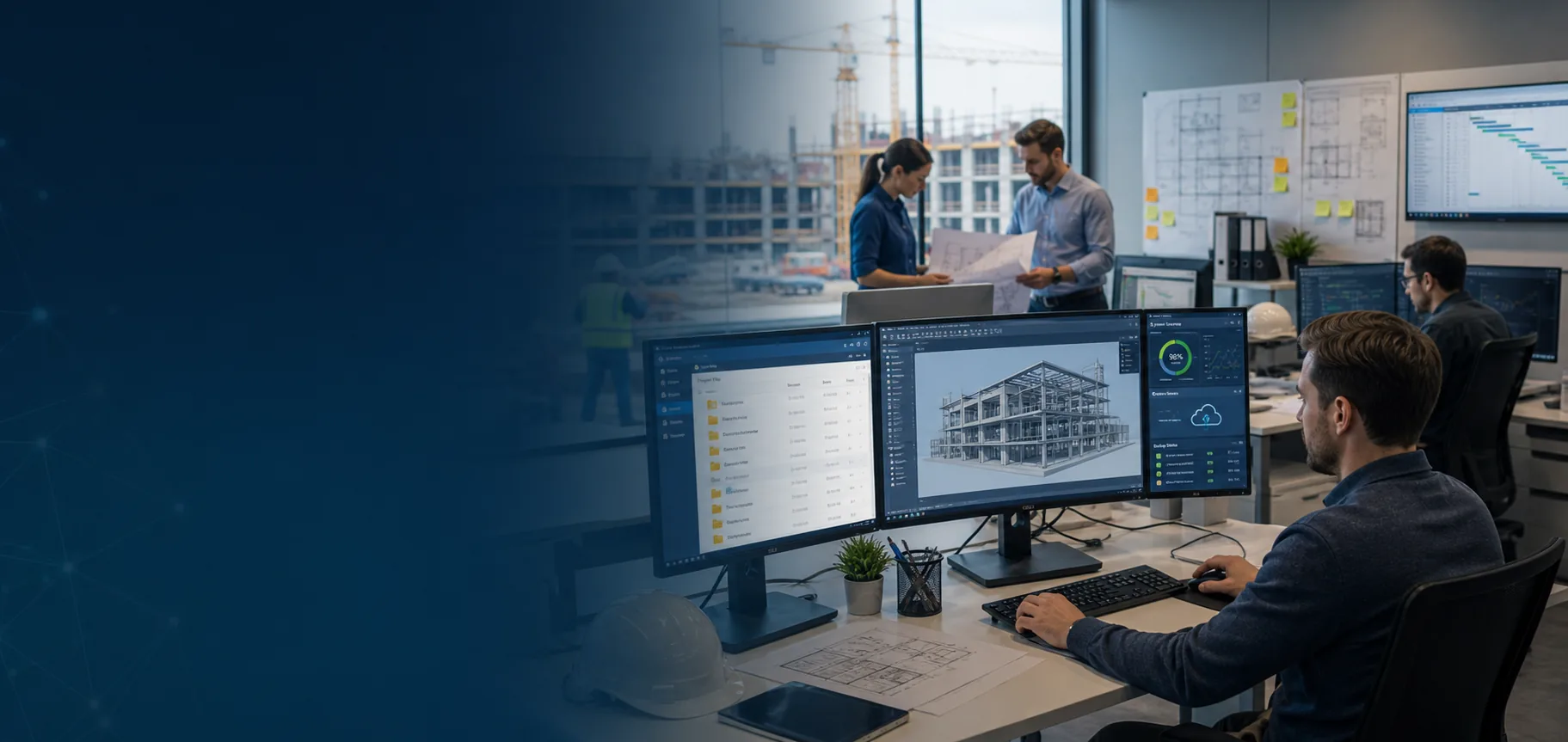
ITperfection helps construction, architecture, engineering, remodeling, and project-based companies support CAD workstations, large project files, Microsoft 365, cloud collaboration, remote users, jobsite connectivity, backup planning, and vendor coordination.
Industry IT Support
Construction and engineering technology has to support offices, jobsites, remote employees, large design files, CAD workstations, Microsoft 365 collaboration, network connectivity, backups, and vendors. When these pieces are managed separately, project teams lose time and owners lose visibility.
ITperfection provides managed IT services for construction, architecture, engineering, remodeling, and project-based companies in Irvine, Orange County, Los Angeles County, and Southern California.
Support cloud file planning, project folders, permissions, large files, Microsoft 365, SharePoint, OneDrive, and remote project teams.
Keep CAD and engineering workstations better supported with endpoint patching, device lifecycle planning, application coordination, and documentation.
Improve network, Wi-Fi, VPN, remote access, backup planning, and vendor coordination for project-based teams.
Construction And Engineering IT Challenges
The right managed IT approach connects workstations, files, cloud services, networks, vendors, and backup planning into one practical operating model.
Services Provided
Support CAD, BIM, estimating, rendering, and project-management workstations with practical device standards, patching, lifecycle planning, and troubleshooting.
Help manage Exchange, Teams, SharePoint, OneDrive, licensing, user access, and collaboration settings for project teams.
Plan project file structures, permissions, sync expectations, folder ownership, external sharing, and practical migration paths.
Review cloud storage, local storage, file sync, VPN, network speed, and remote access patterns that affect large drawings and project files.
Support internet, temporary office connectivity, wireless coverage, VPN access, and remote project workflows where practical.
Coordinate secure remote access for project managers, estimators, field teams, vendors, and hybrid workers.
Review backup coverage for file shares, cloud data, endpoints, project files, and business continuity needs.
Support office network switching, wireless coverage, firewall coordination, VLAN planning, cabling vendors, and connectivity troubleshooting.
Coordinate with CAD, accounting, estimating, project-management, ISP, copier, camera, access-control, and software vendors.
Help manage workstation and laptop patching in a way that considers production schedules and application compatibility.
Track workstation age, warranty status, performance needs, replacement timelines, and hardware standards.
Maintain practical documentation for project folders, users, devices, networks, vendors, backups, licenses, and support procedures.
Operational Visibility
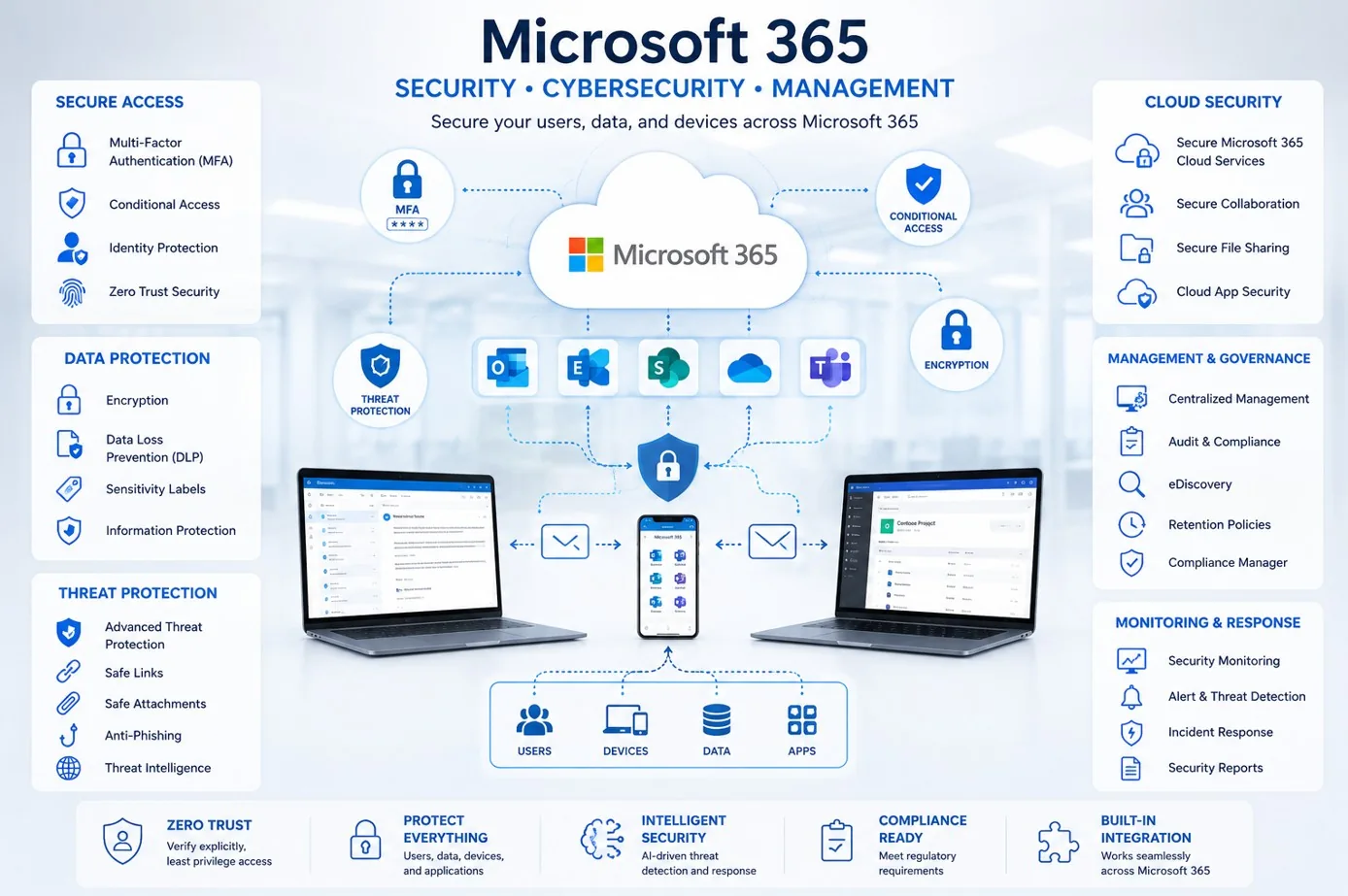
Support Teams, SharePoint, OneDrive, email, permissions, and project-based access.
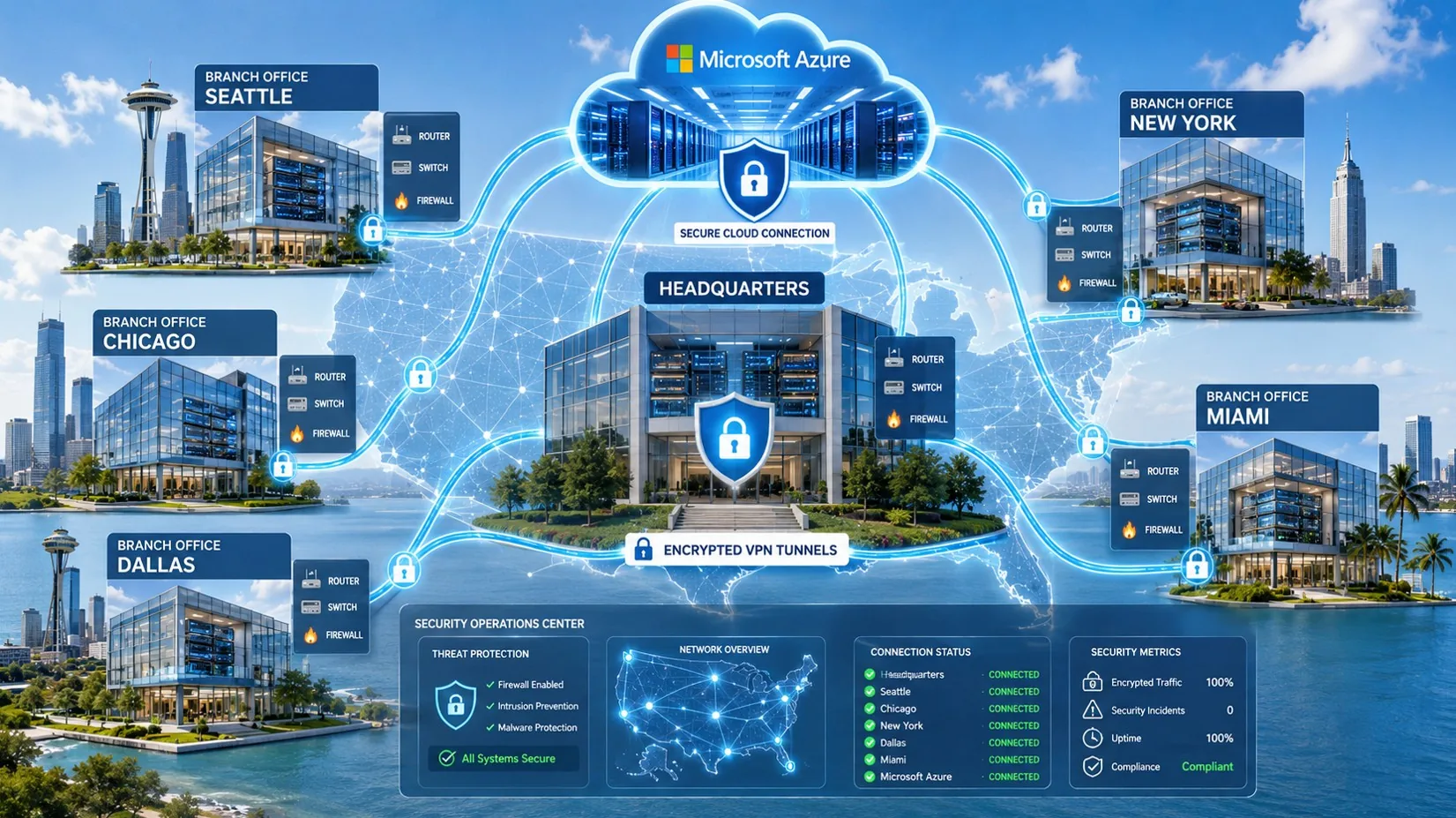
Coordinate office networks, Wi-Fi, VPN, firewalls, jobsite internet, and vendor follow-through.
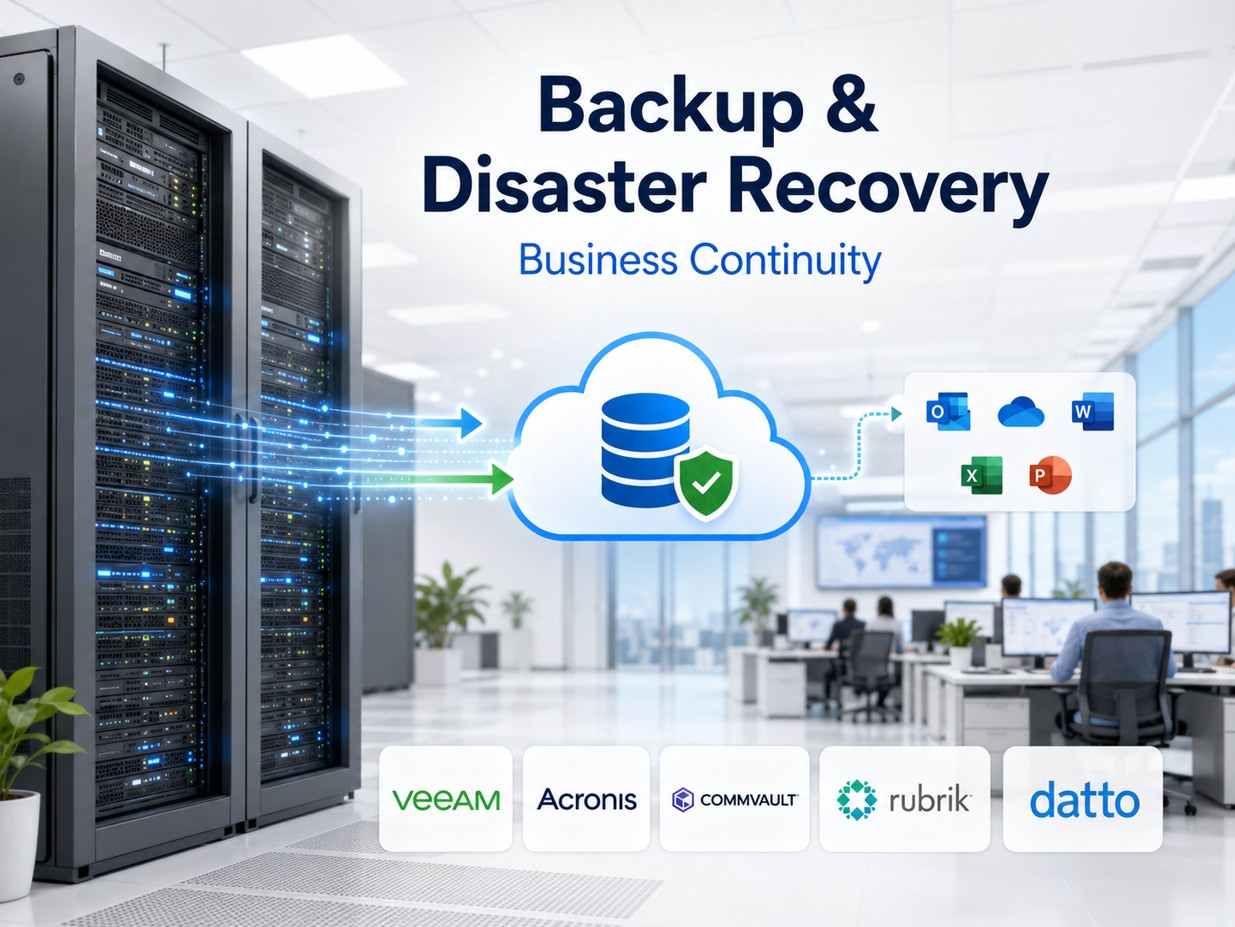
Review backup scope for cloud files, file shares, endpoints, and business-critical project data.
Project File Access
Project teams often need a balance of cloud access, local performance, permissions, file ownership, and predictable support. ITperfection helps turn scattered file storage into a more supportable project file process.
Remote And Jobsite Support
Remote access should be secure, documented, and supportable. ITperfection helps coordinate VPN, Microsoft 365 access, endpoint support, Wi-Fi, and network troubleshooting for hybrid project teams.
Backup And Continuity
Backup planning should be clear enough for owners and managers to understand what is protected, where it lives, who owns it, and how recovery would work if a workstation, cloud folder, file server, or office connection fails.
Deliverables
Who This Is For
Before And After
| Before | After |
|---|---|
| CAD workstations are replaced only after they fail | Workstations have standards and lifecycle planning |
| Project files are scattered across local and cloud locations | Project folders and permissions are easier to manage |
| Remote users struggle with slow access or VPN confusion | Remote access follows clearer support procedures |
| Jobsite connectivity is handled reactively | Office and jobsite connectivity is planned and documented |
| Backup coverage is unclear | Backup scope and restore expectations are clearer |
| Vendors contact whoever answers first | Vendor coordination has ownership and follow-through |
| IT documentation is incomplete | Owners and IT teams have practical records |
Southern California Service Area
ITperfection supports CAD workstations, Microsoft 365, cloud file access, remote users, backup planning, network support, jobsite connectivity, and vendor coordination across Southern California, Los Angeles County, and Orange County.
We support businesses in cities such as:
Free Tools

Expert Consultant
Ali Hassani brings 25+ years of IT, Microsoft, network, server, cloud, and cybersecurity experience to help project-based companies improve technology operations. For construction and engineering firms, Ali helps connect CAD workstation support, Microsoft 365, cloud file access, networking, backup planning, endpoint management, documentation, and vendor coordination into a practical managed IT model.
CISSP • CCISO • CCNP • MCSE • MCITP • Microsoft, Cisco, server, cloud, and network infrastructure experience
FAQ
Construction and engineering firms often need support for CAD workstations, Microsoft 365, SharePoint, OneDrive, large project files, remote users, jobsite connectivity, VPN access, backup planning, endpoint patching, network support, and vendor coordination.
Yes. ITperfection can help support high-performance workstations used for CAD, BIM, estimating, rendering, project management, and other technical workloads, including lifecycle planning, patching, and vendor coordination.
Yes. ITperfection can help plan SharePoint and OneDrive structures for project folders, permissions, sync expectations, external sharing, file ownership, and archive planning.
Yes. ITperfection can help with secure remote access, VPN coordination, Microsoft 365 collaboration, jobsite connectivity planning, Wi-Fi support, and remote user troubleshooting.
Yes. ITperfection can review backup scope for cloud files, file shares, endpoints, project data, and recovery expectations so owners have clearer continuity planning.
Yes. ITperfection can coordinate with CAD, estimating, accounting, project-management, ISP, copier, camera, access-control, and other technology vendors.
No. Managed IT support can improve day-to-day operations, but deeper cybersecurity audits, compliance readiness, vulnerability reviews, or vCISO work should be handled as a separate professional security assessment.
ITperfection supports construction, engineering, architecture, remodeling, and project-based companies in Irvine, Orange County, Los Angeles County, Southern California, and supported remote environments.
If your construction or engineering firm depends on CAD workstations, large project files, Microsoft 365, remote users, and vendor coordination, ITperfection can help organize the IT foundation behind the work.
We use necessary cookies and limited analytics and advertising-measurement cookies. Select Accept to allow optional cookies or Deny to continue with necessary cookies only. No name or email is required. You may close this website at any time.
