
Computers, servers, switches, firewalls, Wi-Fi access points, and printers are present, but nobody has a current inventory.
IT Asset Inventory Services
ITperfection helps businesses identify, document, and manage computers, servers, network devices, Microsoft 365 licenses, warranties, ownership, lifecycle status, and replacement priorities.
Devices and ownersWarranties and ageLifecycle planning
IT Asset Inventory
Know what you own, who uses it, when it expires, and what needs replacement.
Many businesses only discover missing records when a laptop fails, a firewall renewal is due, a Microsoft 365 license bill increases, or a cybersecurity audit asks for an asset list. A current inventory gives owners and IT teams a cleaner way to plan support, budgeting, renewals, and lifecycle replacement.
ITperfection provides IT asset inventory services for businesses in Irvine, Orange County, Los Angeles County, and Southern California. The goal is practical documentation that connects devices, licenses, warranties, owners, vendors, and replacement priorities.
Common Inventory Gaps
What businesses often do not know about their IT assets
Microsoft 365 licenses, assigned users, shared accounts, and renewal details are tracked in separate places or not tracked at all.
Warranty, age, purchase date, replacement priority, and assigned owner are unclear when a device fails or an employee leaves.
Network device records are missing serial numbers, locations, management IPs, support contacts, firmware notes, and renewal dates.
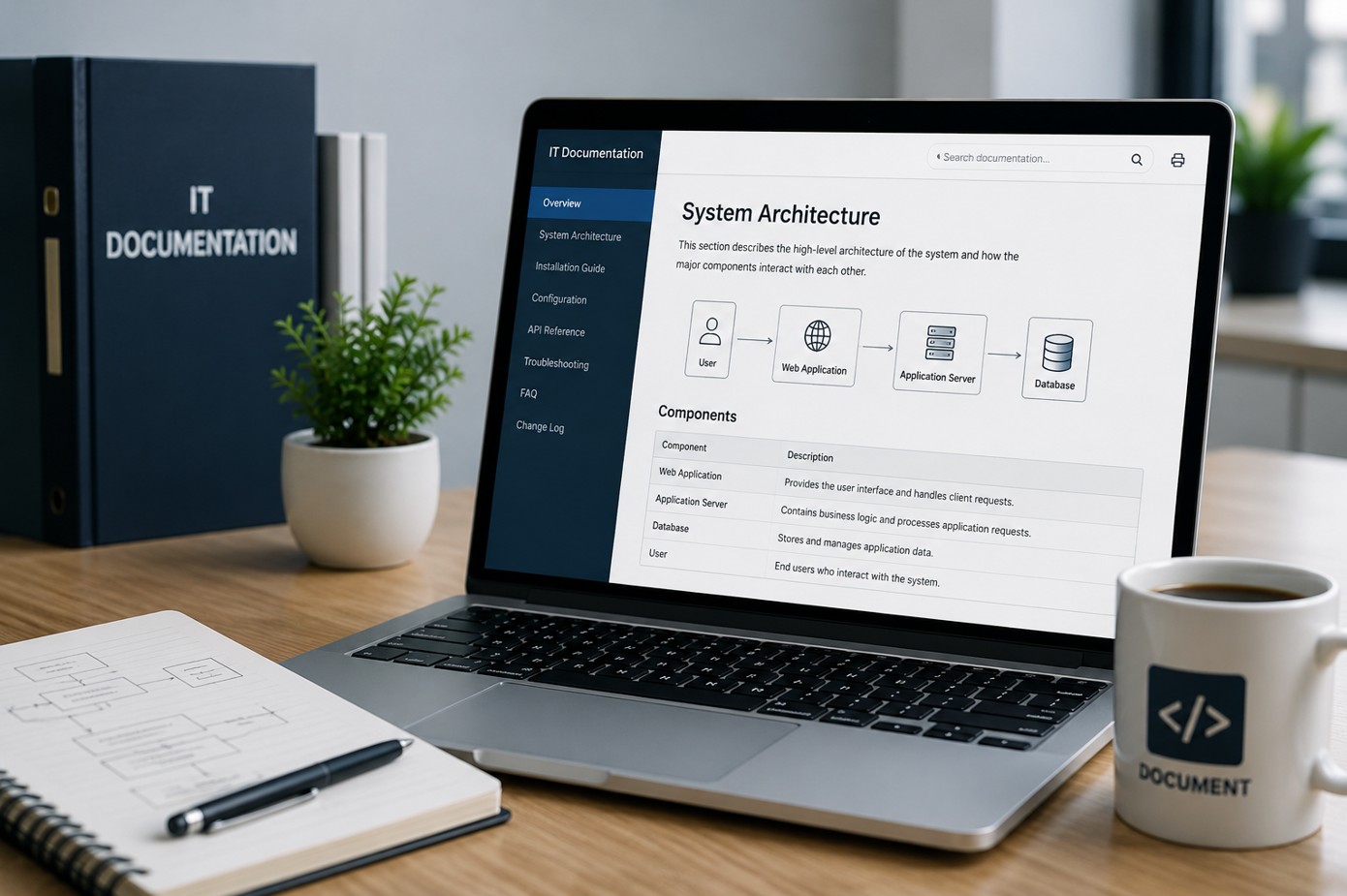
IT documentation is incomplete, which makes onboarding, support, security review, insurance requests, and budgeting harder.
Owners cannot easily see which assets are healthy, old, unsupported, missing, overlicensed, or ready for replacement.
Services Provided
Inventory services for devices, licenses, warranties, and documentation
Desktop and laptop inventory
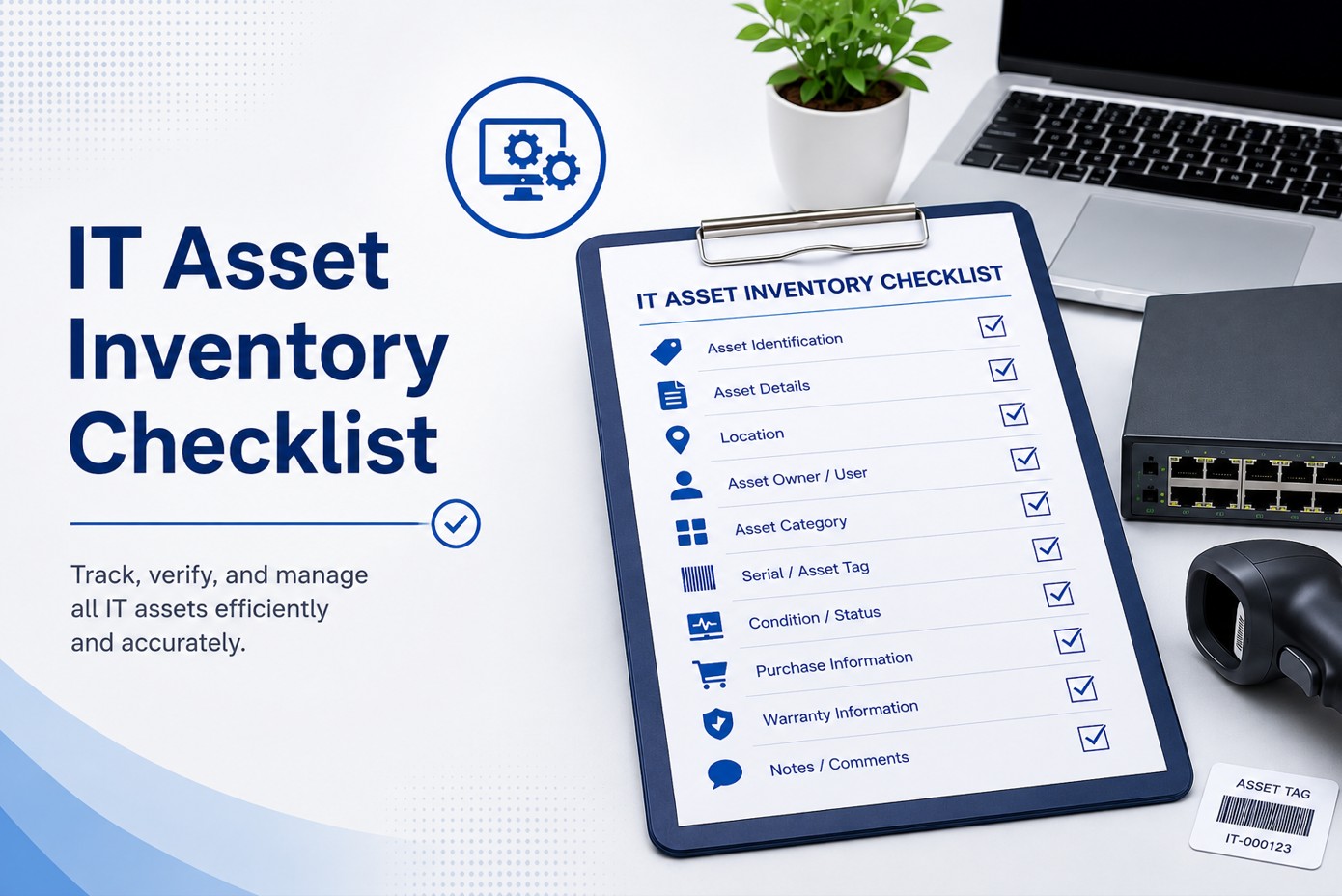
Record business desktops, laptops, assigned users, locations, serial numbers, asset tags, age, status, and replacement notes.
Server inventory
Document physical and virtual servers, operating systems, business role, owners, support status, backup notes, and lifecycle concerns.
Network device inventory
Inventory switches, routers, firewalls, Wi-Fi controllers, access points, ISP equipment, and key infrastructure devices.
Firewall and switch records
Capture serial numbers, model details, locations, management notes, warranty/support dates, firmware notes, and vendor contacts.
Wi-Fi access point records
Document AP locations, models, SSIDs, controller notes, coverage concerns, support status, and replacement needs.
Microsoft 365 license inventory
Review Microsoft 365 license counts, assigned users, unassigned licenses, shared mailbox notes, and practical renewal visibility.
Warranty and age tracking
Track age, purchase date, warranty status, support coverage, renewal dates, and likely replacement windows.
Device assignment
Map equipment to users, departments, roles, locations, remote workers, spare devices, and ownership responsibilities.
Lifecycle planning
Create a practical lifecycle view so owners can plan replacements before failures, emergencies, and unsupported equipment create downtime.
Replacement priority list
Prioritize replacement candidates based on age, warranty, business role, performance, security, and supportability.
Owner-friendly inventory report
Provide a clear inventory report that business owners and internal teams can use for budget, support, and planning discussions.
Connection to IT documentation
Connect inventory records to broader IT documentation, vendor notes, network diagrams, support procedures, and recurring reviews.
Inventory Views
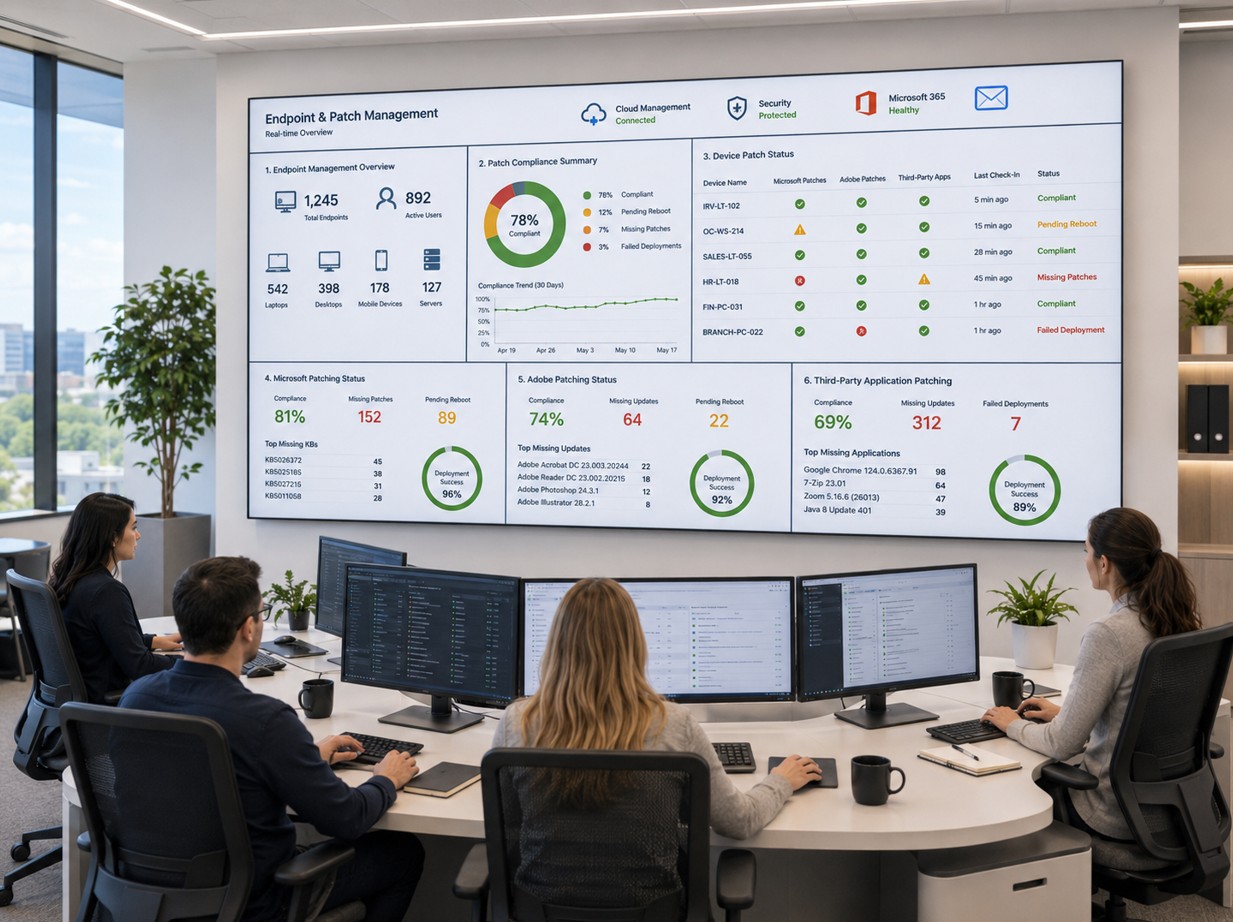
Asset inventory should connect endpoints, infrastructure, licenses, and lifecycle planning
Endpoint and user assignment
Connect desktops, laptops, locations, assigned users, status, age, and replacement priorities.

Network device records
Track switches, firewalls, Wi-Fi access points, serials, support status, vendors, and renewal needs.

Server and system inventory
Document server roles, operating systems, owners, backup notes, lifecycle concerns, and business impact.
Workflow
IT asset inventory workflow
Discover
Collect device, license, server, firewall, switch, Wi-Fi, warranty, vendor, and ownership information from available systems and records.
Validate
Review missing details, duplicate records, stale assets, unsupported systems, unassigned licenses, and unclear ownership.
Organize
Build a structured asset inventory with practical fields for support, lifecycle, warranty, assignment, and replacement planning.
Report
Provide an owner-friendly report with priorities, gaps, recommendations, and documentation improvements.
Deliverables
Owner-friendly asset records and replacement priorities
- Desktop and laptop inventory
- Server inventory and business-role notes
- Firewall, switch, and network device records
- Wi-Fi access point and location notes
- Microsoft 365 license inventory summary
- Warranty, age, and support-status tracking
- Device assignment and ownership notes
- Lifecycle and replacement priority list
- Vendor, renewal, and support contact notes
- Owner-friendly inventory report
- Documentation gap list
- Recommended next steps for managed IT support
Who This Is For
Useful for businesses that need clearer technology records
Businesses without a current IT asset inventory
Owners preparing for IT budgeting or equipment replacement
Internal IT teams cleaning up stale device records
Companies with growing desktop and laptop counts
Businesses with aging servers or network equipment
Organizations preparing for cybersecurity audits or insurance requests
Companies using Microsoft 365 but unsure about licenses
Offices that need better IT documentation
Before And After
From scattered assumptions to practical inventory reporting
| Area | Before | After |
|---|---|---|
| Devices | Computers, servers, and network equipment are known by memory. | Documented inventory with owner, location, age, status, and priority notes. |
| Licenses | Microsoft 365 license counts and assignments are unclear. | Clearer Microsoft 365 license inventory and assignment visibility. |
| Warranties | Warranty and age information is found only after something breaks. | Warranty, age, and lifecycle records support proactive planning. |
| Replacements | Old equipment is replaced during emergencies or after failure. | Replacement priorities are visible before devices become urgent problems. |
| Documentation | Support depends on scattered notes, invoices, and assumptions. | Inventory connects to useful IT documentation and reporting. |
Service Area
ITperfection offers IT asset inventory services across Southern California
ITperfection helps businesses document computers, servers, network devices, Microsoft 365 licenses, warranties, lifecycle status, and replacement priorities across Southern California, Los Angeles County, and Orange County, including Irvine, Santa Ana, Anaheim, Costa Mesa, Newport Beach, Long Beach, Torrance. For help building a cleaner inventory, contact ITperfection.
Related Resources
Helpful ITperfection and OC Security Audit links

Expert Consultant
Work with Ali Hassani and ITperfection
Ali Hassani brings 25+ years of IT, cybersecurity, Microsoft infrastructure, network, server, and managed IT experience to IT asset inventory work. For this topic, Ali focuses on practical inventory fields, device ownership, lifecycle planning, warranties, Microsoft 365 license visibility, network device records, and documentation that business owners can actually use.
CISSP, CCISO, CCNP, CCNA, MCSE, MCSA Security, MCITP, MCP, and MCTS experience supports a balanced approach: organize the inventory for IT operations while making it useful for cybersecurity, insurance, and audit-readiness conversations.







FAQ
IT asset inventory services FAQ
What are IT asset inventory services?
IT asset inventory services help businesses identify, document, and organize computers, servers, network devices, Microsoft 365 licenses, warranties, device assignments, lifecycle status, and replacement priorities.
What assets should a business track?
A practical inventory should include desktops, laptops, servers, firewalls, switches, Wi-Fi access points, printers, scanners, Microsoft 365 licenses, warranty dates, vendors, assigned users, locations, and support notes.
Can ITperfection help with Microsoft 365 license inventory?
Yes. ITperfection can review Microsoft 365 licenses, assigned users, unassigned licenses, shared mailbox notes, and renewal visibility as part of the inventory process.
Do you include warranty and lifecycle planning?
Yes. ITperfection can track age, warranty status, support dates, replacement candidates, lifecycle concerns, and priority recommendations for budget planning.
Can inventory help with cybersecurity audits?
Yes. A current asset inventory supports cybersecurity audits, insurance requests, vulnerability management, endpoint management, and better security documentation. Formal audits can be coordinated through OC Security Audit.
Do you document network devices such as firewalls, switches, and Wi-Fi?
Yes. ITperfection can document firewalls, switches, routers, Wi-Fi access points, locations, serial numbers, model details, support status, and vendor contacts.
Will business owners receive a clear report?
Yes. The goal is an owner-friendly inventory report that summarizes what exists, what is missing, what is old, what needs attention, and what replacement planning should look like.
Where does ITperfection provide IT asset inventory services?
ITperfection provides IT asset inventory services for businesses in Irvine, Orange County, Los Angeles County, Southern California, and remote-supported environments.
Build a clearer inventory of your business technology before the next urgent support issue.
ITperfection can help document devices, licenses, warranties, lifecycle priorities, ownership, renewals, and business IT records in a practical owner-friendly format.
