
Alerts become visible sooner
RMM tools help watch endpoints, servers, services, uptime, disk space, patch status, and device health so issues are easier to see before they become larger support problems.
ITperfection helps businesses use remote monitoring and management tools to improve visibility into endpoints, servers, alerts, patch status, uptime, device health, and recurring maintenance needs.
Why RMM Matters
Without RMM visibility, many endpoint and server problems are discovered only after users are affected. RMM tools help IT teams monitor agent status, device health, disk space, services, uptime, patch status, alerts, and recurring maintenance needs from a more organized dashboard.
This page supports ITperfection's broader proactive monitoring and maintenance service by focusing specifically on RMM tools, device agents, alerting, reporting, and escalation.
RMM tools help watch endpoints, servers, services, uptime, disk space, patch status, and device health so issues are easier to see before they become larger support problems.
Remote monitoring gives IT teams clearer device records, alert history, maintenance checks, remote support access, and reporting.
Internal IT teams and business owners can use RMM reporting to understand recurring problems, maintenance gaps, and support priorities.
Common Monitoring Gaps
Services Provided
Monitor business desktops, laptops, and remote devices for availability, device health, agent status, patch needs, and support visibility.
Watch server uptime, disk space, services, backup signals, resource usage, and recurring health issues that need operational attention.
Track missing updates, failed patch attempts, reboot needs, and patch compliance trends across managed devices.
Create practical visibility for servers and endpoints that are running low on storage before users lose productivity.
Monitor key Windows services and business-supporting systems so stopped services can be reviewed and escalated.
Use monitoring checks to improve visibility into availability for important servers, devices, and supported systems.
Organize endpoint and server health into clearer dashboards, summaries, and owner-friendly reporting.
Use authorized remote support tooling to help troubleshoot devices, review settings, and assist users more efficiently.
Support recurring checks for patching, reboots, disk space, services, device status, and basic system health.
Define which alerts matter, who receives them, what should be reviewed first, and when issues need follow-up.
Provide recurring summaries for devices, alerts, patch status, health trends, maintenance items, and support priorities.
Give internal IT teams better shared visibility into devices, alerts, maintenance status, and recurring support needs.
Operational Visibility
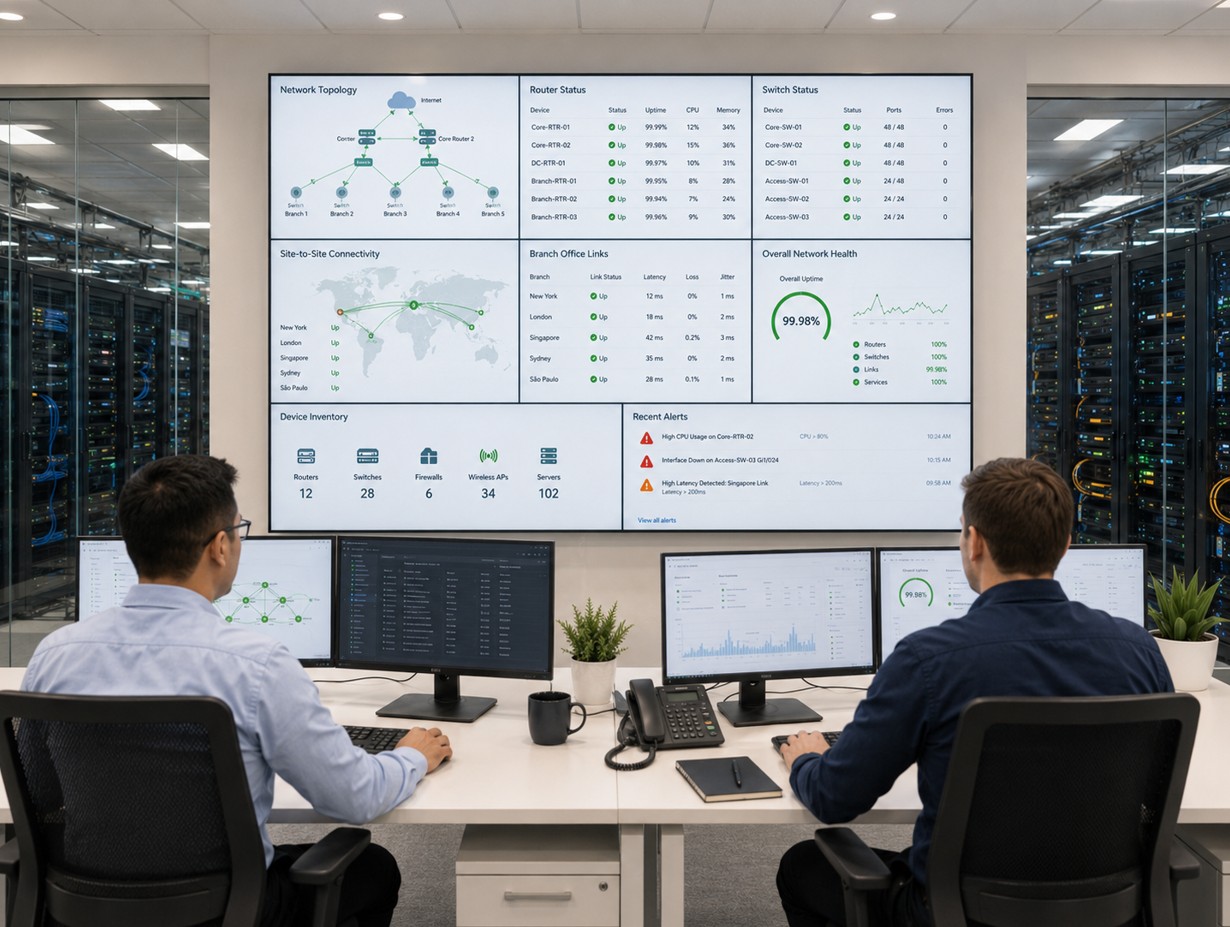
Review monitoring dashboards, recurring alerts, device health, uptime, and owner-friendly summaries.
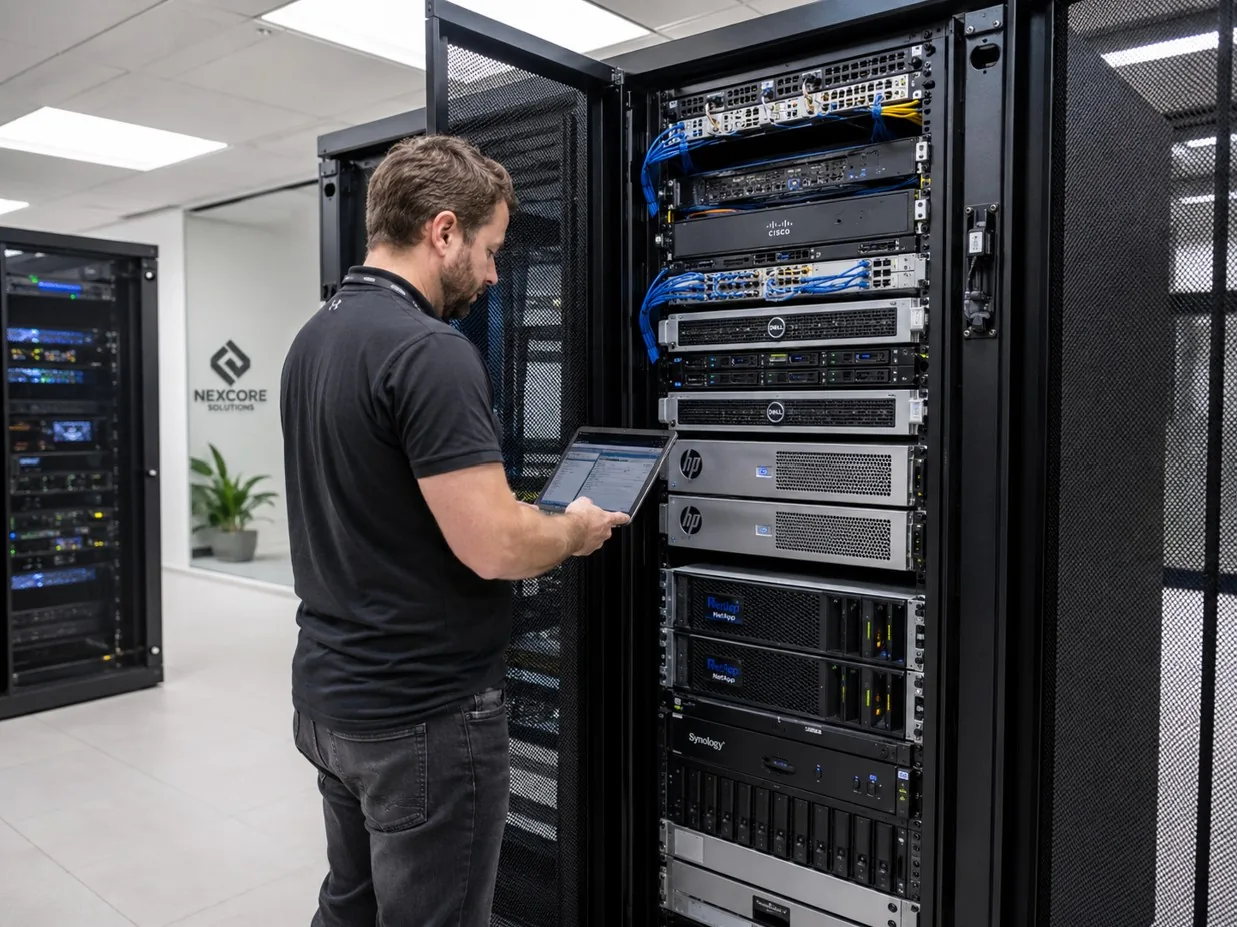
Track server signals such as disk space, service status, uptime, resource pressure, and follow-up needs.
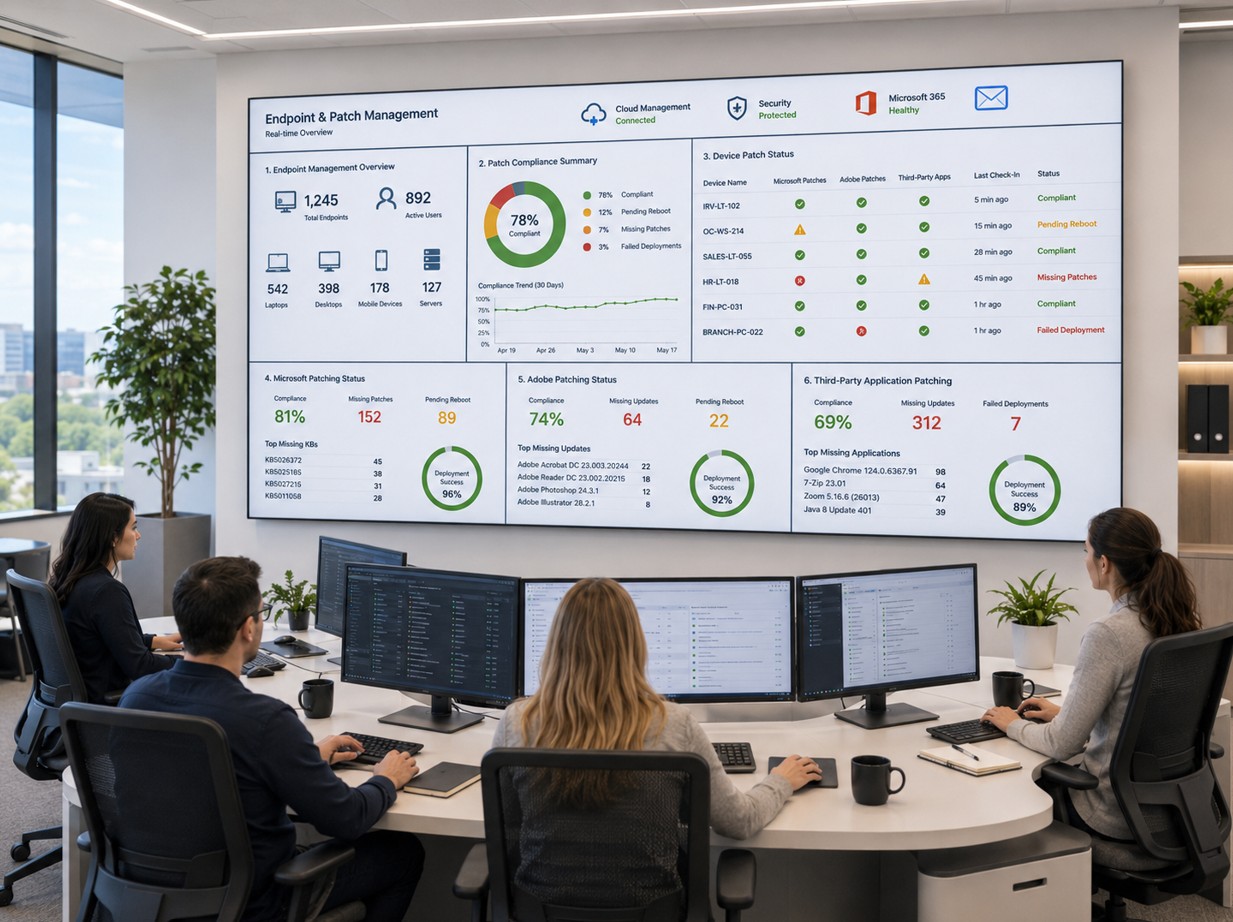
Use device records, patch status, agent status, and remote support tools to improve help desk response.
Monitoring Workflow
Review endpoints, servers, current tools, agent coverage, alert noise, maintenance gaps, and reporting needs.
Set monitoring categories, alert thresholds, patch visibility, dashboard views, remote support access, and escalation expectations.
Track device health, uptime, services, disk space, patch status, and recurring alerts through the RMM platform.
Route important alerts to the right support path with practical follow-up instead of unmanaged notification noise.
Create monthly reporting that business owners and IT teams can use to see trends, risks, maintenance progress, and next steps.
Deliverables
Who This Is For
Before And After
| Before | After |
|---|---|
| Device issues are discovered after users complain | RMM monitoring improves device and alert visibility |
| Patch status is checked manually or not at all | Patch status is easier to review and report |
| Disk space problems become emergencies | Storage warnings can be reviewed earlier |
| Server health is hard to explain to owners | Server health is summarized in clearer reports |
| Alerts exist but escalation is unclear | Alert ownership and follow-up are documented |
| Remote support lacks device context | Remote support starts with better device information |
| Internal IT has limited shared visibility | Co-managed teams share operational visibility |
Related Free Tools
Use a recurring checklist to review patching, backups, endpoints, accounts, and maintenance tasks.
Open toolTrack monitored devices, owners, locations, lifecycle status, and support records.
Open toolCheck whether monitoring tools, alerts, escalation steps, and support procedures are documented.
Open toolSouthern California Service Area
ITperfection supports RMM tools, endpoint monitoring, server monitoring, alerts, patch status visibility, uptime monitoring, remote support, and monthly reporting across Southern California, Los Angeles County, and Orange County.
We support businesses in cities such as:

Expert Consultant
Ali Hassani brings 25+ years of IT, Microsoft, server, network, cloud, and cybersecurity experience to help businesses turn monitoring data into practical support operations. For RMM and remote monitoring, Ali helps align endpoint health, server alerts, patch visibility, remote support, monthly reporting, and escalation with real business needs.
CISSP • CCISO • CCNP • MCSE • MCITP • Microsoft, Cisco, server, cloud, and network infrastructure experience







FAQ
RMM remote monitoring services use remote monitoring and management tools to help track endpoints, servers, alerts, patch status, uptime, disk space, services, device health, and support visibility.
RMM is one technology foundation used for proactive monitoring and maintenance. This page focuses specifically on RMM tools, agents, dashboards, alerts, reporting, and escalation rather than the broader service program.
ITperfection can help monitor supported business endpoints, laptops, desktops, servers, and selected systems where the right agent, permissions, and management process are in place.
Yes. RMM tools can help show missing updates, failed installs, reboot needs, patch status trends, and devices that need follow-up.
Yes. ITperfection can help configure practical disk space alerts, service alerts, uptime checks, and health indicators for supported servers and devices.
Yes. ITperfection can provide monthly reporting for device health, alerts, patch status, maintenance checks, recurring issues, and support priorities.
Yes. RMM dashboards and reporting can help internal IT teams and ITperfection share visibility while keeping responsibilities and escalation expectations clear.
ITperfection provides RMM and remote monitoring services for businesses in Irvine, Orange County, Los Angeles County, Southern California, and supported remote environments.
If device issues, patch status, alerts, or server health are hard to track, ITperfection can help organize remote monitoring into a clearer maintenance and reporting process.
We use necessary cookies and limited analytics and advertising-measurement cookies. Select Accept to allow optional cookies or Deny to continue with necessary cookies only. No name or email is required. You may close this website at any time.
