
Business printer support
Support office printers, shared printer access, printer queues, recurring print failures, and user troubleshooting.
Practical IT support for business printers, scanners, shared print queues, scanner-to-email, print servers, drivers, vendor coordination, and recurring office print issues.
Office Print Operations
Printer and scanner problems are small until they stop billing, intake, shipping, medical records, legal documents, accounting work, or daily office operations. Shared printers, scan-to-email, print servers, drivers, vendor settings, and user access all need practical ownership.
ITperfection provides printer and scanner management services for businesses in Irvine, Orange County, Los Angeles County, and Southern California. The focus is operational: reduce recurring print tickets, document settings, coordinate vendors, support users, and make replacement planning less reactive.
Common Office Problems
Services Provided
Support office printers, shared printer access, printer queues, recurring print failures, and user troubleshooting.
Troubleshoot scanner access, scan workflow issues, device connectivity, scan folders, and user-level scanning problems.
Coordinate scanner-to-email settings, SMTP details, Microsoft 365 considerations, app passwords where appropriate, DNS, and sender settings.
Coordinate print server queues, printer shares, driver packages, server access, and vendor or internal IT responsibilities.
Help deploy shared printers to users and workstations with practical naming, access, and support procedures.
Review duplicate drivers, old queues, broken driver packages, workstation conflicts, and recurring driver-related tickets.
Support user permissions, group access, workstation mapping, and onboarding or offboarding printer access changes.
Coordinate with copier and printer vendors for firmware, support calls, device replacements, scan settings, and escalation.
Review practical secure print settings, output handling, shared office considerations, and security handoff needs.
Document printer IP addresses, DNS names, locations, ports, departments, vendors, and support ownership.
Track aging devices, recurring failures, vendor contract notes, lifecycle concerns, and replacement planning.
Identify repeated print and scan problems, likely root causes, escalation paths, and owner-friendly next steps.
Create support notes for printer queues, scanner-to-email, vendor contacts, IP settings, and recurring troubleshooting steps.
Support Workflow
Inventory printers, scanners, print queues, user access, vendor contacts, scan-to-email settings, and recurring tickets.
Address urgent printer, scanner, driver, queue, scan-to-email, and user access issues affecting office work.
Record printer IPs, locations, models, vendors, print server details, scan settings, and support procedures.
Work with printer vendors, copier providers, Microsoft 365 support, network teams, and internal IT contacts.
Clean up old queues, duplicate drivers, unclear naming, access gaps, and recurring support patterns.
Provide owner-friendly notes on recurring problems, device lifecycle, vendor issues, and practical next steps.
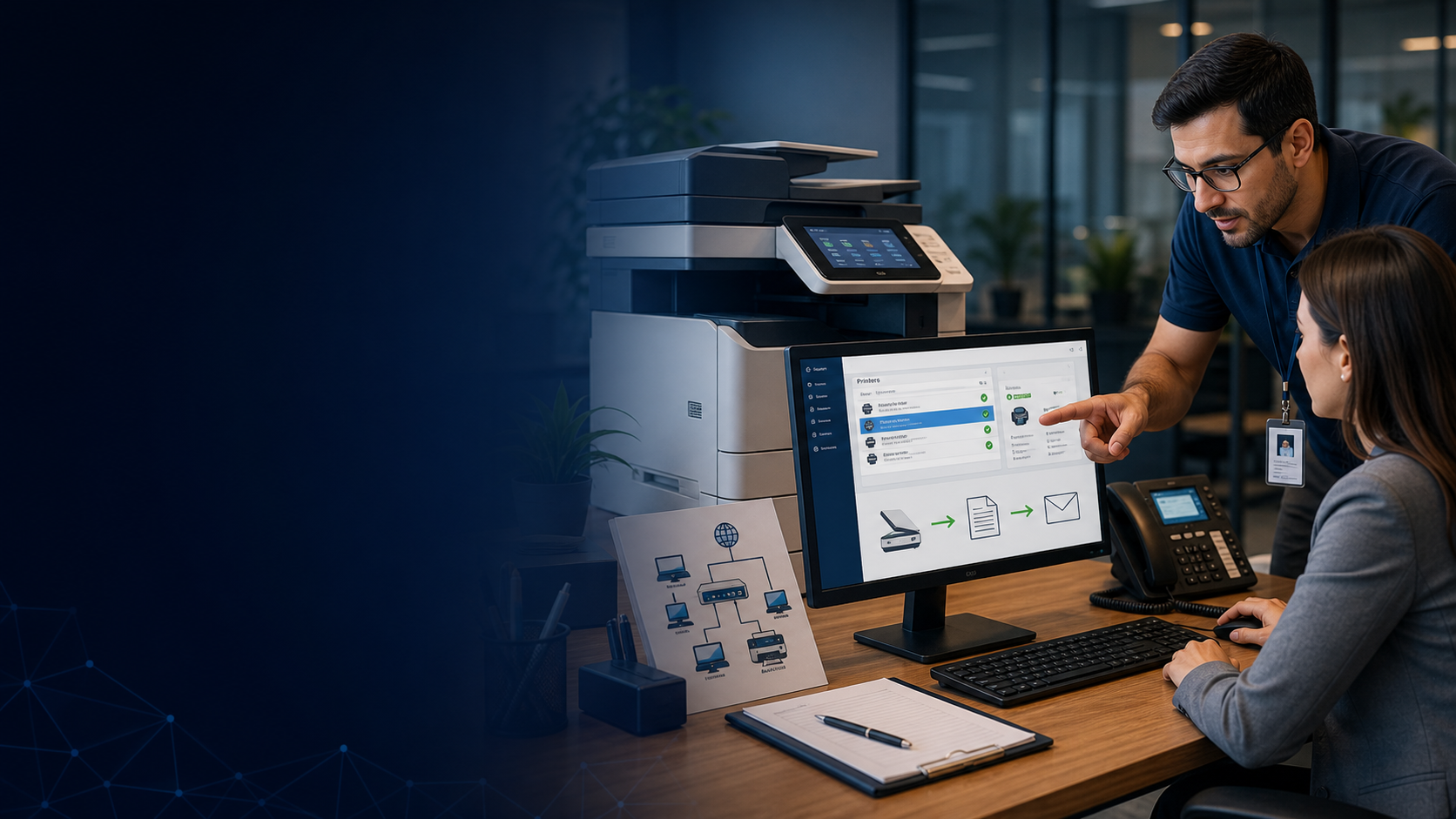
Support shared printers, scanners, driver issues, user access, recurring failures, and daily office print workflows.

Document printer IPs, scan settings, vendors, print queues, locations, owners, and support procedures.
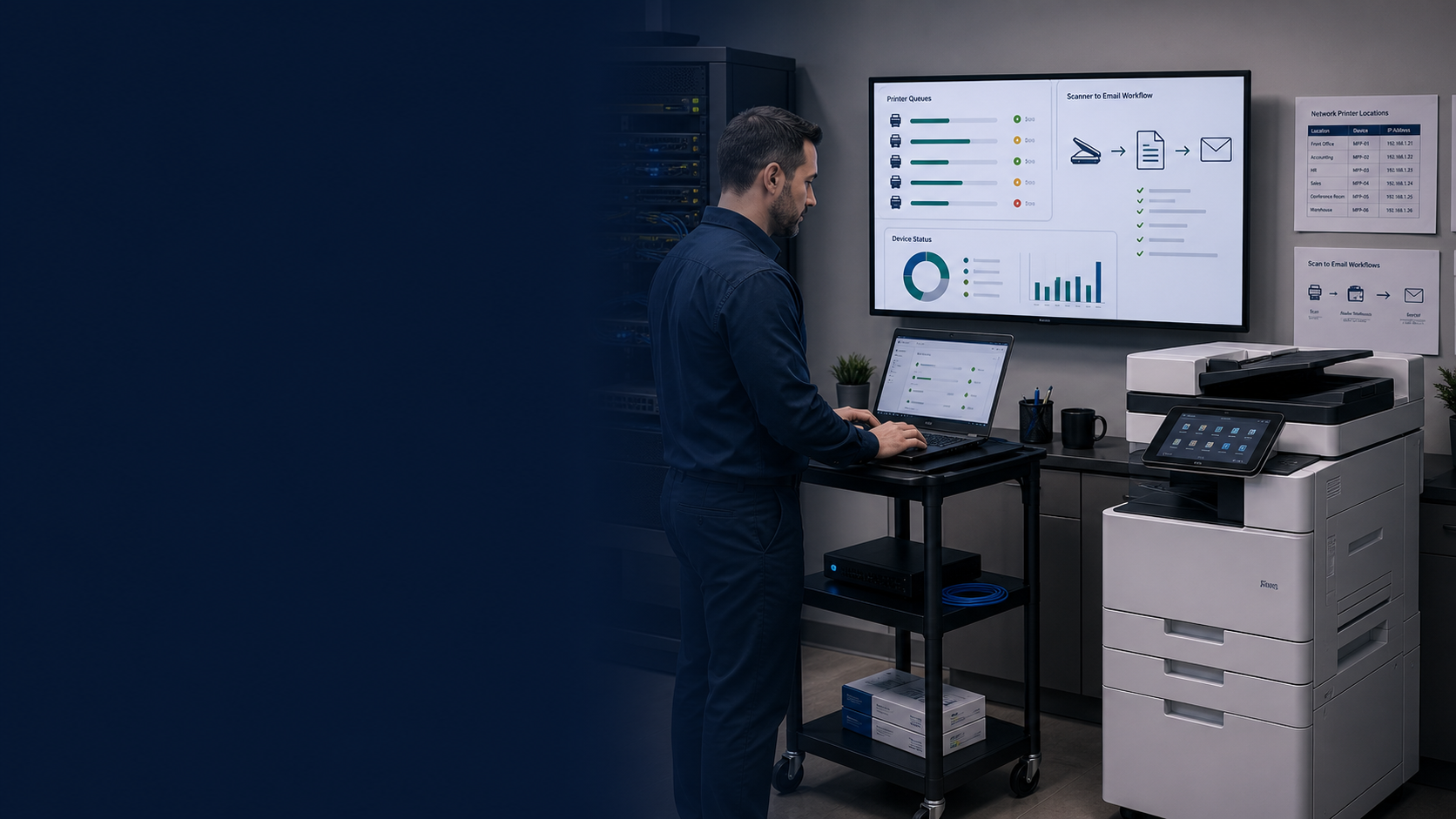
Coordinate print servers, network printer IPs, VLAN or subnet notes, DNS names, and vendor technical details.
Deliverables
Who This Is For
Before And After
| Area | Before | After |
|---|---|---|
| Printer access | Users rely on informal fixes when printers disappear or jobs fail. | Printer access, queues, and support steps are documented and easier to troubleshoot. |
| Scanner-to-email | Scanning fails after cloud, password, SMTP, or Microsoft 365 changes. | Scan-to-email settings and escalation paths are documented for faster recovery. |
| Vendor coordination | Office staff are stuck between IT, copier vendors, and internet providers. | ITperfection coordinates technical details with vendors and reports next steps. |
| Documentation | Printer IPs, models, locations, and print server details are scattered. | Printers and scanners are documented with owners, locations, settings, and procedures. |
Local Service Area
ITperfection helps businesses manage printers, scanners, scanner-to-email, print servers, vendor coordination, documentation, and recurring troubleshooting across Southern California, Los Angeles County, and Orange County cities like Irvine, Santa Ana, Anaheim, Costa Mesa, Newport Beach, Tustin, Los Angeles.
Contact ITperfection to schedule a printer and scanner support review.
Related Services
For deeper cybersecurity, compliance, or secure print audit needs, OC Security Audit can review broader security controls and risk.
Start by documenting printers, scanners, print queues, vendors, and recurring issues. Then decide what should be fixed, cleaned up, replaced, or escalated.

Expert Consultant
Ali Hassani brings 25+ years of IT, Microsoft, server, network, cybersecurity, and managed IT experience to practical office technology support. For printer and scanner management, Ali helps businesses connect help desk support, print servers, vendor coordination, network documentation, user access, and owner-friendly reporting.
Learn more about Ali Hassani or schedule a consultation.




FAQ
Printer and scanner management services help businesses support shared printers, scanners, scanner-to-email, print servers, printer drivers, user access, vendor coordination, documentation, and recurring troubleshooting.
Yes. ITperfection can help review scanner-to-email settings, SMTP details, Microsoft 365 considerations, DNS, sender settings, vendor requirements, and related troubleshooting steps.
Yes. ITperfection can coordinate print server queues, shared printer deployment, driver cleanup, printer naming, user access, and support documentation.
Yes. ITperfection can coordinate with copier and printer vendors to clarify network settings, scan settings, firmware, support tickets, replacement planning, and escalation steps.
Yes. ITperfection can review duplicate printer queues, outdated drivers, workstation conflicts, and recurring driver-related print problems.
ITperfection can review practical secure print considerations and operational settings. For deeper cybersecurity audits or compliance reviews, ITperfection can coordinate with OC Security Audit.
ITperfection provides printer and scanner management services for businesses in Irvine, Orange County, Los Angeles County, and Southern California.
If printers, scanners, scan-to-email, drivers, print queues, or vendors keep slowing down office work, ITperfection can help organize the support process.
We use necessary cookies and limited analytics and advertising-measurement cookies. Select Accept to allow optional cookies or Deny to continue with necessary cookies only. No name or email is required. You may close this website at any time.
