
Cleaner standards
Organize user, computer, printer, drive, password, and workstation policies around how the business actually works.
Keep Windows domain policies organized, documented, and easier to support. ITperfection helps businesses manage GPO cleanup, mapped drives, printer deployment, login scripts, password and lockout coordination, Windows settings, OU alignment, troubleshooting, and change control.

Windows Domain Operations
Group Policy is often where business standards, user experience, drive mappings, printers, workstation settings, login scripts, and security-related Windows settings meet. When GPOs are clean and documented, daily support becomes easier. When they are neglected, users see inconsistent behavior and IT teams lose time troubleshooting.
ITperfection provides Group Policy management services for businesses in Irvine, Orange County, Los Angeles County, and Southern California that need practical Windows domain policy support without turning the work into a cybersecurity audit page.
Organize user, computer, printer, drive, password, and workstation policies around how the business actually works.
Reduce recurring issues caused by old GPOs, unclear inheritance, conflicting settings, or poorly documented changes.
Document policy purpose, test changes, plan rollback, and coordinate with Active Directory support before broad rollout.
Common GPO Problems
Old GPOs remain linked even when nobody remembers why they exist.
Drive mappings and printers work for some users but not others.
Password, lockout, workstation, and application settings conflict across OUs.
Login scripts and policies slow down sign-in or create inconsistent user experiences.
Policy changes are made without documentation, testing, or rollback notes.
Internal IT teams need help cleaning up inherited Windows domain policy decisions.
Services Provided
Review current GPOs, inheritance, security filtering, links, WMI filters, processing behavior, and operational purpose.
Identify unused, duplicate, outdated, confusing, or risky policies before they create support problems.
Organize mapped drives for departments, locations, security groups, and business file share access.
Coordinate printer deployment through Group Policy so users receive the right printers with less manual support.
Coordinate password and lockout policy expectations with Active Directory support, owners, and operational needs.
Review practical Windows security settings without turning the service into a cybersecurity audit engagement.
Separate user settings, computer settings, workstation standards, server exceptions, and business application needs.
Review legacy login scripts, replace what can be simplified, and document what must remain.
Align GPO links with OU structure, departments, devices, locations, and administrative responsibilities.
Troubleshoot conflicting settings, slow logons, unexpected drive mappings, printer issues, and inconsistent workstation behavior.
Document policy purpose, owner, links, settings, exceptions, dependencies, and last review notes.
Plan changes with practical testing, rollback notes, change windows, and communication to affected users.
Operational Visibility

Coordinate GPO work with Active Directory, domain controllers, DNS, file shares, and Windows Server operations.
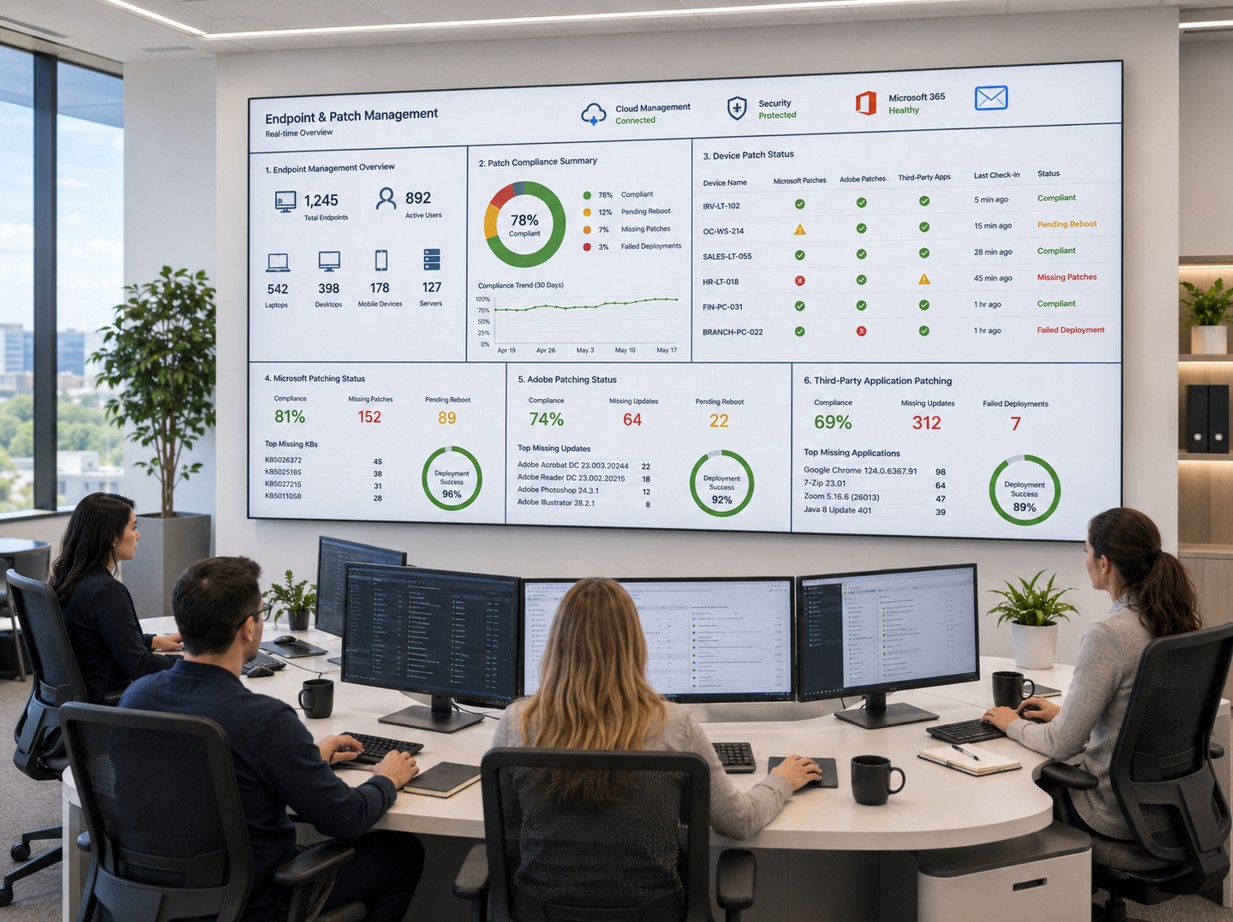
Use policy structure to support consistent workstation behavior, mapped drives, printers, and user experience.
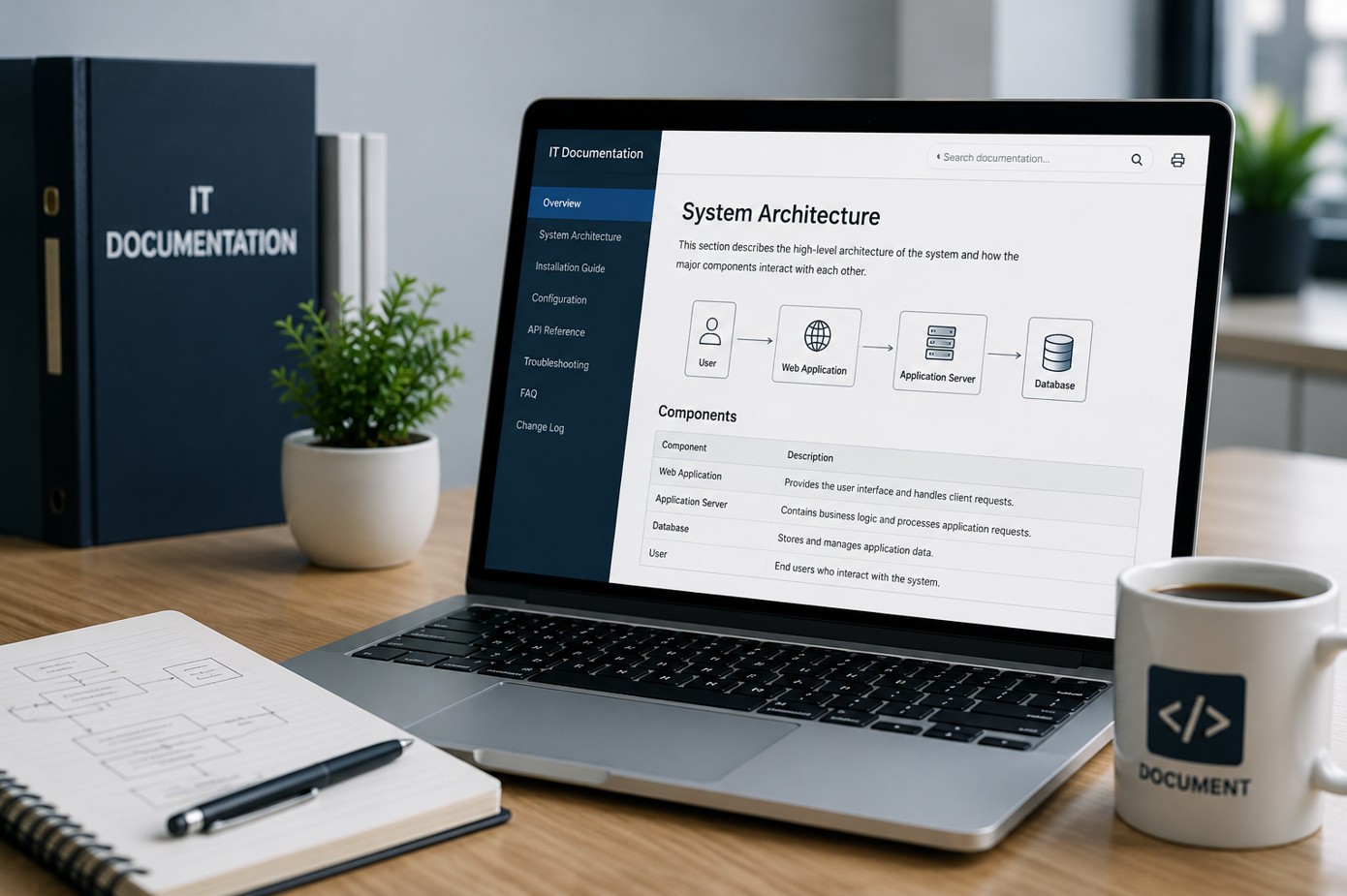
Keep notes on policy purpose, settings, links, exceptions, change history, and rollback planning.
Workflow
Collect current GPOs, OU structure, links, security filtering, login scripts, drive mappings, printer policies, and known support issues.
Identify duplicate, stale, conflicting, unclear, or business-critical policies and document what each policy appears to do.
Separate quick cleanup items from changes that need testing, communication, rollback planning, or Active Directory coordination.
Validate policy changes against selected computers, users, OUs, departments, or locations before broad rollout.
Record policy purpose, owner, settings, linked OUs, security filtering, exceptions, and rollback notes.
Coordinate future GPO changes with Active Directory support, server management, help desk, and co-managed IT workflows.
Deliverables
Who This Is For
Before And After
| Without GPO management | With practical Group Policy support |
|---|---|
| Old policies remain linked without clear ownership. | Policies have purpose, owner notes, links, and review context. |
| Mapped drives, printers, and scripts behave inconsistently. | Policies are reviewed against users, OUs, groups, and computer standards. |
| Changes are made without testing or rollback notes. | Changes are planned with testing, communication, and rollback steps. |
| Active Directory and endpoint support feel disconnected. | GPO work is coordinated with AD, server, endpoint, and help desk operations. |
Local Service Area
ITperfection helps businesses manage Windows domain policies, GPO cleanup, mapped drives, printers, login scripts, password coordination, documentation, and Active Directory support across Southern California, Los Angeles County, and Orange County cities including:
Related Pages
For formal security audits or cloud identity security reviews, use OC Security Audit.

Expert Consultant
Ali Hassani brings 25+ years of IT, Microsoft infrastructure, Windows Server, Active Directory, network, cloud, cybersecurity, and operations experience to Group Policy management. He helps businesses organize GPOs in a practical way that supports users, computers, documentation, support teams, and business operations.
For this topic, Ali can help review GPO structure, drive and printer policies, login scripts, OU alignment, password and lockout coordination, Windows settings, troubleshooting, and change-control planning.





FAQ
Group Policy management services help businesses review, organize, document, troubleshoot, and maintain GPOs used for Windows domain settings, mapped drives, printers, login scripts, password policies, workstation settings, and business standardization.
Yes. ITperfection can review old, duplicate, unused, unclear, or conflicting GPOs and recommend cleanup steps with testing and rollback planning.
Yes. ITperfection helps organize drive mapping policies, printer deployment policies, security group targeting, OU links, and documentation so users receive the right resources.
Yes. Group Policy work is often tied to OU structure, domain controllers, user and computer objects, security groups, and Windows domain support. ITperfection coordinates GPO work with Active Directory support needs.
No. This page focuses on practical managed IT operations, user experience, standardization, troubleshooting, and documentation. Formal cybersecurity audit work is handled separately through OC Security Audit when needed.
Yes. ITperfection can document GPO purpose, links, security filtering, settings, owners, exceptions, dependencies, and change-control notes.
If GPOs are hard to understand, mapped drives and printers are inconsistent, or policy changes are difficult to document, ITperfection can help organize the work into a practical support plan.
We use necessary cookies and limited analytics and advertising-measurement cookies. Select Accept to allow optional cookies or Deny to continue with necessary cookies only. No name or email is required. You may close this website at any time.
