IT Operations & Cybersecurity Encyclopedia

Microsoft 365 Security Configuration Guide

Technical guidance for securing Microsoft 365 tenants with Entra ID, MFA, Conditional Access, Defender for Office 365, Exchange Online protection, SharePoint and OneDrive controls, Teams governance, audit logs, DLP, retention, admin roles, and risky sign-in monitoring.

MFA and Conditional AccessDefender and email securityPurview and audit logs

Microsoft 365 Security

Microsoft 365 security is a tenant-wide operating model, not one setting.

A secure Microsoft 365 tenant combines identity security, administrator control, email protection, file sharing governance, Teams collaboration settings, audit logging, endpoint signals, DLP, retention, backup, and recurring review. IT administrators should treat Microsoft 365 as core business infrastructure because email, files, chat, authentication, and cloud applications all converge in the tenant.

1Tenant security baseline

Microsoft 365 tenant security starts with identity, admin role design, authentication controls, audit logs, sharing settings, and threat protection.

2Product-level controls

Exchange Online, SharePoint, OneDrive, Teams, Defender, Purview, and Entra ID each have controls that need coordinated configuration.

3Operational monitoring

Secure Score, risky sign-ins, audit logs, SIEM integration, and recurring reviews turn configuration into ongoing security operations.

Identity and Entra ID

Identity controls are the front door of Microsoft 365.

Microsoft Entra ID controls sign-ins, application access, users, groups, guest accounts, service principals, authentication methods, risky users, risky sign-ins, and administrator roles. Start by protecting privileged accounts, reviewing guest users, reducing permanent admin access, and monitoring sign-in risk.
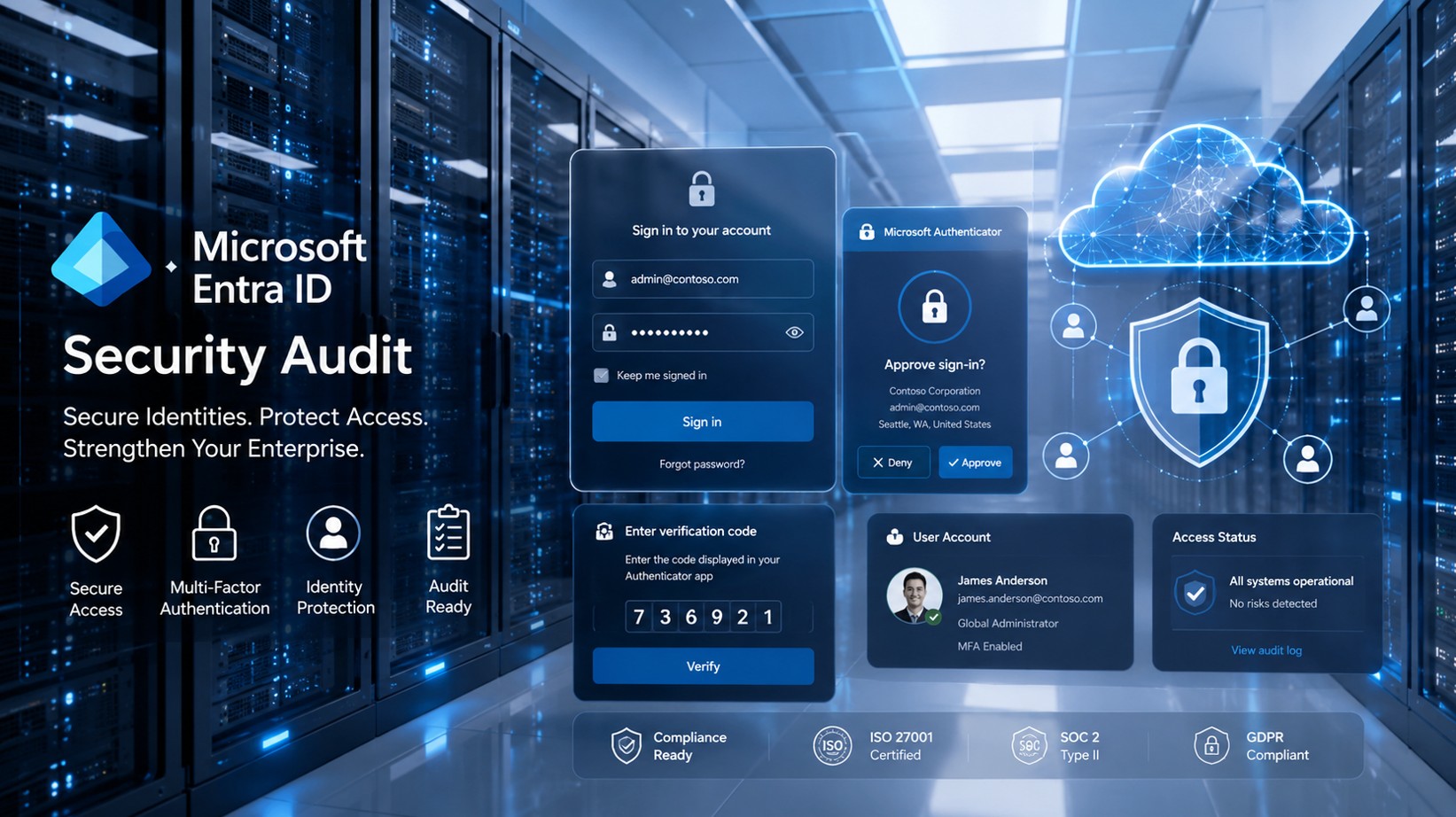
Microsoft Entra ID security audit for Microsoft 365 identity protection and MFA

MFA

MFA reduces account compromise risk, but it must be implemented carefully.

What to configure

  • Require MFA for administrators and users.
  • Use phishing-resistant methods where business risk justifies it.
  • Protect break-glass accounts with documented controls and monitoring.
  • Review authentication methods and legacy authentication exposure.
  • Use registration campaigns and reporting to reduce gaps.

What to avoid

Avoid relying only on per-user MFA, unmanaged exceptions, shared accounts, weak recovery processes, and unmonitored emergency accounts. MFA should be part of Conditional Access and identity governance, not a one-time checkbox.

Conditional Access

Conditional Access turns identity signals into access decisions.

Require MFA for risky access
Block legacy authentication
Require compliant or hybrid-joined devices where appropriate
Limit access by location or risk
Protect admin portals
Use app-enforced restrictions
Review report-only results before enforcement
Document every exception
Microsoft 365 email security and Exchange Online support for business users

Email Security and Exchange Online

Exchange Online is a common entry point for attacks and business disruption.

Review Defender for Office 365, Exchange Online Protection, anti-phishing policies, Safe Links, Safe Attachments, impersonation protection, mailbox forwarding, mailbox delegation, transport rules, quarantine workflow, SPF, DKIM, DMARC, and user reporting. Email security should connect to identity risk, endpoint telemetry, and incident response.

DLP, Retention, SharePoint, OneDrive, and Teams
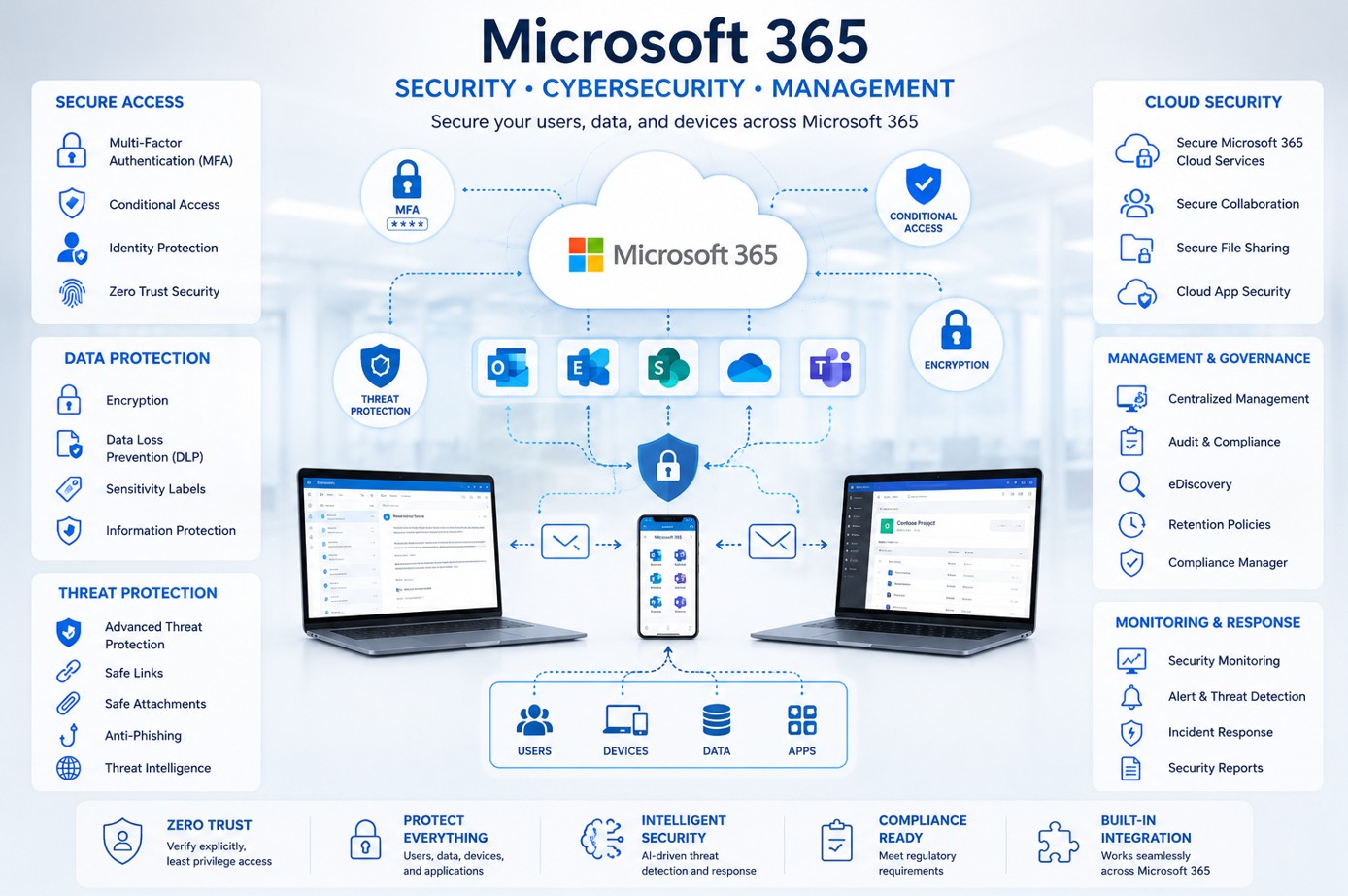
Microsoft 365 data controls protect files, collaboration, and compliance evidence.

Data protection controls

  • Microsoft Purview DLP policies
  • Sensitivity labels and encryption
  • Retention policies and retention labels
  • eDiscovery and audit requirements
  • SharePoint and OneDrive external sharing controls
  • Teams guest access and channel governance
Microsoft 365 security controls for MFA Conditional Access DLP and threat protection

Highlighted Guidance

How to Secure Microsoft 365: Best Practices and Industry-Standard Technologies

Microsoft 365 security requires layered controls across identity, email, endpoint, data protection, monitoring, backup, and administrator governance. Prioritize controls that reduce account compromise, data leakage, and delayed incident response.

Best practices

  • Require MFA for users and stronger phishing-resistant authentication for administrators where practical.
  • Use Conditional Access policies for risky sign-ins, device state, location, applications, and session controls.
  • Enable and tune Microsoft Defender for Office 365 phishing, Safe Links, Safe Attachments, impersonation, and anti-spam controls.
  • Deploy Microsoft Defender for Endpoint and integrate endpoint signals into identity and cloud security response.
  • Use Microsoft Purview DLP, sensitivity labels, retention policies, and audit solutions for data protection and evidence.

Industry-standard technologies

  • Review Microsoft Secure Score, but validate recommendations against business risk rather than treating the score as the only objective.
  • Use Entra ID Privileged Identity Management for eligible admin roles and time-bound privileged access.
  • Send audit and security logs to Microsoft Sentinel or another SIEM for detection and investigation.
  • Back up Microsoft 365 data with a strategy that covers Exchange, SharePoint, OneDrive, Teams, retention, and legal requirements.
  • Train users, test phishing resilience, and use phishing protection technologies to reduce email-based account compromise.

Authoritative references: Microsoft Learn Microsoft 365 security, Microsoft Zero Trust, Microsoft Security, Microsoft Defender for Office 365, Microsoft Purview DLP, CISA SCuBA project, CISA, NIST Cybersecurity Framework, MITRE ATT&CK, and NVD.

Business Impact

Microsoft 365 misconfiguration can affect email, files, identity, compliance, and operations.

Mailbox compromise
Business email compromise
Data leakage from SharePoint or OneDrive
Uncontrolled external sharing
Privilege abuse
Ransomware staging through synced files
Teams collaboration exposure
Compliance evidence gaps
Delayed incident response
User productivity disruption
Cloud app access from risky devices
Regulatory and client trust concerns

Maintenance

Recurring Microsoft 365 security maintenance checklist.

Review admin roles and privileged access assignments.
Review MFA registration, authentication methods, and break-glass accounts.
Review Conditional Access policies and report-only changes before enforcement.
Review risky users, risky sign-ins, and sign-in logs in Entra ID.
Review Defender for Office 365 quarantine, phishing, Safe Links, and Safe Attachments events.
Review Exchange Online transport rules, forwarding, mailbox delegation, and anti-spam policies.
Review SharePoint, OneDrive, and Teams external sharing settings.
Review DLP, retention, sensitivity labels, and Purview alerts.
Review Microsoft Secure Score improvement actions.
Validate audit log retention and SIEM/Sentinel ingestion.
Test Microsoft 365 backup and recovery procedures.
Review inactive accounts, guest users, stale devices, and service accounts.
Ali Hassani CISO IT infrastructure and cybersecurity consultant

Ali Hassani, CISO

Microsoft 365 security requires identity, cloud, endpoint, email, and compliance leadership.

Ali Hassani, CISO, has 25+ years of IT infrastructure, cybersecurity, Microsoft environments, network security, business IT management, and compliance-focused operations experience. Microsoft 365 security connects identity, email, collaboration, endpoint telemetry, cloud administration, audit evidence, retention, DLP, and incident response.

For Microsoft 365 projects, Ali helps organizations connect Entra ID, MFA, Conditional Access, Defender for Office 365, Defender for Endpoint, Exchange Online, SharePoint, OneDrive, Teams, Purview, Secure Score, SIEM/Sentinel, and backup planning into a practical security program.

CISSP, CCISO, CCNP, CCNA, MCSE, MCSA Security, MCITP, MCP, MCTS.

CISSP certification logoCCISO vCiso Certification ITsecurity certification logoccnp Cisco Certified Routing Switching certification logocisco certified network associate routing and switching ccna routing and switching certification logoMicrosoft Certified Systems Engineer certification logoMicrosoft Certified Solutions Expert 1 certification logomicrosoft certified systems administrator 1 certification logo

FAQ

Microsoft 365 Security Configuration FAQ

What is Microsoft 365 security configuration?

Microsoft 365 security configuration is the process of securing identity, email, files, collaboration, admin access, audit logs, data protection, and threat protection across a Microsoft 365 tenant.

Is MFA enough to secure Microsoft 365?

No. MFA is essential, but Microsoft 365 security also requires Conditional Access, admin role controls, Defender, auditing, data protection, secure sharing, backup, and recurring review.

What should administrators review first?

Start with admin accounts, MFA, Conditional Access, risky sign-ins, audit logging, Exchange Online protection, Secure Score, external sharing, and backup/recovery assumptions.

Do small businesses need Microsoft 365 backup?

Many organizations should consider Microsoft 365 backup because retention, recycle bins, and versioning are not the same as a tested business recovery strategy.

Does this guide replace a security audit?

No. This guide is for initial guidance only and does not replace a professional cybersecurity audit, compliance assessment, penetration test, or legal/compliance review.

Contact IT Perfection for Microsoft 365 security configuration support.

Need help reviewing MFA, Conditional Access, Defender, Exchange Online, SharePoint, OneDrive, Teams, DLP, audit logs, Secure Score, admin roles, risky sign-ins, or Microsoft 365 backup? IT Perfection can help create a practical Microsoft 365 security support plan.

Created by Ali Hassani, CISO - 25+ years of IT, cybersecurity, compliance, and infrastructure experience.