1File sharing
Central SMB or NFS storage for departmental shares, user folders, scanners, application exports, and mapped drives.
Hotline: +1 949 777 5567
Email: Info@ITperfection.com
IT Operations & Cybersecurity Encyclopedia
Network attached storage often holds the files, backups, scans, exports, and business records attackers want most. This guide explains how to secure NAS storage with access controls, Active Directory groups, SMB and NFS hardening, snapshots, immutable backups, firmware updates, encryption, network segmentation, monitoring, and ransomware recovery planning.
What Is NAS
A network attached storage system serves files through protocols such as SMB and NFS. Businesses use NAS platforms for user shares, departmental folders, scanned documents, backup repositories, surveillance archives, application exports, replication, and disaster recovery data.
Because NAS storage concentrates so much business data, weak configuration can turn one compromised credential into widespread file exposure, ransomware encryption, data deletion, or backup loss.
Shares
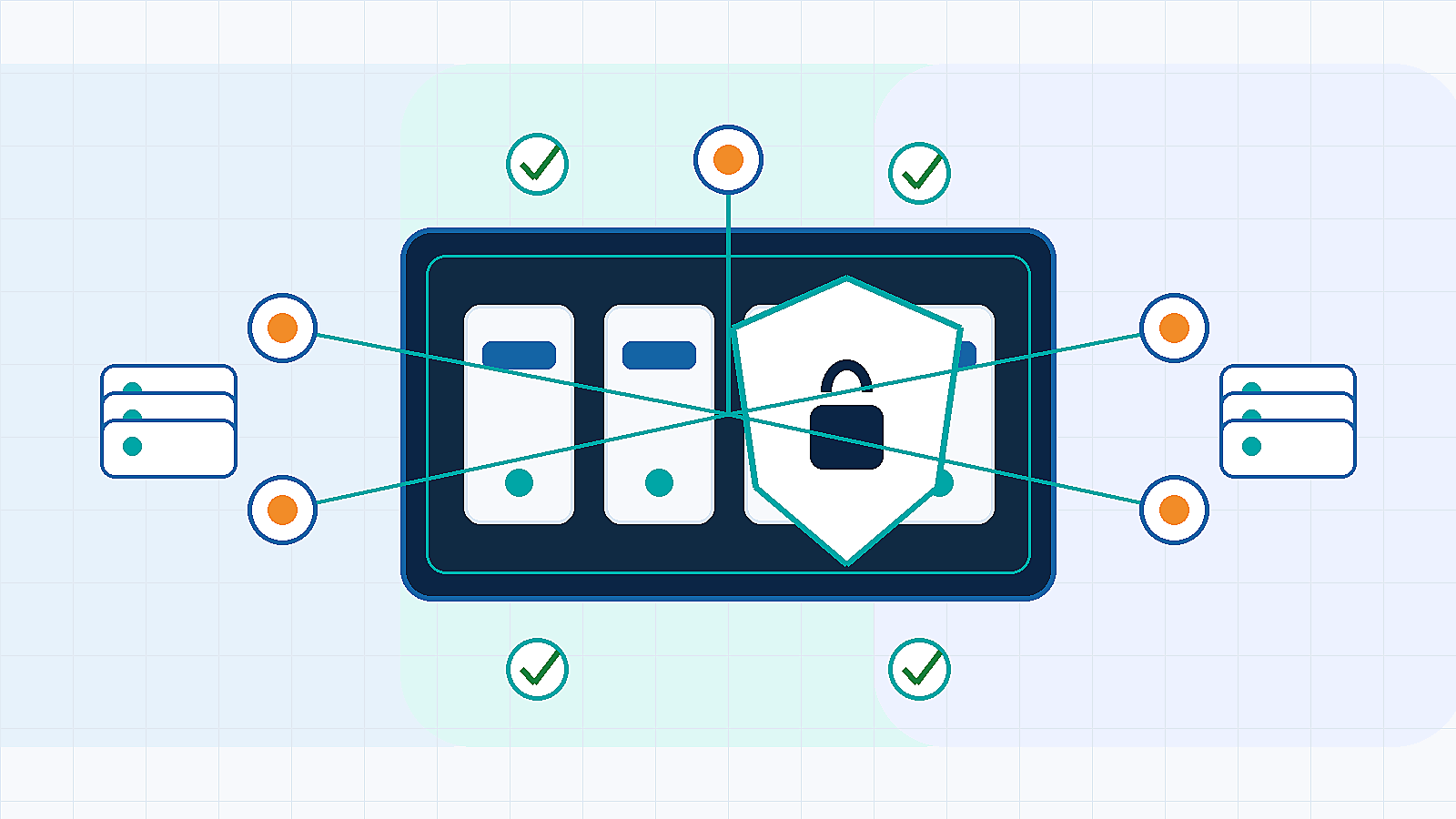
Central SMB or NFS storage for departmental shares, user folders, scanners, application exports, and mapped drives.
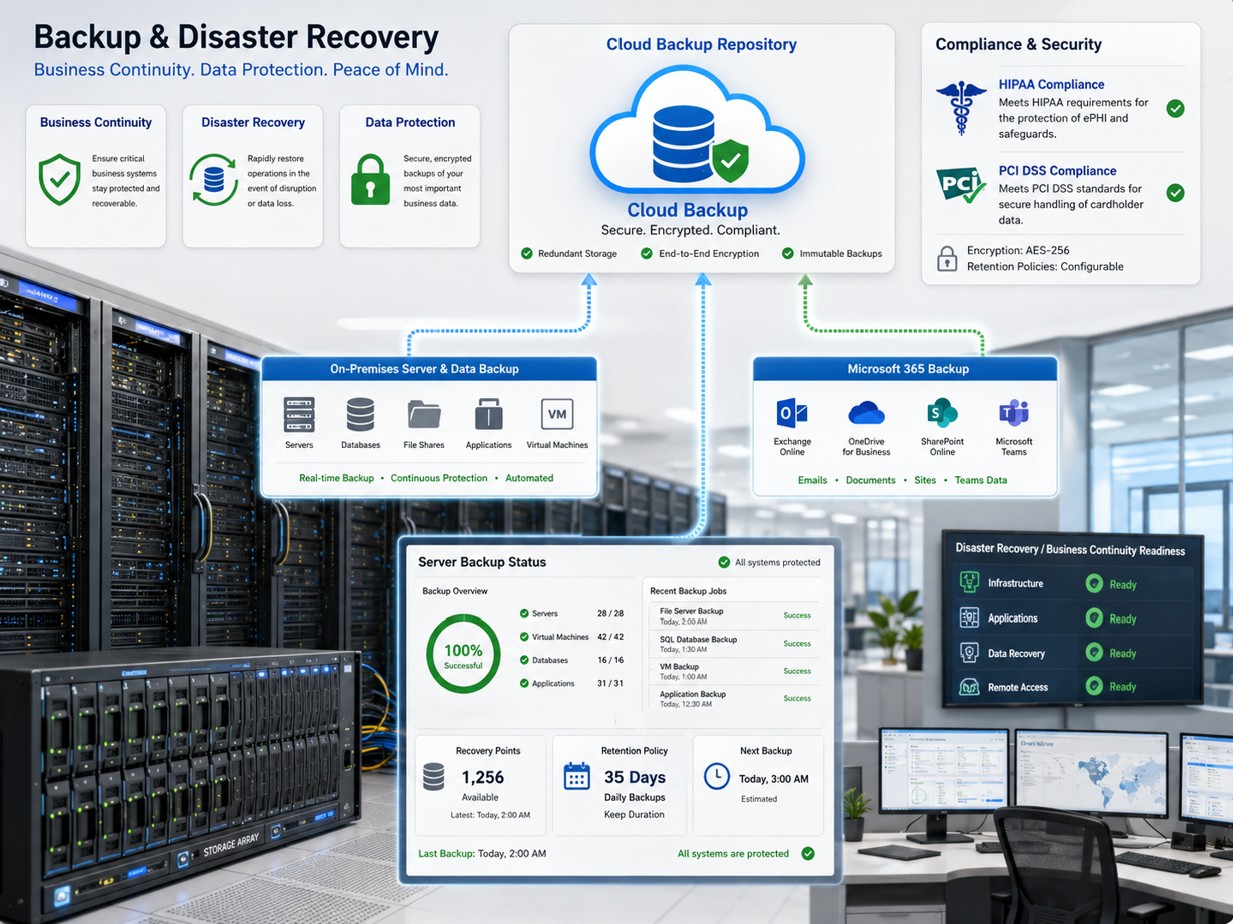
A repository for server, endpoint, Microsoft 365, or application backups when protected with immutability, segmentation, and monitoring.
A source or destination for snapshots, replica copies, cloud sync, or disaster recovery workflows.
A storage location for historical documents, project files, images, exports, and regulated business records.
Permissions
Use Active Directory integration where it fits the environment so users and groups can be managed through a central identity system. Avoid shared accounts, broad Domain Users access, unmanaged local NAS accounts, and administrator groups used for normal file access.
SMB should use modern protocol versions, signing or encryption where required, and no SMBv1. NFS exports need host restrictions, identity mapping, logging, and careful root-squash or privileged access decisions. Microsoft provides SMB security guidance in Microsoft Learn SMB security documentation.
Snapshots
Snapshots can protect against accidental deletion, changed files, and some ransomware events when retention is designed well. However, snapshots usually depend on the same storage system, same administrative plane, and same device availability.
Use locked snapshots where supported, restrict snapshot deletion permissions, monitor deletion events, and combine snapshots with independent backup copies.
Backup
Use hardened repositories, object lock, immutable storage, or offline copies so attackers cannot delete every recovery point.
Replication should include retention and protection against copying corruption or encrypted files as the only retained state.
Test file, folder, volume, and full-device recovery regularly so backup success is more than a green dashboard.
Highlighted Guidance
Secure NAS storage combines MFA where available, Active Directory integration, least privilege, SMB security, snapshots, immutable backups, firmware updates, vendor hardening, network segmentation, and monitoring.
Use vendor and government guidance when hardening NAS storage: Synology NAS security guidance, QNAP NAS security best practices, Dell PowerScale OneFS documentation, HPE storage resources, NetApp ONTAP autonomous ransomware protection, Veeam hardened repository guidance, CISA ransomware guide, CISA Known Exploited Vulnerabilities catalog, NIST Cybersecurity Framework, NIST Zero Trust Architecture, and NVD vulnerability search.
Ransomware Risks
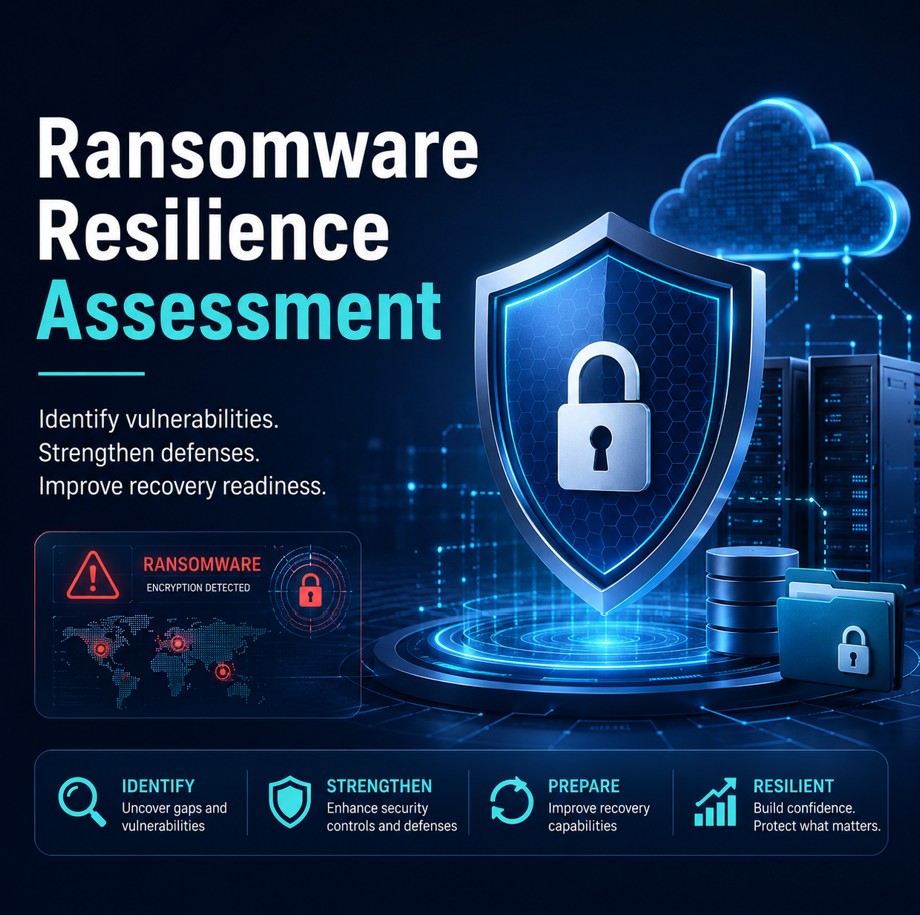
Ransomware groups target storage because NAS platforms may contain live files and reachable backups. If attackers gain user, backup, or administrator credentials, they may encrypt files, delete snapshots, erase backup jobs, or exfiltrate data.
Reduce risk by segmenting the NAS, protecting management interfaces, removing internet exposure, monitoring file-change behavior, and keeping recovery copies outside the attack path.
Maintenance
Related Resources

Ali Hassani, CISO
Ali Hassani, CISO, brings 25+ years of IT infrastructure, cybersecurity, Microsoft environments, network security, backup and disaster recovery, compliance-focused operations, managed IT, and incident response readiness experience. NAS storage sits directly between file access, identity, backup design, ransomware risk, network segmentation, monitoring, and business continuity.
Ali helps businesses review NAS access controls, shares, AD groups, snapshots, firmware, SMB security, backup immutability, and recovery procedures in a practical operating model.
CISSP, CCISO, CCNP, CCNA, MCSE, MCSA Security, MCITP, MCP, MCTS.







FAQ
NAS security configuration is the process of securing network attached storage through identity, permissions, snapshots, backup, encryption, firmware updates, network segmentation, monitoring, and recovery controls.
No. Snapshots can help with fast rollback, but they usually live on the same storage system. Businesses still need independent, immutable, offline, or otherwise protected backups.
A business NAS should not be directly exposed to the internet through simple port forwarding. Use secure remote access, VPN, ZTNA, MFA, vendor guidance, and network controls.
The biggest risk is that attackers compromise user or admin credentials and then encrypt, delete, or alter both production files and reachable backups or snapshots.
No. This guide is for initial guidance only and does not replace a professional cybersecurity audit, compliance assessment, penetration test, or legal/compliance review.
Need help with NAS shares, permissions, SMB security, snapshots, immutable backups, firmware updates, ransomware protection, or storage monitoring? IT Perfection can help review and harden your business storage environment.
Created by Ali Hassani, CISO - 25+ years of IT, cybersecurity, compliance, and infrastructure experience.