External sharing policies
Set organization and site-level sharing defaults, link expiration, anonymous link restrictions, and domain controls.
Hotline: +1 949 777 5567
Email: Info@ITperfection.com
IT Operations & Cybersecurity Encyclopedia
Learn how to secure SharePoint and OneDrive sharing with external access controls, permissions, DLP, sensitivity labels, retention, and audit logs.

SharePoint Basics
Security depends on site ownership, group membership, sharing settings, sensitivity labels, retention, and permission inheritance.
Document site purpose, owner, sensitivity, guest access, and lifecycle.
IT Perfection treats SharePoint OneDrive sharing security as an operational control: document scope, assign owners, test changes, monitor results, and communicate business impact.
OneDrive
Plan OneDrive sharing settings, sync controls, retention, manager transfer during offboarding, and external sharing risk.
Encourage users to move shared department content into SharePoint instead of long-term personal storage.
External Sharing
Review anonymous links, anyone links, new/existing guest rules, expiration, default link type, and domain restrictions.
Avoid broad anonymous sharing for sensitive business data.
Guest Users
Review guest accounts in Entra ID, SharePoint, Teams, and Microsoft 365 groups.
Remove stale guests and align collaboration with contracts, projects, and vendor relationships.
DLP
Use DLP policies, alerts, policy tips, testing mode, and incident review to reduce accidental data exposure.
Tune DLP rules to avoid blocking legitimate collaboration unnecessarily.
Sensitivity Labels
Use labels for documents, emails, Teams, groups, and SharePoint sites where licensing supports it.
Labels should match business data categories and practical user guidance.
Highlighted Guidance
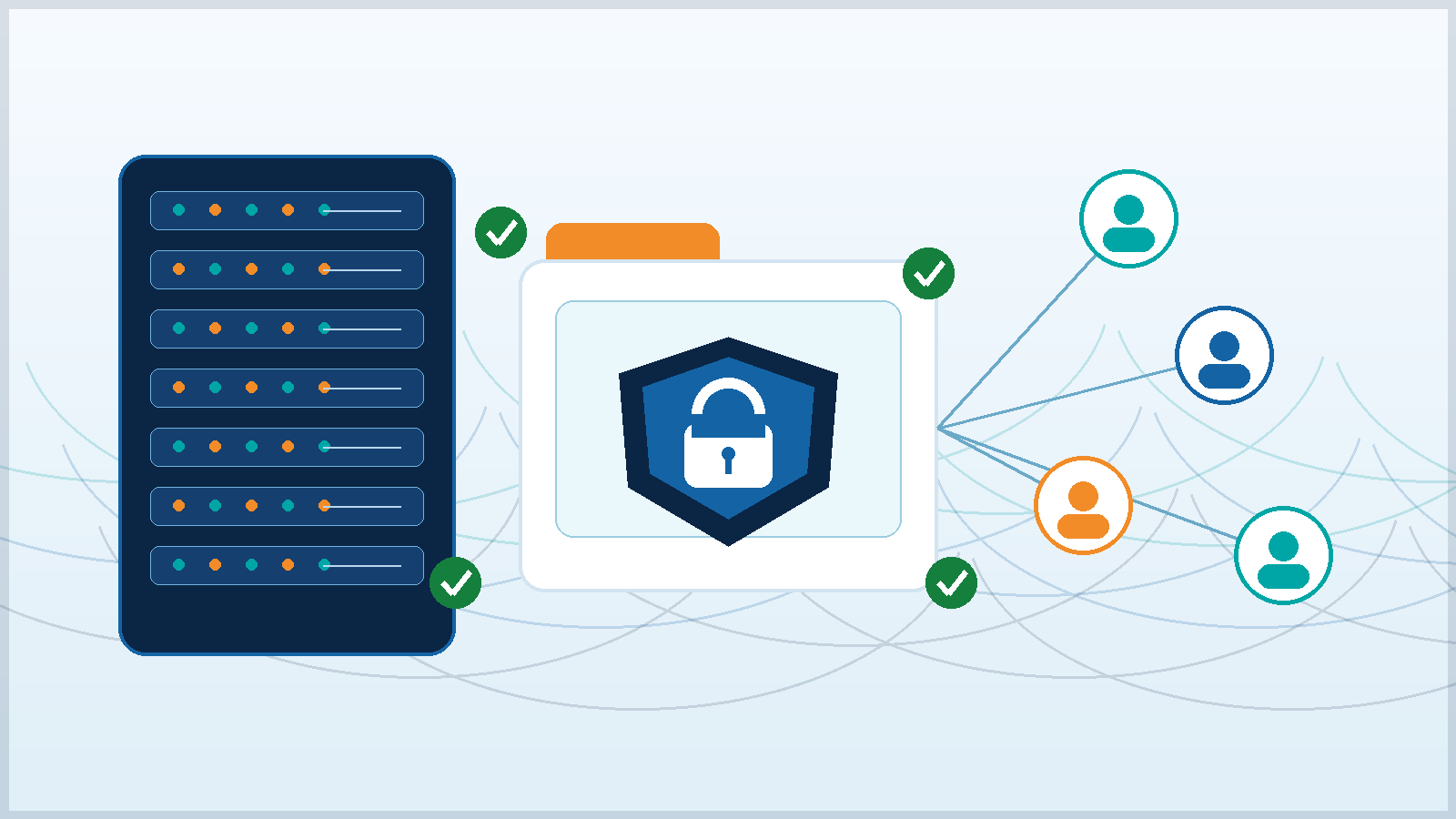
Secure file collaboration needs tenant-level sharing defaults, site-level exceptions, domain restrictions, guest lifecycle cleanup, Purview labels, DLP monitoring, and business owner accountability.
Set organization and site-level sharing defaults, link expiration, anonymous link restrictions, and domain controls.
Use DLP, sensitivity labels, retention, eDiscovery, and audit logs to govern sensitive collaboration.
Use Conditional Access, guest MFA, access reviews, and lifecycle cleanup for external users.
Review sharing reports, Defender for Cloud Apps signals, audit logs, and oversharing alerts.
Authoritative references: SharePoint external sharing OneDrive external sharing Microsoft Purview Purview DLP Sensitivity labels CISA best practices NIST CSF
Business Impact
Recurring Review
Related Resources

Ali Hassani, CISO
Ali Hassani is a CISO, cybersecurity and IT consultant, and IT infrastructure leader with 25+ years of experience in cybersecurity, compliance, Microsoft environments, network security, managed IT, and business technology operations; his certifications include CISSP, CCISO, CCNP, CCNA, MCSE, MCSA Security, MCITP, MCP, and MCTS.
Ali brings a practical view of file security where legacy file shares, SharePoint sites, OneDrive sync, Teams-connected sites, external partners, and compliance evidence overlap.







FAQ
SharePoint and OneDrive sharing security controls who can access business files, how links are issued, whether guests can retain access, and how sensitive content is governed after sharing.
Site owners should manage business context, Microsoft 365 administrators should enforce tenant defaults, security should review exposure, and compliance teams should define retention, labels, and DLP requirements.
Use this guide to evaluate sharing defaults, external links, guests, permissions, and data protection; sensitive repositories still need formal data classification and compliance review.
IT Perfection can help inventory sharing exposure, tune SharePoint and OneDrive policies, clean stale guests, document exceptions, and align file access with business ownership.
Created by Ali Hassani, CISO, after 25+ years working across infrastructure, cybersecurity, Microsoft systems, and compliance-driven operations.