User VLANs
Separate departments, locations, privilege levels, or device classes so normal workstations do not share one flat broadcast domain.
Hotline: +1 949 777 5567
Email: Info@ITperfection.com
IT Operations & Cybersecurity Encyclopedia
VLANs help business networks separate users, servers, voice, guest Wi-Fi, management interfaces, IoT devices, and sensitive systems. This guide explains VLAN design, subnetting, access ports, trunk ports, inter-VLAN routing, DHCP helpers, firewall policy, and segmentation risk.
What Is VLAN
A virtual local area network, or VLAN, lets IT teams separate traffic by department, device type, sensitivity, or operational purpose. A workstation, phone, server, camera, printer, and guest device may all plug into the same switching infrastructure, but VLANs place them into different layer 2 broadcast domains.
VLANs usually pair with subnets, default gateways, DHCP scopes, DHCP helpers, firewall policies, routing rules, and monitoring. The security value comes from what is allowed between VLANs, not merely from assigning VLAN IDs.
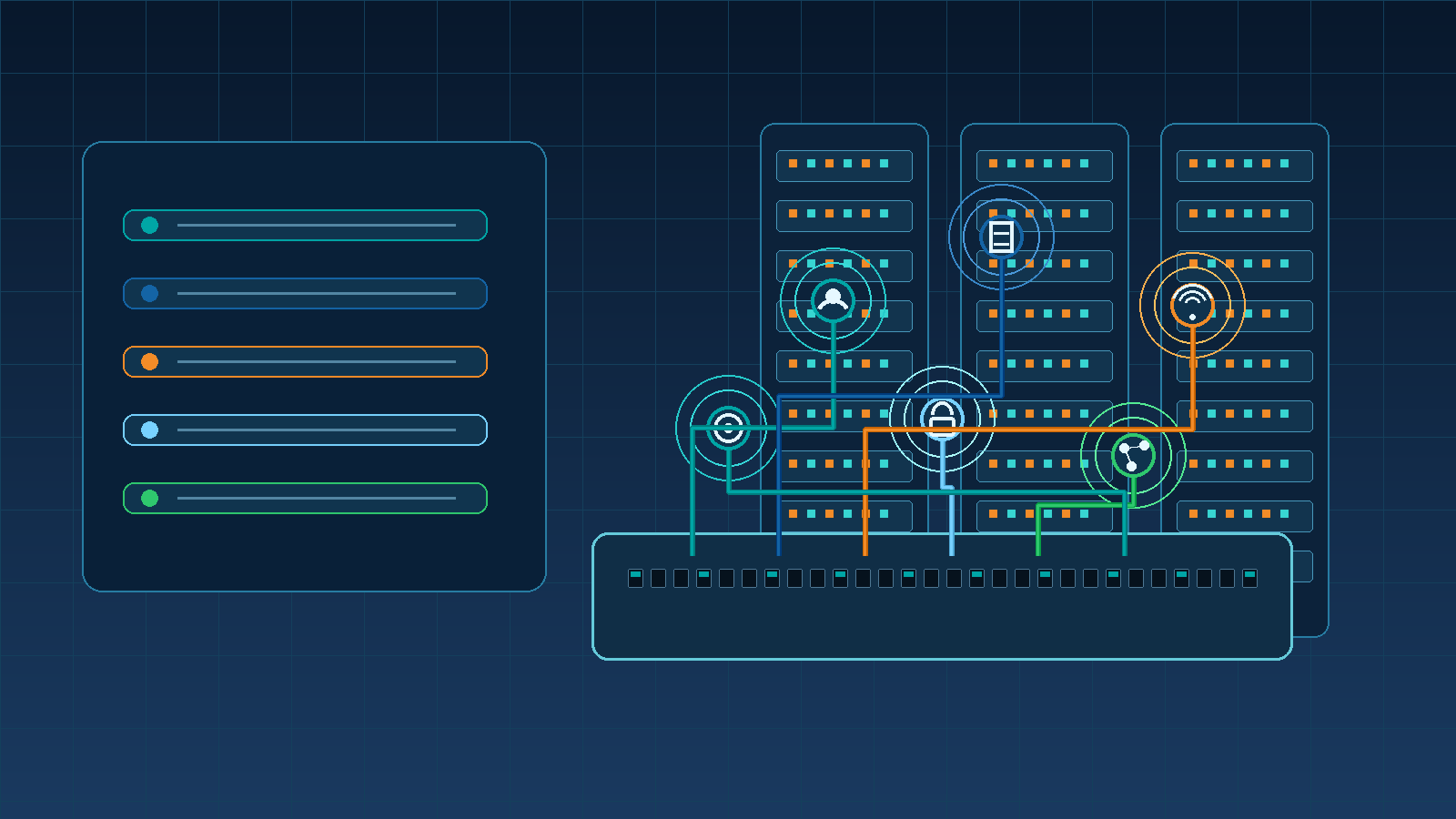
VLAN Types
Separate departments, locations, privilege levels, or device classes so normal workstations do not share one flat broadcast domain.
Place application, database, file, backup, and infrastructure servers behind stricter firewall or layer 3 controls.
Support IP phones with predictable quality of service while keeping phone traffic separate from workstation traffic.
Provide internet access for visitors while blocking access to internal systems, printers, management interfaces, and business devices.
Protect switch, firewall, access point, hypervisor, storage, and out-of-band management interfaces from normal user networks.
Contain cameras, badge systems, printers, conference room devices, sensors, and other devices that often have weaker update cycles.
Inter-VLAN Routing
Inter-VLAN routing happens when traffic moves from one VLAN or subnet to another through a firewall, router, layer 3 switch, or virtual network appliance. This routing is necessary for many business workflows, but broad inter-VLAN access can erase the security benefit of segmentation.
Use firewall policies, router ACLs, or switch ACLs to define which source VLANs can reach which destinations, ports, and applications. Server VLANs, management VLANs, payment systems, healthcare systems, voice systems, and IoT VLANs should each have clear access rules and owners.
Guest VLAN
Guest Wi-Fi should normally reach the internet and DNS services, not internal servers, printers, cameras, switches, or business workstations.
Use firewall policy, wireless isolation, and ACLs to block guest-to-internal traffic and log denied attempts where practical.
Keep guest address space, DHCP behavior, and DNS routing separate enough that troubleshooting and security reviews are straightforward.
Management VLAN
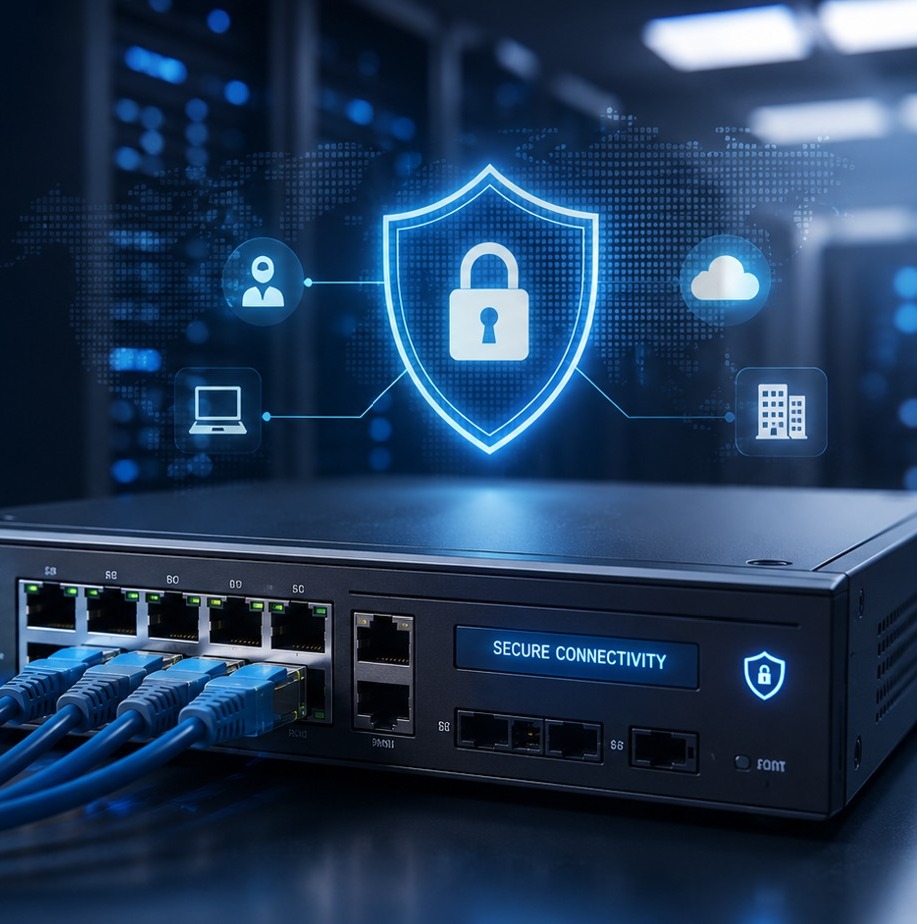
Switches, routers, firewalls, wireless controllers, access points, hypervisors, storage, backup infrastructure, and monitoring systems often expose powerful management interfaces. A management VLAN should limit access to approved administrator paths such as jump hosts, privileged workstations, or controlled VPN groups.
Restrict management protocols, avoid casual access from user VLANs, log administrative access, enforce MFA where the management platform supports it, and monitor configuration changes.
Highlighted Guidance
Secure VLAN design combines segmentation, firewall ACLs, guest isolation, management VLAN protection, NAC, 802.1X, DHCP snooping, switch hardening, private VLANs where appropriate, and network monitoring.
Useful references include Cisco VLAN guidance, Cisco DHCP snooping guidance, Meraki VLAN documentation, Aruba VLAN documentation, UniFi VLAN documentation, Fortinet VLAN documentation, Palo Alto Layer 3 interface guidance, CISA and NSA secure network management guidance, NIST Cybersecurity Framework, and NIST Zero Trust Architecture.
Vendor documentation should be matched to the exact switch, firewall, wireless, NAC, and monitoring platform used in the environment.
Technologies
| Technology | Role in VLAN design security | Reference |
|---|---|---|
| Cisco switching | Enterprise VLANs, trunks, private VLANs, DHCP snooping, 802.1X, ACLs, and switch hardening controls. | Documentation |
| Cisco DHCP snooping | Protection against rogue DHCP behavior and a foundation for additional layer 2 protections. | Documentation |
| Cisco Meraki | Cloud-managed VLANs, MX addressing, DHCP, firewall policy, and guest network controls. | Documentation |
| Aruba switching | Campus and access switching VLAN configuration and segmentation controls. | Documentation |
| UniFi networks | Small and midsize business virtual networks, VLANs, Wi-Fi segmentation, and gateway policy design. | Documentation |
| Fortinet FortiGate | VLAN interfaces, firewall policy, DHCP relay, and security inspection between network segments. | Documentation |
| Palo Alto Networks | Layer 3 interfaces and security policy for controlled inter-zone and inter-VLAN traffic. | Documentation |
| Zero Trust resources | Identity-aware and least-privilege access models that complement VLAN segmentation. | Documentation |
Business Impact
Monitoring
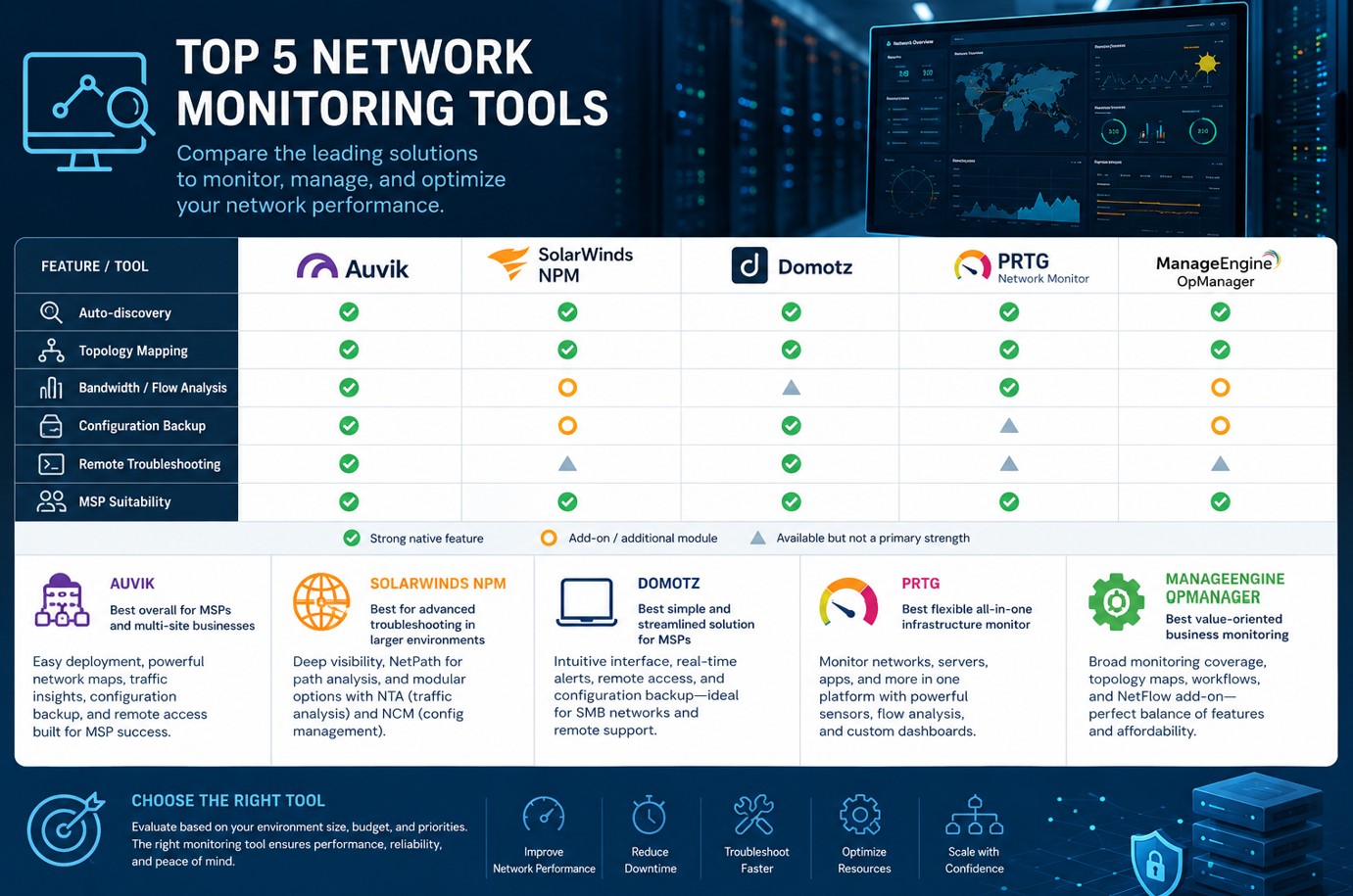
Monitoring should show VLAN availability, gateway reachability, switch port changes, trunk changes, DHCP scope health, rogue DHCP symptoms, firewall denies, wireless client placement, and unusual east-west traffic. Logs from switches, firewalls, wireless systems, NAC platforms, and monitoring tools should support incident response and troubleshooting.
Maintenance
How IT Perfection Can Help
IT Perfection can help design, document, review, and support VLANs for users, servers, voice, guest Wi-Fi, management, IoT, and network infrastructure. For deeper security assurance, IT Perfection can coordinate with OC Security Audit for internal security audit, firewall audit, and vulnerability assessment services.

Ali Hassani, CISO
Ali Hassani, CISO, has 25+ years of experience in IT infrastructure, cybersecurity, network security, Microsoft environments, firewall security, compliance-focused operations, managed IT, and incident response readiness. VLAN design sits directly between network operations, firewall policy, endpoint risk, wireless access, IoT containment, and audit evidence.
Ali helps businesses turn segmentation goals into supportable network designs that are easier to monitor, troubleshoot, and improve.
CISSP, CCISO, CCNP, CCNA, MCSE, MCSA Security, MCITP, MCP, MCTS.







FAQ
A VLAN is a virtual local area network that separates devices into logical network segments on switches, wireless networks, firewalls, or hypervisors even when they share physical infrastructure.
No. VLANs reduce broadcast domains and organize traffic, but security requires controlled routing, firewall policies, ACLs, switch hardening, monitoring, documentation, and access reviews.
Yes. Guest Wi-Fi should normally use a separate guest VLAN or isolated network that allows internet access while blocking internal systems and management interfaces.
A management VLAN is a restricted network segment for switch, firewall, wireless, server, storage, and infrastructure administration interfaces. It should be reachable only by authorized administrators and monitored closely.
Business VLANs should be reviewed during major changes and at least quarterly or semiannually for access rules, trunk scope, DHCP behavior, unused ports, documentation, and security exceptions.
Need help reviewing VLANs, subnets, trunk ports, firewall ACLs, DHCP helpers, guest isolation, management access, IoT containment, or network monitoring? IT Perfection can help create a practical segmentation plan for your business.
Created by Ali Hassani, CISO - 25+ years of IT, cybersecurity, compliance, and infrastructure experience.