1WPA2-Personal
Uses a shared pre-shared key. It can be acceptable for limited networks, but shared passwords create lifecycle and accountability problems.
Hotline: +1 949 777 5567
Email: Info@ITperfection.com
IT Operations & Cybersecurity Encyclopedia
Business Wi-Fi connects employees, guests, mobile devices, scanners, tablets, IoT systems, printers, and cloud applications. This guide explains how to secure corporate wireless networks with WPA2/WPA3, 802.1X, RADIUS, guest isolation, VLANs, controller hardening, rogue AP detection, and wireless monitoring.
Wi-Fi Basics
Wireless networks are not just convenient access. They are part of the business network perimeter and often carry identity, application, payment, healthcare, inventory, voice, guest, and IoT traffic. Secure design starts with clear SSIDs, strong authentication, separate VLANs, monitored access points, and documented ownership.
Common SSIDs include corporate, guest, IoT, voice, warehouse, point-of-sale, and vendor networks. Each SSID should have a business purpose, authentication method, VLAN assignment, firewall policy, monitoring requirement, and lifecycle owner.

WPA2/WPA3 Security
Uses a shared pre-shared key. It can be acceptable for limited networks, but shared passwords create lifecycle and accountability problems.
Improves modern password-based Wi-Fi security where supported, but older devices may require a planned transition period.
Uses 802.1X with RADIUS for named user or device authentication, stronger accountability, and easier offboarding.
If PSK is used, use long unique passphrases and avoid sharing the same password across corporate, guest, and IoT networks.
Avoid weak legacy settings, open business SSIDs, outdated ciphers, and compatibility modes that lower the whole network security posture.
Older scanners, printers, medical devices, and IoT devices may need exceptions, but those exceptions should be segmented and reviewed.
802.1X, RADIUS, and Microsoft NPS
802.1X allows Wi-Fi access decisions to be based on a user, device, certificate, or group instead of a broadly shared password. RADIUS servers, including Microsoft Network Policy Server, can integrate with Active Directory, certificate services, and network policies.
| Design choice | Best use | Security note |
|---|---|---|
| PSK | Small isolated networks or simple guest/vendor use | Harder to identify individual users and offboard cleanly |
| 802.1X user auth | Corporate users and managed laptops | Improves accountability and group-based policy |
| Certificate auth | Managed devices with mature endpoint lifecycle | Strong option when certificate management is reliable |
| RADIUS/NPS | Central authentication policy and logging | Protect RADIUS servers, shared secrets, and logs |
Guest Wi-Fi and IoT Wi-Fi
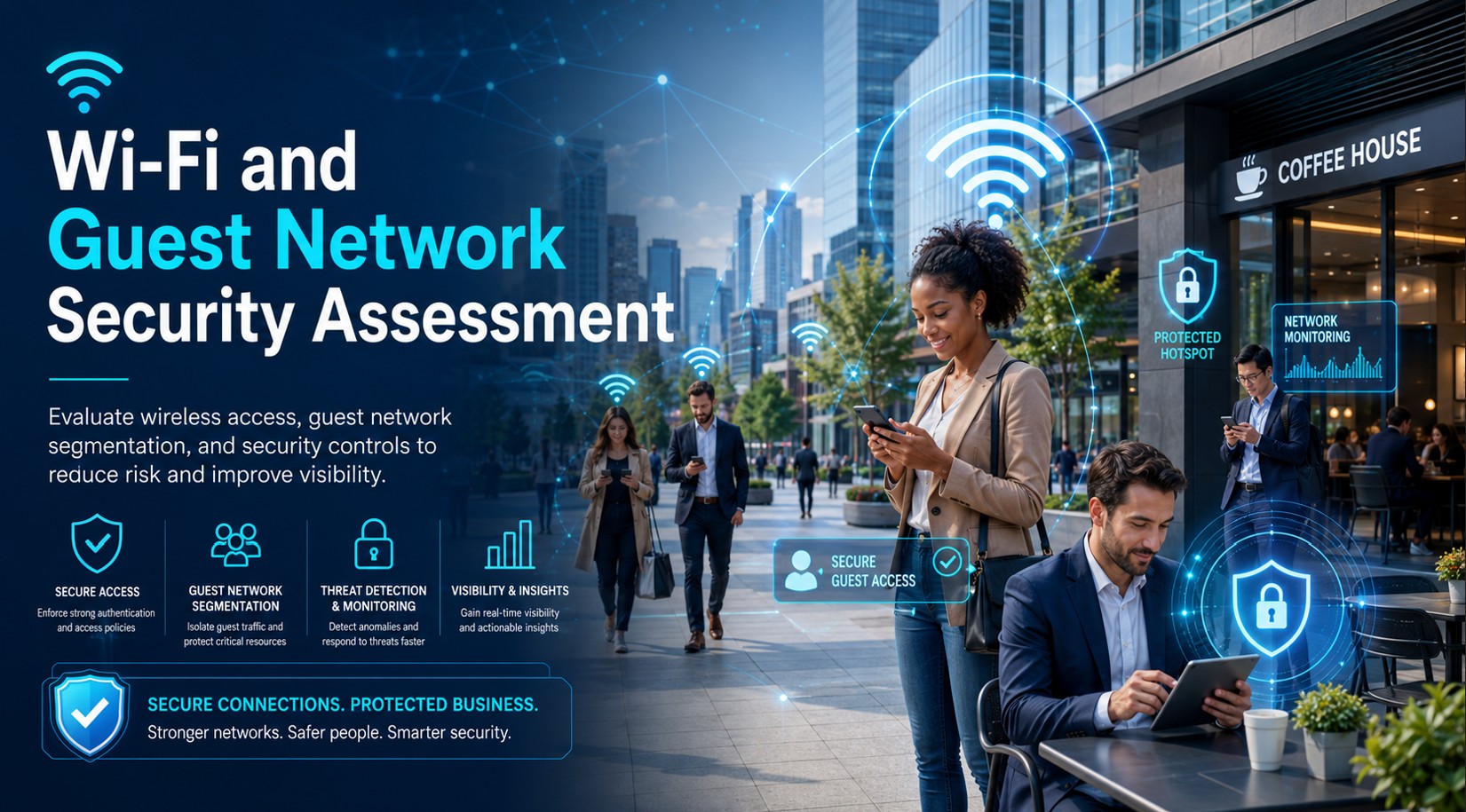
Guest Wi-Fi should normally reach the internet only, with client isolation and firewall rules preventing access to internal servers, workstations, printers, management interfaces, and sensitive applications. IoT Wi-Fi should be separated from corporate users because many IoT devices have weak patching, limited authentication, and long replacement cycles.
For clinics, warehouses, manufacturing, retail, and professional offices, wireless segmentation helps separate personal devices, scanners, tablets, building systems, cameras, printers, and point-of-sale systems from core business systems.
VLANs, SSIDs, Controllers, and Signal Planning
Map SSIDs to VLANs and firewall policies so corporate, guest, IoT, voice, warehouse, and vendor traffic stay separated.
Harden cloud or on-premises controllers with MFA, least privilege, audit logs, firmware updates, backups, and limited administrator roles.
Good RF planning reduces dead spots, roaming issues, excessive retry rates, and user workarounds that can weaken security.
Monitor for unauthorized access points, personal hotspots, evil twin attempts, and devices bridging trusted and untrusted networks.
Use separate SSIDs, limited internet destinations, DNS filtering, and firewall rules for cameras, sensors, printers, scanners, and building systems.
Track AP health, client failures, authentication errors, interference, channel utilization, firmware, and configuration drift.
Highlighted Guidance
Wireless network security combines modern encryption, strong authentication, segmentation, controller hardening, firmware management, monitoring, and recurring review. The right design depends on business devices, user workflows, compliance needs, and support maturity.
Common business wireless ecosystems include Cisco Meraki, Aruba, UniFi, Fortinet FortiAP/FortiGate, Ruckus, Microsoft NPS/RADIUS, WPA3, 802.1X, VLAN segmentation, guest isolation, rogue AP detection, controller hardening, firmware updates, and centralized wireless monitoring.
Authoritative references: Wi-Fi Alliance security resources, Wi-Fi Alliance WPA3 overview, NIST SP 800-153 wireless guidelines, NIST Cybersecurity Framework, CISA SCuBA project, Cisco Meraki wireless documentation, Aruba documentation, UniFi WiFi documentation, Fortinet FortiAP documentation, Ruckus documentation, and Microsoft NPS documentation.
Wireless Risks and Misconfigurations
Business Impact
Maintenance Checklist
Related Resources

Ali Hassani, CISO
Ali Hassani, CISO, brings 25+ years of IT infrastructure, cybersecurity, network security, Microsoft environments, business IT management, and compliance-focused operations experience. Wireless decisions affect identity, endpoint access, cloud applications, guest access, IoT devices, monitoring, documentation, and incident response.
Ali helps businesses connect wireless design, controller security, Microsoft NPS/RADIUS, VLAN segmentation, monitoring, device lifecycle, and operational support into a realistic IT security program.
CISSP, CCISO, CCNP, CCNA, MCSE, MCSA Security, MCITP, MCP, MCTS.







FAQ
Wireless network security is the combination of authentication, encryption, segmentation, monitoring, controller hardening, and lifecycle management used to protect business Wi-Fi and connected devices.
WPA3 improves modern Wi-Fi security, but many businesses still need a planned transition because older devices may support only WPA2. Configuration, segmentation, and monitoring still matter.
Corporate Wi-Fi should strongly consider 802.1X with RADIUS or Microsoft NPS because it provides named user or device authentication instead of a broadly shared password.
Guest Wi-Fi should be isolated so visitors, personal devices, and unmanaged systems cannot reach internal servers, workstations, printers, management interfaces, or sensitive business applications.
No. This guide is for initial guidance only and does not replace a professional cybersecurity audit, compliance assessment, penetration test, wireless survey, or legal/compliance review.
Need help reviewing business Wi-Fi, guest isolation, 802.1X, RADIUS/NPS, VLANs, rogue AP detection, controller hardening, firmware, or wireless monitoring? IT Perfection can help secure and maintain the wireless infrastructure your users rely on.
Created by Ali Hassani, CISO - 25+ years of IT, cybersecurity, compliance, and infrastructure experience.