
Core software
WordPress core should run a supported current version with security updates applied through a tested update process.
IT Operations & Cybersecurity Encyclopedia
WordPress can be a stable business website platform when core software, plugins, themes, administrator accounts, hosting, backups, WAF rules, malware monitoring, and update workflows are managed like production IT systems.
WordPress Basics
WordPress is more than a website editor. It is a PHP application, a database, themes, plugins, media files, administrator accounts, a hosting environment, DNS, SSL, backups, and integrations with forms, email, payment tools, CRM systems, analytics, SEO tools, and security services.
Business website security should reduce risk across every layer, not only install a security plugin and hope the site is protected.

WordPress core should run a supported current version with security updates applied through a tested update process.
Only keep the active theme and necessary fallback themes. Remove abandoned or unused themes.
Every plugin is part of the attack surface. Use reputable plugins, remove inactive plugins, and test updates.
PHP, database, web server, object cache, backups, TLS, WAF, logging, and malware protection all affect WordPress risk.
Administrator accounts should be limited, named, MFA-protected, monitored, and removed quickly when no longer needed.
Hardening is not a one-time plugin install; it is patching, backup validation, logging, testing, and review.
Plugins and Themes
A WordPress security checklist should include plugin source, business purpose, update history, ownership, compatibility, privileges, and removal of anything unused. Paid, free, abandoned, custom, and nulled plugins should not be treated as equal risk.
Admin Security
Most WordPress incidents become worse when attackers obtain a privileged account, upload malicious files, create hidden admin accounts, change plugins, or edit theme files. Login security, account ownership, least privilege, and audit review are core hardening controls.
Reference: WordPress roles and capabilities.
WAF and Edge Protection
A web application firewall should protect the login path, block common web application attacks, apply managed rules, limit suspicious request volume, and provide security visibility before traffic reaches WordPress. For many business websites, Cloudflare WAF, Wordfence, Sucuri, or a comparable managed website security platform can provide practical protection.
References: Cloudflare WAF documentation, Wordfence help documentation, and Sucuri documentation.
Backups and Restore Testing
Backups should include the database, media library, themes, plugins, uploads, configuration, and any custom code. Store backups away from the hosting account, protect backup credentials, and test restores to staging or a recovery location.
Reference: WordPress backup documentation.
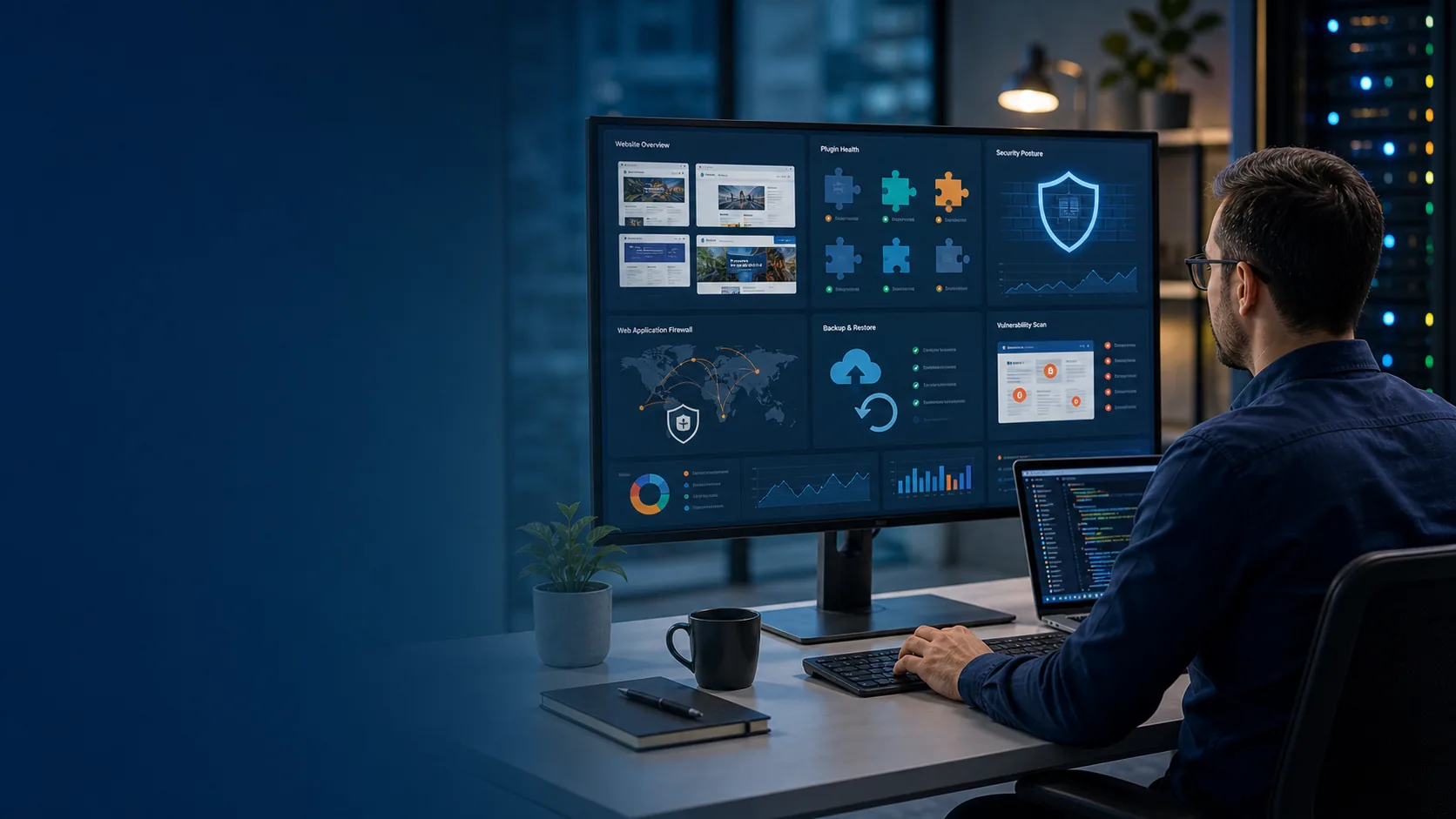
Highlighted Guidance
Securing WordPress means combining platform hygiene, administrator controls, edge protection, malware visibility, tested backups, and secure hosting. No single plugin, WAF rule, or hosting feature replaces a complete security process.
Put the site behind a web application firewall, enable managed rules, rate limiting, bot controls where appropriate, TLS enforcement, and alerts for blocked traffic.
Use Wordfence or a comparable WordPress security plugin for login protection, malware scanning, file change monitoring, firewall rules, and security notifications.
Use Sucuri or another reputable website security platform for malware scanning, integrity monitoring, WAF/CDN protection, and incident cleanup support where appropriate.
Require MFA for admins, reduce administrator count, use editor/shop roles where possible, and remove stale accounts.
Patch WordPress core, themes, plugins, PHP, and server software through a documented staging and rollback process.
Maintain automated off-site backups, test restores, keep a staging site, and confirm backups include database, media, themes, plugins, and configuration.
Schedule malware scans, file integrity monitoring, reputation checks, and alert review.
Use supported PHP, secure file permissions, server isolation, SFTP/SSH, TLS, HSTS where appropriate, logging, and a hosting provider with clear security controls.
Authoritative references: WordPress.org Hardening WordPress, Cloudflare WAF, CISA website security guidance, NIST Cybersecurity Framework, OWASP Top 10, OWASP Web Security Testing Guide, Wordfence documentation, and Sucuri documentation.
Common Vulnerabilities and Misconfigurations
Maintenance
A business website should have a monthly review rhythm and an emergency process for critical plugin vulnerabilities, malware alerts, hosting incidents, domain problems, SSL expiration, and broken update testing.
Related IT and Security Resources

Ali Hassani, CISO
Ali Hassani is a CISO, cybersecurity and IT consultant, and IT infrastructure leader with 25+ years of experience in cybersecurity, compliance, Microsoft environments, network security, managed IT, and business technology operations; his certifications include CISSP, CCISO, CCNP, CCNA, MCSE, MCSA Security, MCITP, MCP, and MCTS.
Ali helps businesses evaluate website security risk, coordinate with hosting and development vendors, strengthen administrative access, improve backup and recovery planning, and align WordPress security with broader IT operations.




FAQ
WordPress security hardening is the process of reducing website risk through updates, MFA, least privilege accounts, secure plugins, WAF rules, backups, malware scanning, SSL, hosting controls, and ongoing maintenance.
No. Security plugins can help, but business websites also need secure hosting, tested backups, update management, account controls, WAF/CDN protection, monitoring, and incident response planning.
Business sites should review plugin inventory, update status, vendor reputation, and administrator need at least monthly, and faster when critical vulnerabilities are announced.
Most business websites benefit from a WAF because it can block common web attacks, malicious bots, exploitation attempts, brute force traffic, and suspicious request patterns before they reach WordPress.
No. This guide is for initial guidance and education only. It does not replace a professional cybersecurity audit, compliance assessment, penetration test, incident response engagement, or legal/compliance review.
Need help reviewing WordPress plugin risk, backups, WAF settings, administrator security, malware alerts, hosting controls, or update management? IT Perfection can help create a practical website security plan for your business.
Created by Ali Hassani, CISO – 25+ years of IT, cybersecurity, compliance, and infrastructure experience.
WordPress hardening protects the CMS, plugins, themes, administrator accounts, hosting stack, file permissions, WAF rules, backups, login workflows, and update process behind a business website.
Keep exports, screenshots, log samples, approvals, exception notes, and test results that prove the control is configured and reviewed.
Test from normal user, administrator, remote, recovery, and exception scenarios so the page guidance is operational, not theoretical.
Review after major changes, incidents, audit requests, failed alerts, vendor changes, and recurring quarterly control checks.
These checks help IT managers find practical failure points before they become security incidents or business outages.
Attackers can alter public pages, damage brand trust, and inject malicious redirects.
Broken forms, checkout, or appointment flows can silently stop business inquiries.
A compromised site can serve malicious scripts to visitors and hurt domain reputation.
Injected spam pages and redirects can reduce organic visibility.
Without tested backups and clean file baselines, cleanup becomes slower and more expensive.
Security warnings or blacklisting can make customers hesitate to contact the business.
Useful primary references: WordPress hardening guide, OWASP Web Security Testing Guide, CISA website security. Related support: IT Perfection managed IT services, IT Perfection cybersecurity support, Ali Hassani profile, and contact IT Perfection.
After reviewing WordPress hardening, plugin risk, updates, authentication, backups, and public exposure, administrators can use these OC Security Audit resources to validate related website controls. These tools are for initial guidance only and do not replace a professional cybersecurity audit, compliance assessment, penetration test, or legal/compliance review. These tools are for initial guidance only and do not replace a professional cybersecurity audit, compliance assessment, penetration test, or legal/compliance review.
Use this to review public web application exposure, website vulnerability posture, and externally reachable web risk.
Use this when website forms, privacy exposure, public site controls, and business-facing web risk are part of the topic.
Use this to compare documented architecture against visible internet-facing services and unexpected open ports.
Use this to evaluate scan cadence, remediation prioritization, patch governance, exceptions, and recurring vulnerability operations.
These resources help IT teams connect the guide with practical validation steps, evidence review, and remediation planning.
We use necessary cookies and limited analytics and advertising-measurement cookies. Select Accept to allow optional cookies or Deny to continue with necessary cookies only. No name or email is required. You may close this website at any time.
