
Virtualization · Physical to virtual
Physical to virtual (P2V) server migration
IT Perfection converts aging physical servers into virtual machines on Hyper-V or VMware for businesses in Orange County. The server keeps its name, data and applications, runs on newer hardware, and the old machine is kept until you confirm the move.

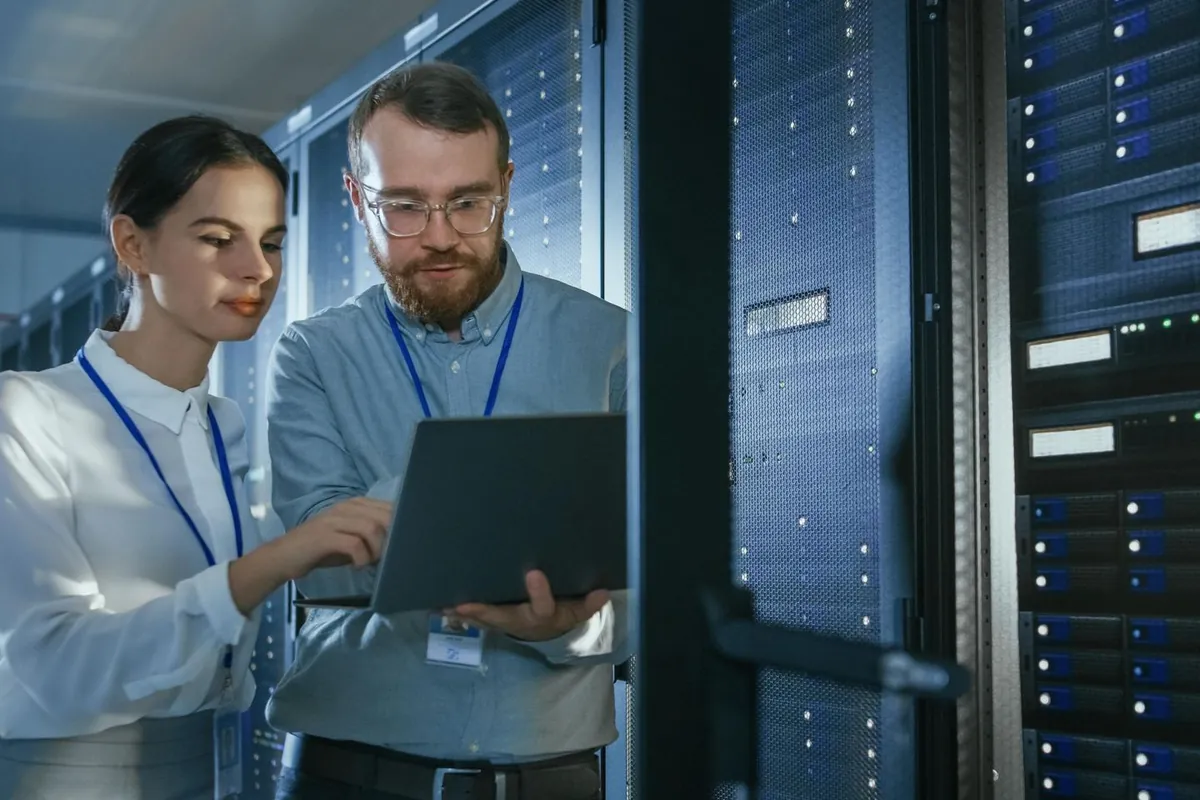
Is this you?
When to convert a physical server
- A server is out of warranty and parts are hard to find
- An old application cannot be reinstalled but must keep running
- Several lightly used servers each have their own hardware
- The server room is short of space, power or cooling
- You are moving offices and want fewer machines to move
- A server must be kept for records but is rarely used
Worth knowing
What P2V solves and what it does not
A converted server is on better hardware, but it is still the same server.
- It removes the risk of old hardware failing
- It makes the server easier to back up, copy and restore
- It frees space, power and cooling
- It does not update an unsupported operating system
- It does not fix an application that was already unstable
- It may need a new Windows Server license if the old one was tied to the hardware
A server running a Windows version that no longer receives security updates is still at risk after conversion. Where it must stay, we limit what it can reach on the network and plan its replacement. See Windows Server end of support upgrades.
Some software checks the hardware it was installed on and stops working after a move. We find these before the conversion and work with the software vendor on a transfer or a new key.
Scope of work
What a P2V migration includes
Converting the disks is the quick part. The checks before and after are what make it safe.
Pre-migration checks
We record what each server runs, how its disks are laid out and what depends on it. We look for things tied to the hardware: USB license keys, licenses locked to a network card, fax or serial cards, and Windows licenses that were sold with the old machine and may not transfer.
Cleanup and backup
Before conversion we remove what should not come across, check the disks for errors and take a full backup that has been test-restored. If the conversion has to be abandoned, the original server and the backup are both intact.
Conversion
The server is copied into a virtual machine on the new host, either while it runs or from a shutdown state, depending on what it does. Databases and domain controllers are handled separately, because copying them while they are changing can damage them.
Post-conversion fixes
A converted server still expects the old hardware. We remove the old hardware drivers and vendor management tools, install the virtual drivers, set the network address again and check Windows activation.
Testing with users
We test sign-in, applications, shared folders, printing and scheduled jobs with the people who use the server. The old machine stays switched off but untouched for an agreed period, so it can be started again if something was missed.
When rebuilding is better
Conversion carries the old operating system and its problems across. For a server on an unsupported Windows version, or a domain controller, a clean new virtual machine with the data and roles moved over is often the better route. We tell you which servers fall in each group.
Project plan
How a P2V project runs
Review
We check each server, its applications, licenses and hardware dependencies.
Plan
You get a list of what to convert and what to rebuild, with a written quote.
Prepare
The virtual host is made ready, and each server is cleaned up and backed up.
Convert
Servers are converted one at a time, fixed up and tested with users.
Retire
Old machines are kept for an agreed period, then wiped and removed.
Every engagement starts with a written scope and a clear quote, so you know the expected cost before work starts. How pricing works
Handover pack
What you have at handover
Fewer machines to look after, and a record of what changed.
- A list of converted servers with their new host and resources
- A record of the fixes made after each conversion
- The backup setup for the new virtual machines, with a tested restore
- Notes on any license that had to be transferred or replaced
- A plan for servers that should be rebuilt instead of converted
- Old disks wiped when you approve it
Each server is converted, tested and confirmed before the next one starts, outside working hours where possible.
When you confirm a server is no longer needed, its disks are wiped before the hardware is reused or disposed of, and the date is noted in the record.
Platforms and tools
Platforms we work with

Who does the work
Ali Hassani, CISO
IT Perfection is led by Ali Hassani, who has 25+ years of experience in IT operations, Microsoft infrastructure, networking and cybersecurity. Design, implementation and troubleshooting work is planned and reviewed by Ali personally.








Need an independent security audit, compliance readiness or vCISO support instead? IT Perfection handles design, implementation and day-to-day IT; OC Security Audit is the related cybersecurity brand for audits, compliance readiness and vCISO work.
Larger or multi-vendor project?
We run it under IT project management: one written plan, one point of contact, vendors coordinated, and a tested rollback for every cutover.
Related work
Related virtualization services
FAQ
Physical to virtual migration: common questions
What does P2V mean?
Physical to virtual. A server that runs on its own hardware is copied into a virtual machine, which then runs on a shared host alongside other virtual machines. To users it is the same server with the same name and data.
Will our applications still work?
In most cases yes, because the operating system and applications are copied as they are. The exceptions are software tied to the old hardware, such as USB license keys or special cards. We check for these before the conversion.
How long is the server offline?
It depends on the size of the disks and the method. The final copy and cutover are scheduled outside working hours where possible, and the old server can be started again if testing finds a problem.
Can you convert a domain controller?
It can be done, but we normally do not. Adding a new domain controller as a virtual machine and retiring the old one is safer and leaves a cleaner result.
Can very old Windows servers be converted?
Often yes, and it is a common reason for P2V. The converted server is still unsupported by Microsoft, so we limit what it can reach on the network and plan a replacement.
Does the virtual machine need a new Windows license?
Sometimes. A Windows Server license that came installed on the old machine usually stays with that hardware. A license bought separately can normally move. We check what you have, and you confirm it with your license provider.
Do we need to buy a new server first?
You need a virtual host with enough capacity. That can be a new server, an existing host with room, or Azure. We size it in the review.
What happens to the old server?
It is kept switched off for an agreed period in case it is needed. When you confirm, its disks are wiped and the hardware is reused or disposed of.
What does it cost?
The price depends on the number of servers, the amount of data and whether a new host is needed. After the review you get a written scope and quote before any work starts. How pricing works.
Retire old server hardware without losing what runs on it.
Start with the free 30-minute review. No obligation, and you leave with a clear list of what is fine and what needs attention.
On site across Orange County: Irvine · Newport Beach · Costa Mesa · Tustin · Santa Ana · Lake Forest · Anaheim · Fountain Valley